Speed for Dummies
Saves are stored in this browser.
Player notes
About this game
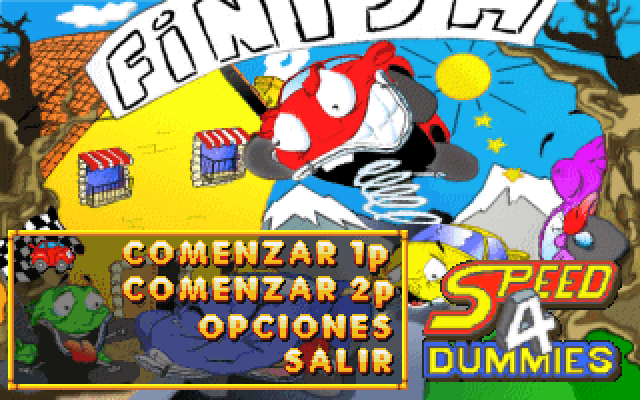
Speed for Dummies is a compact arcade racer with a view from behind your car. Its Spanish menu offers Comenzar 1p for a solo race, Comenzar 2p for two players, Opciones for race settings and Salir to leave. A small red car marks the selected item. Use short Up or Down taps to choose, then Enter; holding a menu key can move the selector past the item you wanted.
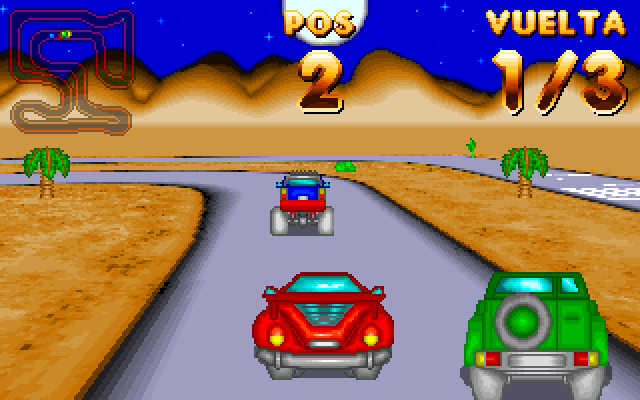
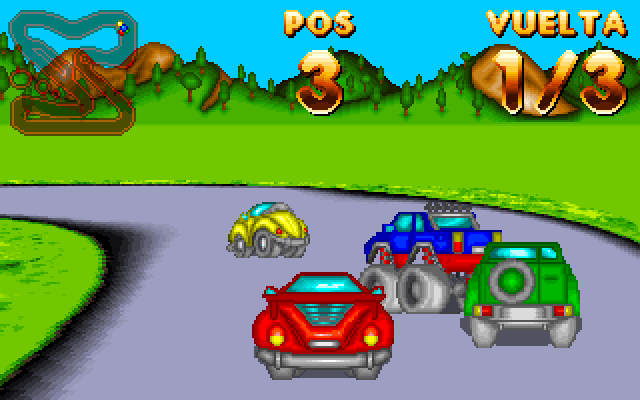
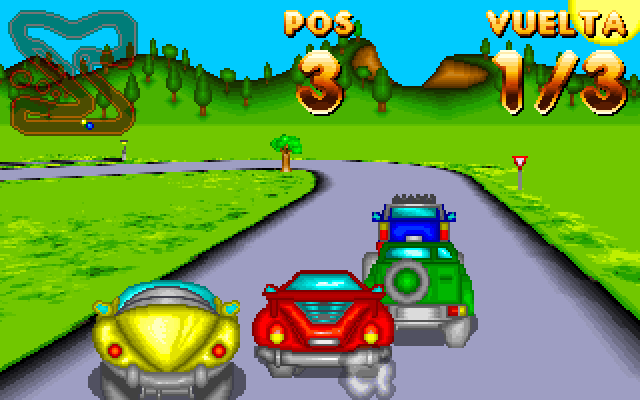
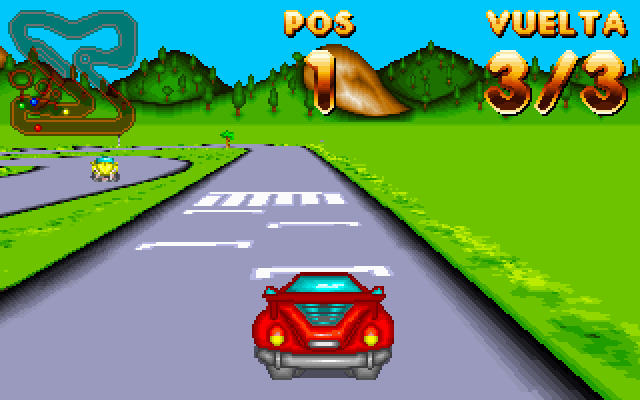
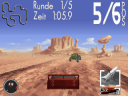
For a first run, confirm Comenzar 1p and wait for the starting lights. Hold Up to drive forward and use Left or Right to turn. The miniature course map helps you anticipate bends, POS shows your position and VUELTA shows the current lap. The opening forest race tested here begins with a three-lap target and four cars on the circuit. Keep an eye on the road as well as the map, and start with small steering adjustments.
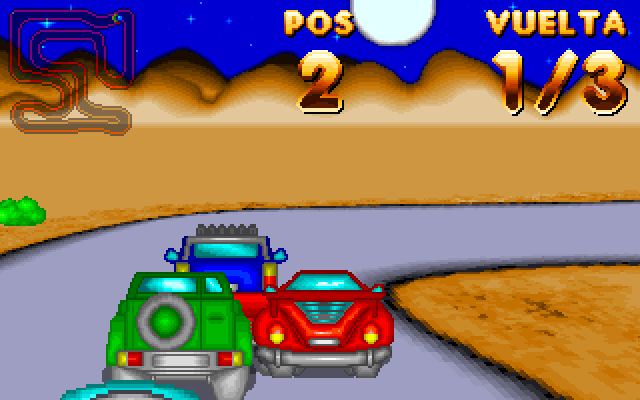
The original DIV Games Studio manual describes forest and desert scenery, three difficulty levels and a choice of three, six or nine laps. These settings belong to Opciones. Escape abandons a race and returns to the title/menu sequence. This walkthrough covers the opening single-player race; the two-player controls and completion of a full race have not been checked here.
Start here
Quick tips
Use brief menu taps and check the red selector car before pressing Enter.
Follow the course map to see bends before they reach the foreground.
Begin with Comenzar 1p; POS is your race position and VUELTA is your lap.
- Up / Down, then Enter
- Choose and confirm an item in the main menu
- Up
- Drive forward in the single-player race
- Left / Right
- Steer in the single-player race
- Escape
- Abandon the race and return to the title/menu
Screens
Screenshots
Keep playing
Similar Games

Help improve this entry
Something not working?
Report a gameplay or information problem. Short reports are enough.
Archive notes
Rights and Source Notes
Browser play uses the archived Freeware release.
- Distribution
- Freeware
- Browser player
- js-dos · Browser play
- Added to archive
- 2026-07-27