Puzzle "O" Matic
Saves are stored in this browser.
Player notes
About this game
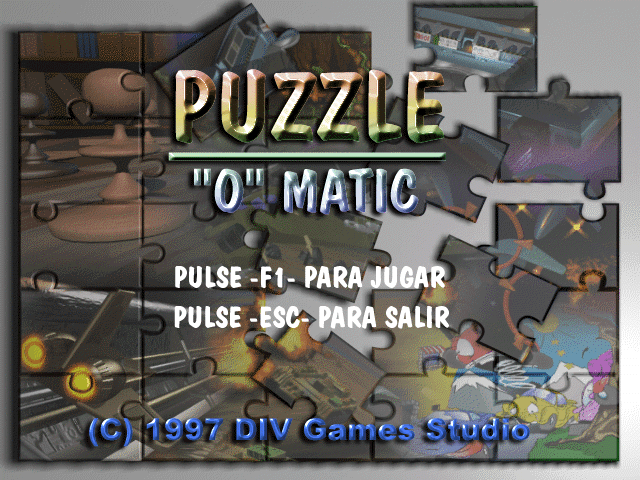
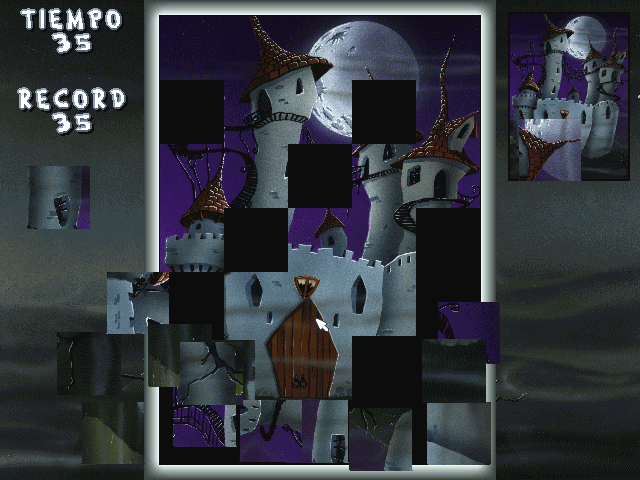
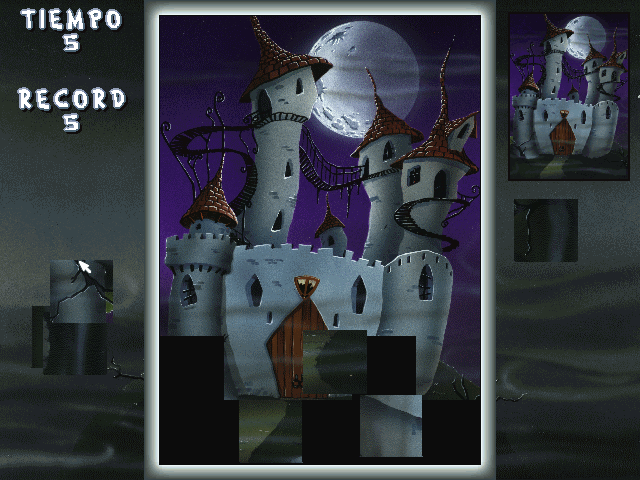
Puzzle "O" Matic scatters square picture pieces around a large frame. Reconstruct the picture inside that frame, using the small complete image at the upper right as your reference. The opening puzzle shows a castle beneath the moon, and the TIEMPO counter on the left counts down while you work.
The title and prompts are in Spanish. Press F1 at the title, then click when the level asks you to use the mouse. To move a piece, hold the left mouse button, drag it to a new position and release. A single click followed by moving the pointer does not carry the piece. Use the right mouse button over a piece to rotate it.
Start by separating overlapping pieces so you can see their colours and edges. Compare the moon, towers and dark sky with the reference picture before placing a piece. Make small rotation adjustments and keep an eye on the countdown.
Start here
Quick tips
Use a held left-button drag to move a piece.
Use the complete picture at the upper right to check position and orientation.
Move overlapping pieces apart before trying to fit them.
- F1
- Title: open the puzzle
- Left click
- Begin the level at the mouse prompt
- Left-button drag
- Pick up a piece, move it and release to place it
- Right mouse button
- Rotate the piece under the pointer
Screens
Screenshots
Keep playing
Similar Games

Help improve this entry
Something not working?
Report a gameplay or information problem. Short reports are enough.
Archive notes
Rights and Source Notes
Browser play uses the archived Freeware release.
- Distribution
- Freeware
- Browser player
- js-dos · Browser play
- Added to archive
- 2026-07-27