Spider and Web

Saves are stored in this browser.
Player notes
About this game
A short walk down a quiet alley becomes a puzzle about events someone else already knows. Pay attention to what the narrator corrects as you try different actions and accounts of the same moment.
Type English commands and press Enter. Start with LOOK or EXAMINE DOOR, and try N or S to move when the description gives you a direction. ABOUT opens the author’s introduction.
This is the original Release 4 story running in the DOS Frotz 2.32 interpreter. Type SAVE, accept or enter a filename, then use Save game files before closing the tab. On your return, type RESTORE and choose the same filename.
Start here
Quick tips
Read descriptions closely before guessing a verb.
Use full commands when abbreviations are unclear.
The first scenes are worth discovering without a walkthrough.
- A–Z
- Type English commands such as LOOK, EXAMINE DOOR, SAVE and RESTORE
- Space
- Separate words in a command
- Backspace
- Correct the command line
- Enter
- Submit the typed command
Screens
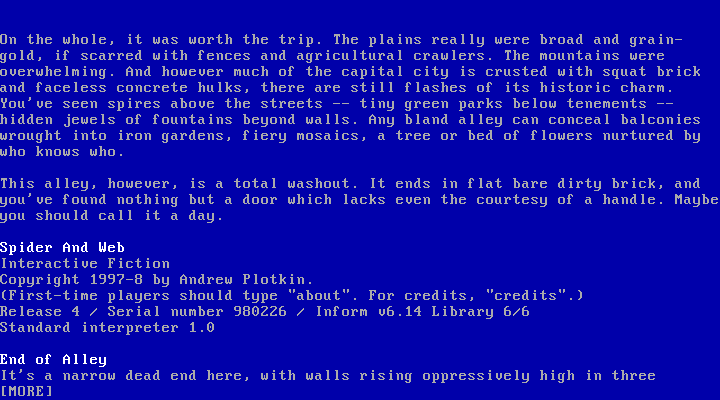
Screenshots
Keep playing
Similar Games
Ratings & comments
Help improve this entry
Something not working?
Report a gameplay or information problem. Short reports are enough.
Archive notes
Rights and Source Notes
Browser play is available for this entry. Official project references are listed below.
- Distribution
- Author free distribution notice / DOS Frotz noncommercial freeware
- Browser player
- js-dos · Browser play
- Added to archive
- 2026-11-20
- Official references
No comments yet. Be the first to share a tip.