Swapper
Saves are stored in this browser.
Player notes
About this game
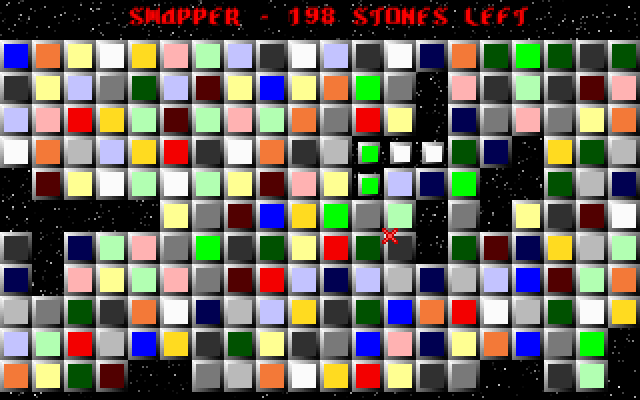
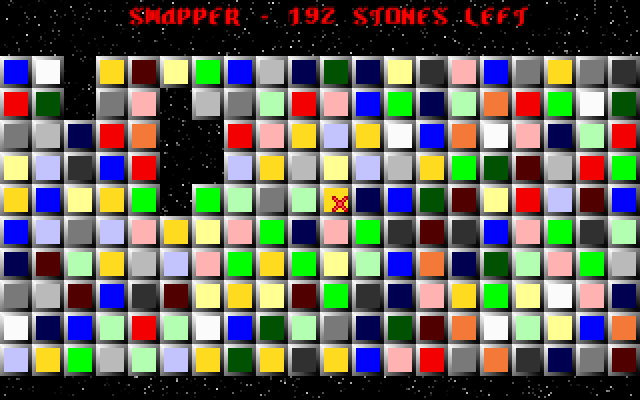
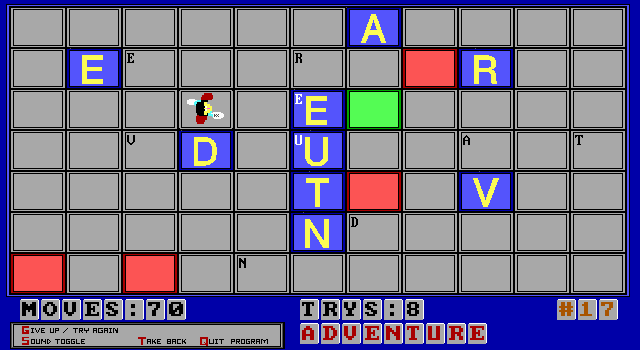
Swapper is a mouse-controlled tile puzzle. The game's instructions set a board-clearing goal: remove all pieces by swapping neighbouring tiles so matching pieces come together. Choosing a pair is a two-step action, and the second tile must sit beside the first.
Left-click a tile to mark it, then left-click an adjacent tile to exchange them. Right-click cancels the current selection. Use that cancellation before choosing a different pair if you change your mind.
Look at the pieces that will remain after a match rather than only the pair immediately under the pointer. A swap can change the useful neighbouring pairs around it. The controls described here follow the help embedded in this DOS build, which uses tile selection instead of keyboard movement or dragging.
Start here
Quick tips
Select two neighbouring tiles in succession.
Right-click clears a selection before you choose another pair.
- Left click
- Select the first tile, then an adjacent tile to swap
- Right click
- Cancel the current selection
Screens
Screenshots
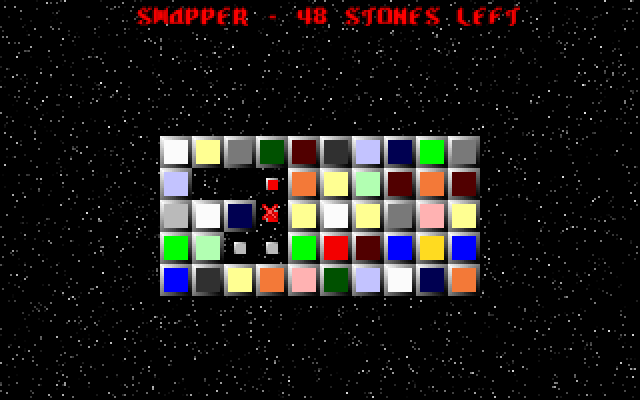
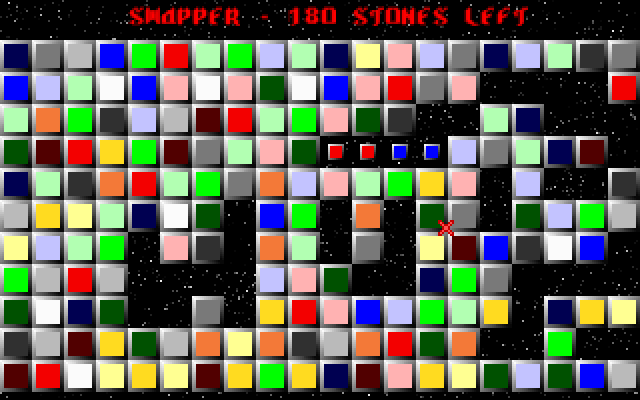
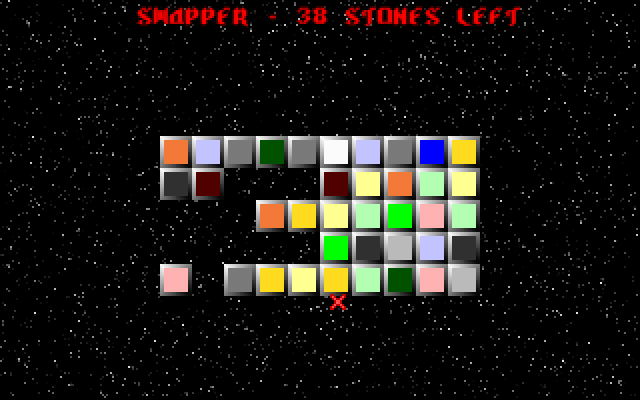
Keep playing
Similar Games

Help improve this entry
Something not working?
Report a gameplay or information problem. Short reports are enough.
Archive notes
Rights and Source Notes
Browser play uses the archived Freeware (installed) release. Official project references are listed below.
- Distribution
- Freeware (installed)
- Browser player
- js-dos · Browser play
- Added to archive
- 2026-07-27
- Official references