The Hat Chooses the Wizard
Saves are stored in this browser.
Player notes
About this game
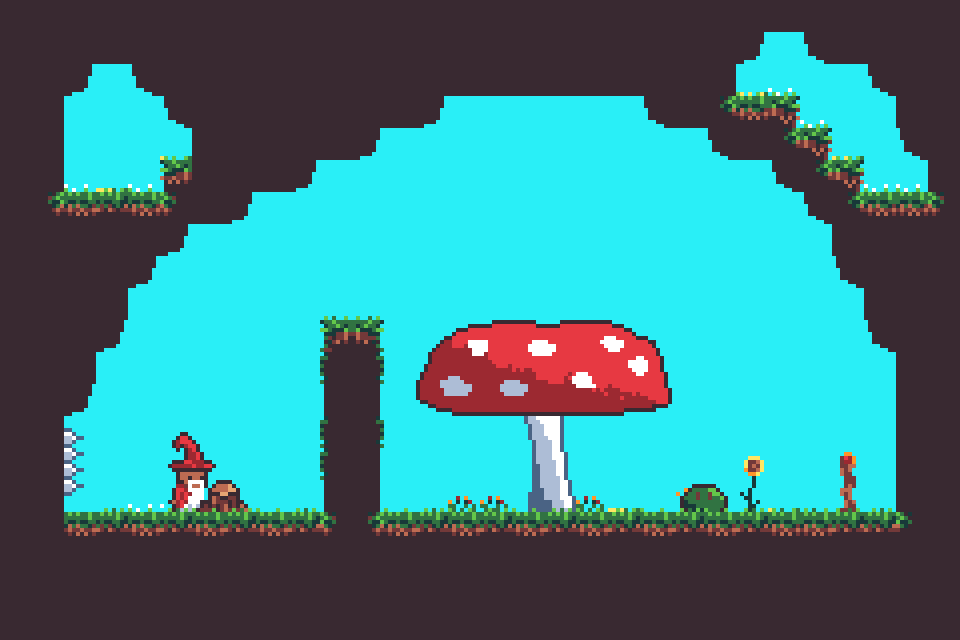
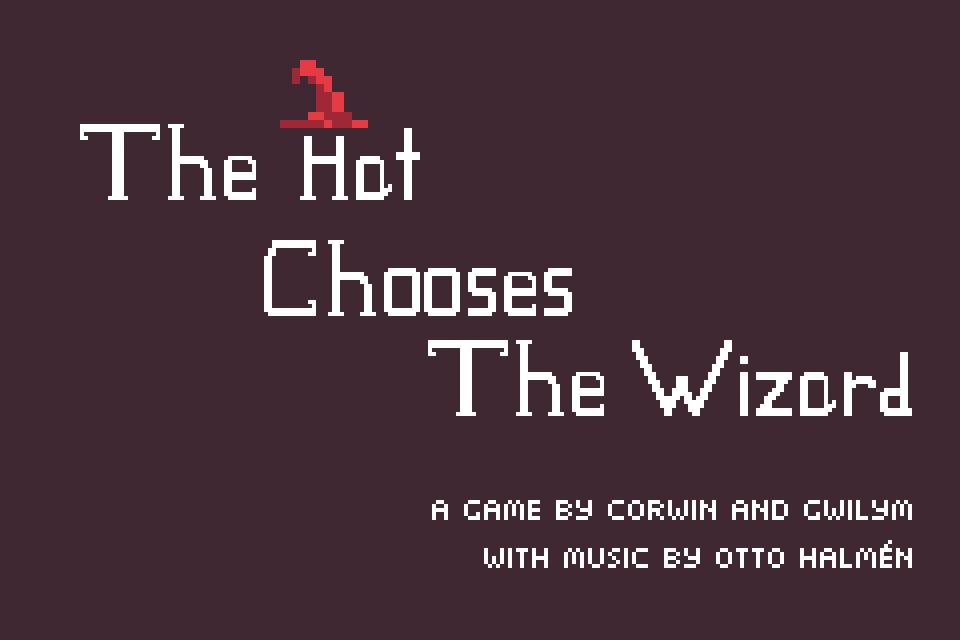
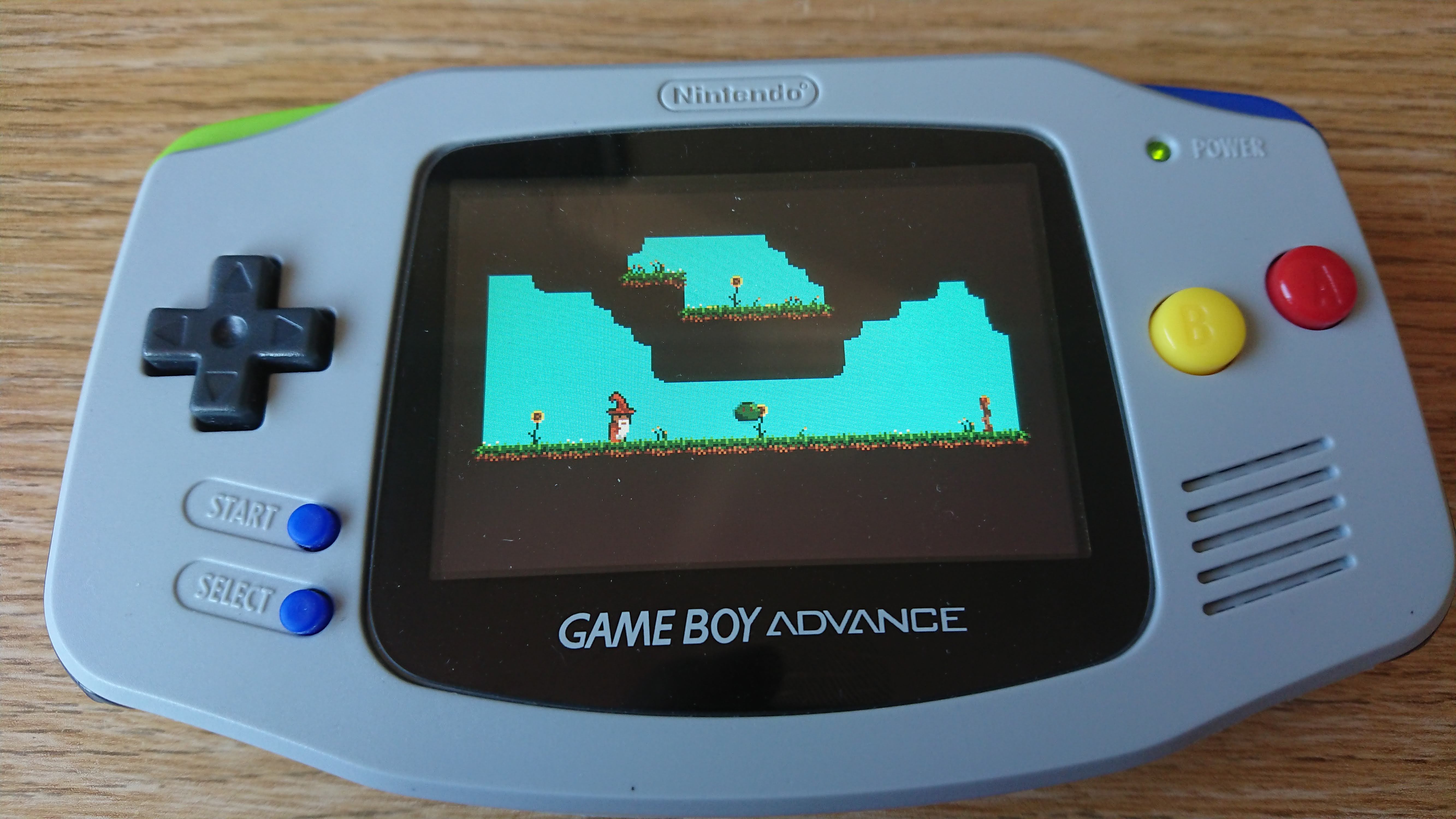
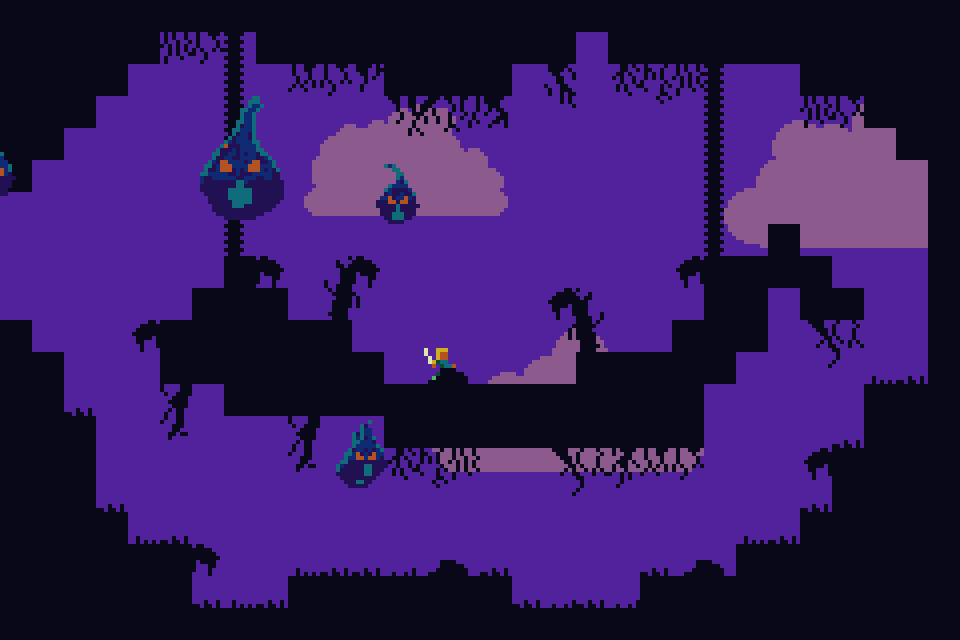
The Hat Chooses the Wizard is Corwin and Gwilym’s GBA platform game about a wizard looking for a lost staff. Built for the 2021 GMTK jam’s joined-together theme, it makes the hat part of movement: throw it across a gap, then pull the wizard toward it. The music is Otto Halmén’s Sylvan Waltz.
Press Enter at the title. Left and Right move the wizard, Z jumps, and X throws the hat. Hold a direction to aim a throw, then press X again while the hat is away to travel toward it. The opening area introduces these actions around a spike pit, giving you a place to practise the timing before moving deeper into the level.
The archived build can throw while standing still, as demonstrated at the first platform. The author also offers both jam and post-jam downloads. This page describes the stored ROM’s observed controls; it does not assume that every later fix or tutorial change is present in this copy.
Start here
Quick tips
Practise throwing and recalling the hat on the first platform.
Z jumps and X operates the hat; the two actions use separate buttons.
- Enter
- Start from the title screen
- Left / Right
- Move the wizard
- Z
- Jump (GBA B)
- X
- Throw the hat; press again while it is away to fly toward it (GBA A)
- Direction + X
- Aim a hat throw
Screens
Screenshots
Keep playing
Similar Games
Help improve this entry
Something not working?
Report a gameplay or information problem. Short reports are enough.
Archive notes
Rights and Source Notes
Browser play is available for this entry. Official project references are listed below.
- Distribution
- MPL-2.0 code / CC BY-SA 4.0 graphics / CC BY 3.0 music
- Attribution
- The Hat Chooses the Wizard by LostImmortal and setsquare; music by Otto Halmen.
- Browser player
- EmulatorJS · Browser play
- Added to archive
- 2026-07-23
- Official references