The Lord of Lightning
Saves are stored in this browser.
Player notes
About this game
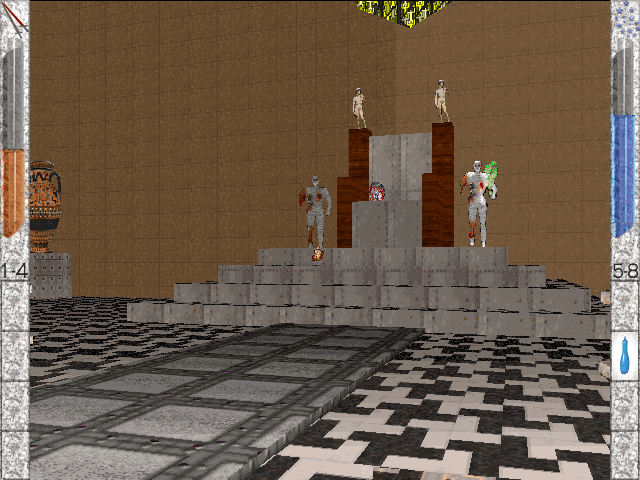
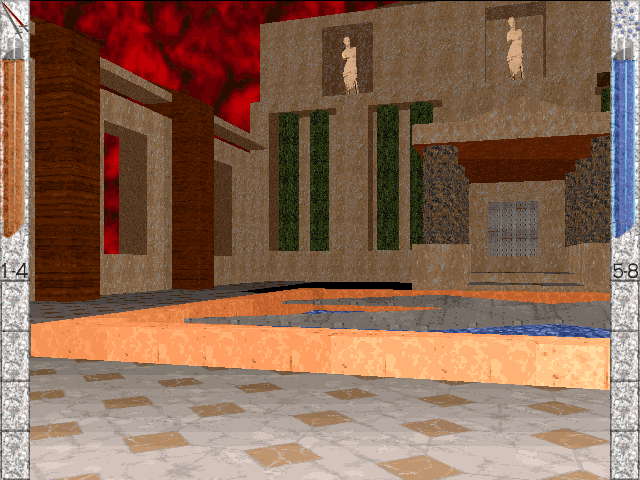
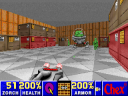
The Lord of Lightning is a first-person adventure whose interface tracks life and mana separately. Orange liquid shows health; blue liquid shows the magical energy used to attack. Walking over an item places it into an available inventory slot, with health-related items on the left and mana-related items on the right.
Arrow keys move forward or backward and turn. Comma and period step sideways. Home jumps or moves upward in water; End ducks or moves downward. Ctrl or the left mouse button fires, although the game's help warns that shooting is unavailable near water.
Use keys 1–4 for the left inventory and 5–8 for the right. F2 saves and F3 loads the last save. Keep an eye on both resources and leave inventory space for pickups you may need later.
Start here
Quick tips
Walking over a pickup collects it only if an appropriate inventory slot is free.
Attacking consumes mana; monitor the blue gauge as well as health.
- Arrow Up / Arrow Down
- Walk forward / backward
- Arrow Left / Arrow Right
- Turn
- , / .
- Step left / right
- Home
- Jump, swim upward or climb onto shore
- End
- Duck or swim downward
- Page Up / Page Down
- Look up / down
- Ctrl
- Shoot when away from water
- 1–8
- Use the corresponding inventory slot
- F2 / F3
- Save / load the last save
- F5
- Toggle motion blur
- Left button
- Shoot
- Middle button
- Walk forward
Screens
Screenshots
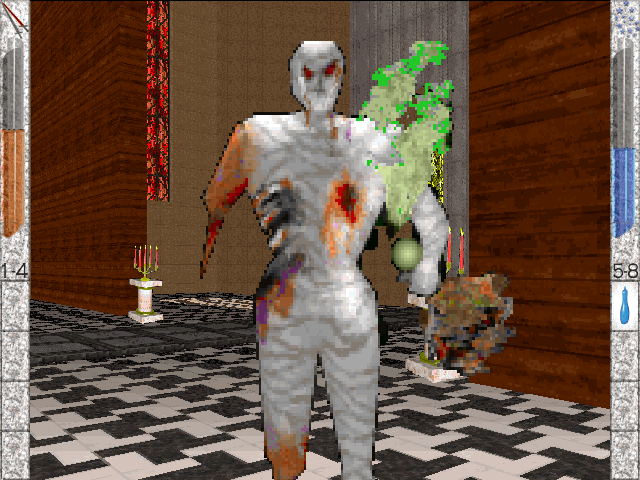
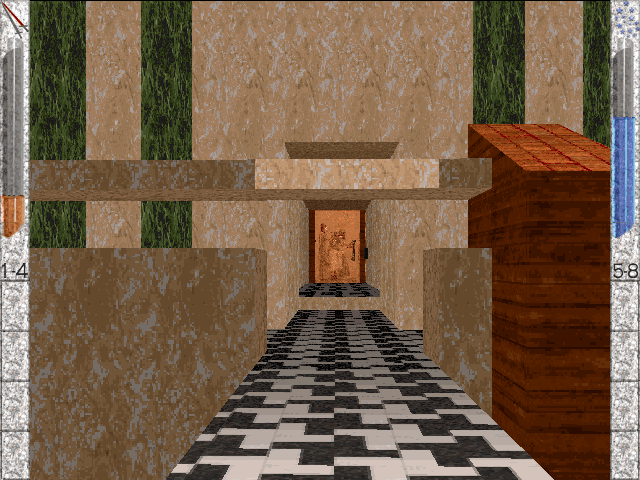
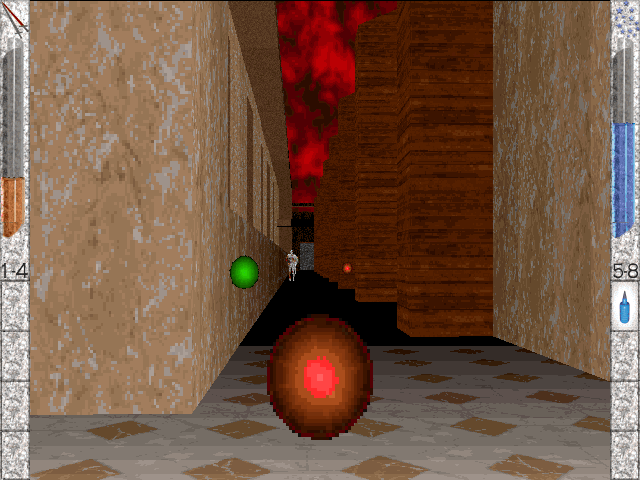
Keep playing
Similar Games

Help improve this entry
Something not working?
Report a gameplay or information problem. Short reports are enough.
Archive notes
Rights and Source Notes
Browser play uses the archived Freeware release. Official project references are listed below.
- Distribution
- Freeware
- Browser player
- js-dos · Browser play
- Added to archive
- 2026-07-27
- Official references