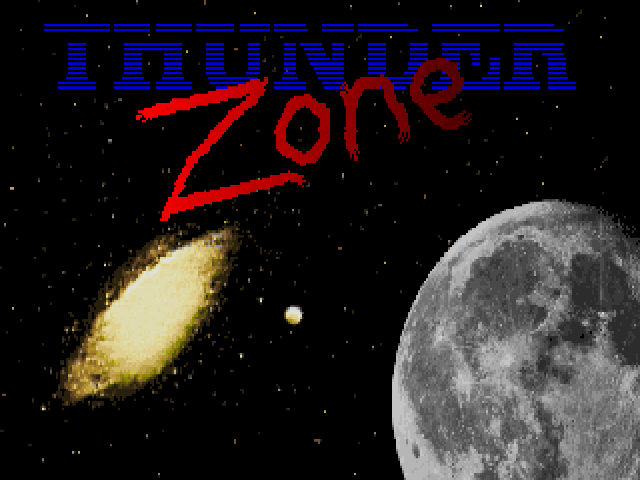
Thunder Zone
Saves are stored in this browser.
Player notes
About this game
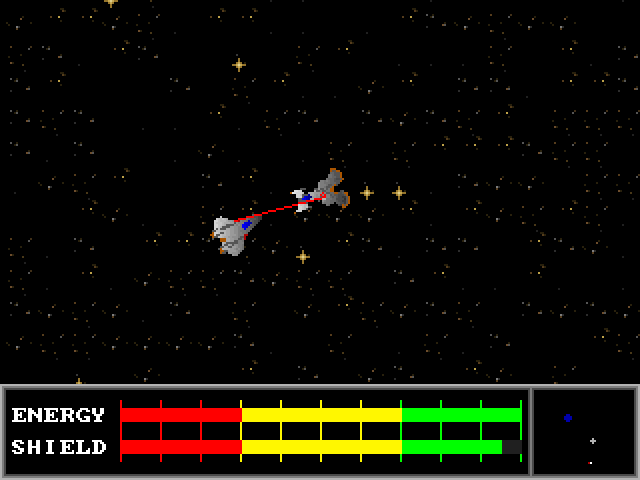
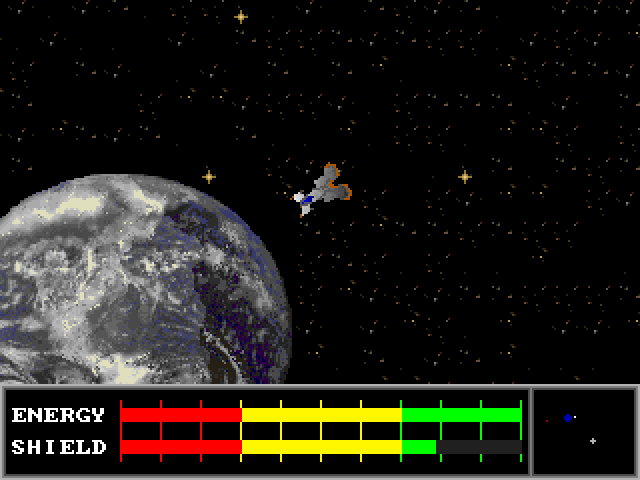
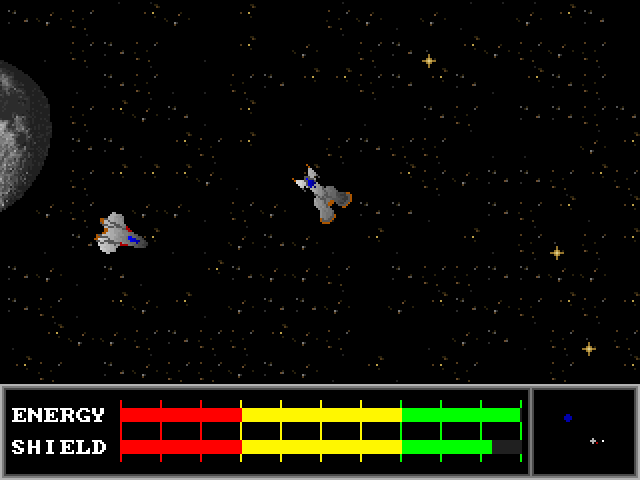
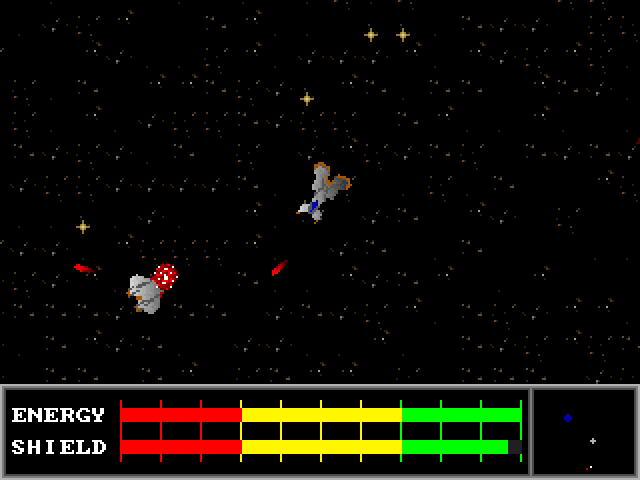
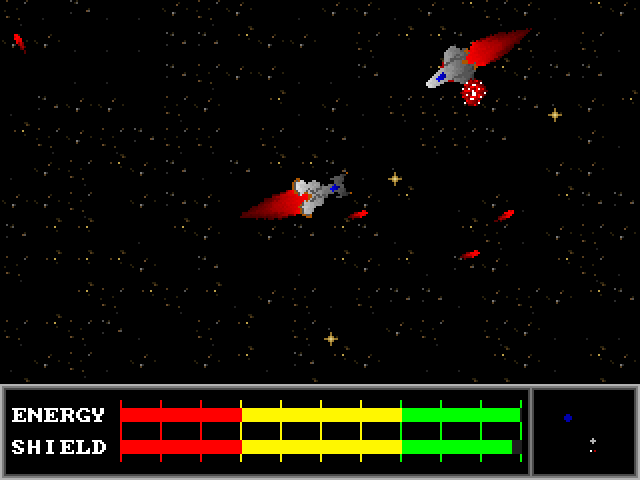
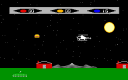
Thunder Zone 1.0 is Kurt Kennett's space-dueling game. Your ship stays near the centre of the screen while the starfield scrolls around it. A radar marks your ship in white and the opponent in red, with Earth and the Moon as landmarks. Flying beyond the edge brings you around to the other side of the arena.
Choose Play Against the Computer from the main menu. Learn provides a gentle opponent for practising the controls; the higher settings make the duel more demanding. Before each round, choose two of eight upgrades, then confirm Done. Turbo Recharge and Power Shield work continuously, while equipment such as the cloaking device uses a special-action key. The choice determines how you manage the fight.
Thrust and lasers draw from the energy bar. Energy regenerates, and you can transfer it into shields, but cannot transfer shield power back. Watch both bars while turning to track the opponent and holding fire for repeated shots.
This archive contains version 1.0 and its original instructions. Use a keyboard with a numeric keypad and enable Num Lock: the game distinguishes keypad controls from the number row. Press Enter if the startup screen asks to continue with low-quality sound, then advance the opening screens. The original modem/network features are not connected to browser matchmaking; use the computer-opponent mode here.
Start here
Quick tips
Start with Learn, then choose two upgrades and select Done. Turbo Recharge and Power Shield are passive choices that let you focus on flying.
Enable Num Lock and use the numeric keypad. The top-row number keys are not substitutes for the flight controls.
Use the radar to locate the red opponent dot; the scrolling arena wraps around at its edges.
Converting energy into shields is one-way. Give the energy reserve time to recover before holding both thrust and fire.
- Numpad 4 / 6
- Turn left / right; move horizontally through menus
- Numpad 8 / 2
- Move up / down through menus
- Enter
- Confirm menu and equipment choices; advance startup screens
- Numpad 5
- Thrust (enable Num Lock)
- Numpad 0
- Brake
- Alt
- Fire lasers; hold for repeated fire
- Numpad 8
- Activate the first selected special weapon
- Ctrl
- Activate the second selected special weapon
- Numpad 2
- Transfer energy to shields during a duel
- Esc
- Leave the duel or return from a menu
Screens
Screenshots
Keep playing
Similar Games

Help improve this entry
Something not working?
Report a gameplay or information problem. Short reports are enough.
Archive notes
Rights and Source Notes
Browser play uses the archived Freeware (installed) release.
- Distribution
- Freeware (installed)
- Browser player
- js-dos · Browser play
- Added to archive
- 2026-07-27