Topspeed 300
Saves are stored in this browser.
Player notes
About this game
TopSpeed 300 is a DOS racing game whose packaged English documentation identifies version 1.02. The default layout separates acceleration and braking from gear changes: Up accelerates, Down brakes, Space shifts up and Alt shifts down. Steering uses Left and Right.
Before racing, inspect the Controls section in Options if another key layout is more comfortable. The bindings can be changed there. P or Pause suspends the race, and Escape quits the current play session.
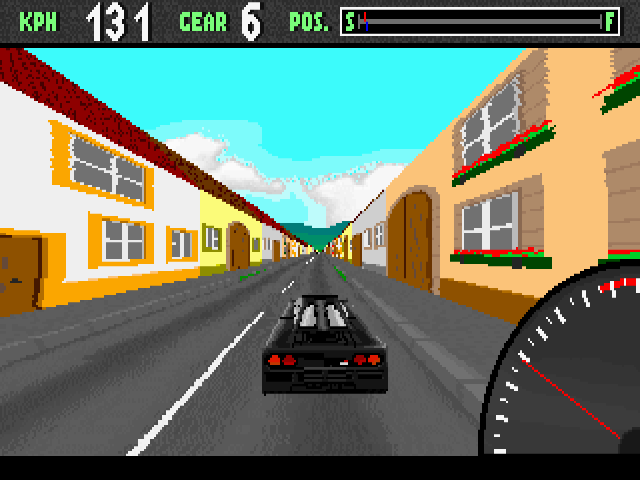
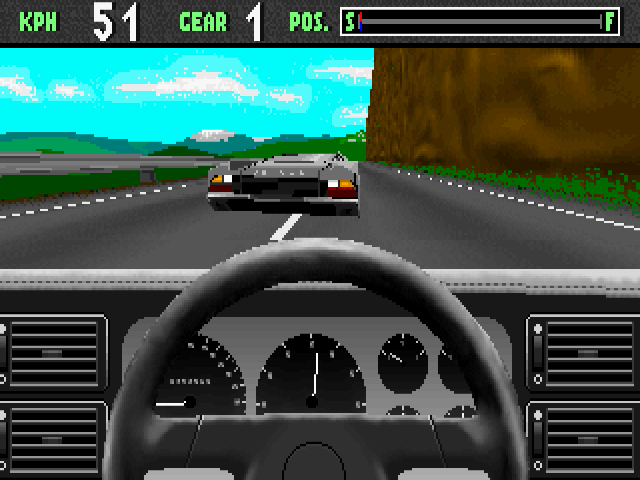
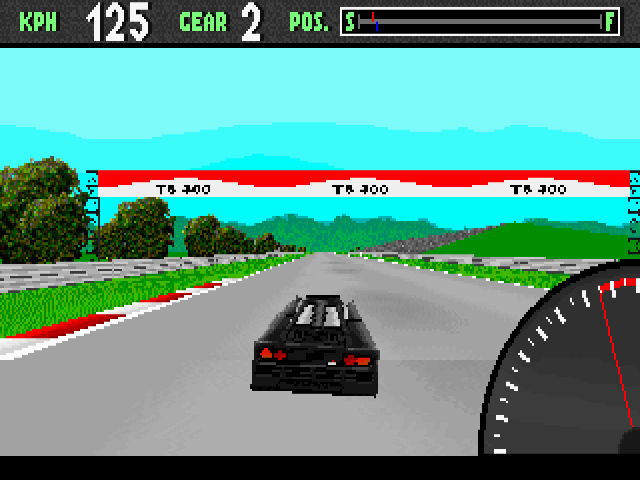
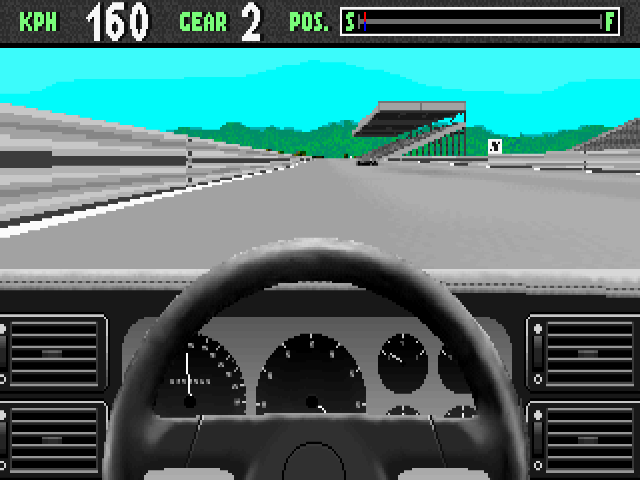
F1 selects the driver’s view, while F2 and F3 offer helicopter perspectives. The helicopter view also supports Page Up and Page Down to change the viewing window. Number keys 1–5 toggle texture options described by the original readme, which can help simplify the display. Learn the gear controls as well as the steering before attempting a fast run.
Start here
Quick tips
Use Space and Alt for the default manual gear changes.
Controls can be reassigned under Options.
- Arrow Up / Arrow Down
- Accelerate / brake
- Arrow Left / Arrow Right
- Steer
- Space / Alt
- Shift gear up / down
- P / Pause
- Pause
- Escape
- Quit the current session
- F1
- Driver view
- F2 / F3
- Helicopter views
- Page Up / Page Down
- Adjust the helicopter viewing window
- 1–5
- Toggle texture options
Screens
Screenshots
Keep playing
Similar Games
Help improve this entry
Something not working?
Report a gameplay or information problem. Short reports are enough.
Archive notes
Rights and Source Notes
Browser play uses the archived Freeware (installed) release. Official project references are listed below.
- Distribution
- Freeware (installed)
- Browser player
- js-dos · Browser play
- Added to archive
- 2026-07-27
- Official references