MegaDschump
Saves are stored in this browser.
Player notes
About this game
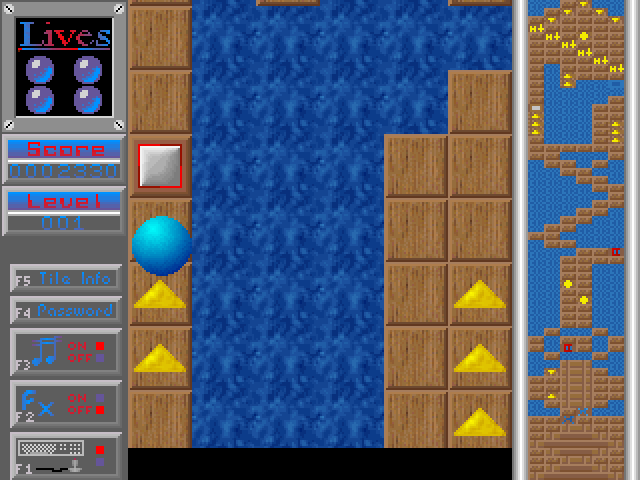
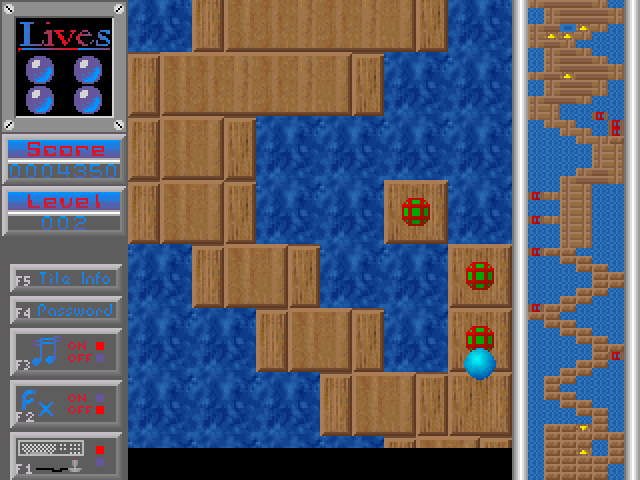
MegaDschump combines overhead ball movement with jumping, route planning and arcade timing. Peter Hinz's 1994 instructions describe a level-based game and provide a password entry function for returning to a particular level. Press Space at the title screen to begin.
During play, the arrow keys guide the ball. Direction combinations also work: Up plus Left is equivalent to the documented diagonal control. Holding Left Shift with Up or Down lets you move backward or forward relative to the scrolling direction.
Space has a different role once play begins: it pauses the action. F1 switches between keyboard and joystick input, F2 toggles effects, F3 toggles music and F4 opens level-password entry. If keyboard movement seems absent, check the F1 input mode first. In the separate Arcanoid section, Right Shift exits that section and returns to the main MegaDschump game.
Start here
Quick tips
Space starts at the title screen but pauses during play.
Use F1 to check keyboard input and F4 to enter a level password.
- Arrow keys
- Guide the ball; combine directions for diagonals
- Left Shift + Up / Down
- Move backward / forward relative to scrolling
- Space
- Start at the title screen / pause during play
- F1
- Switch keyboard / joystick input
- F2 / F3
- Toggle sound effects / music
- F4
- Enter a level password
- Right Shift
- Leave the Arcanoid section
Screens
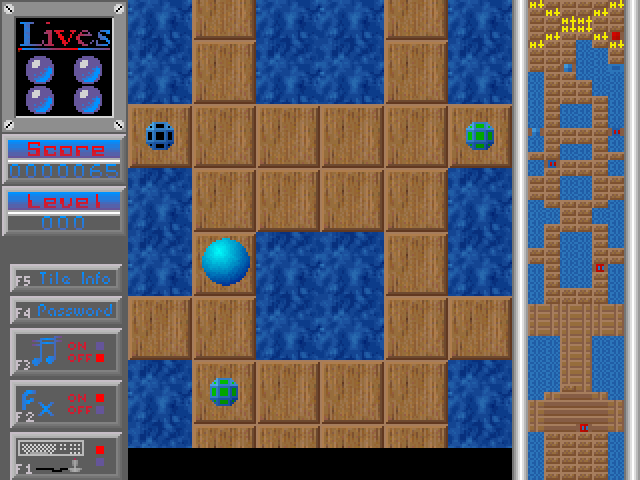
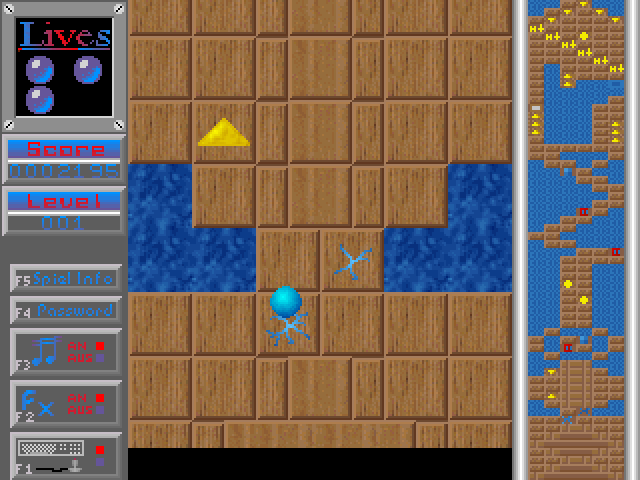
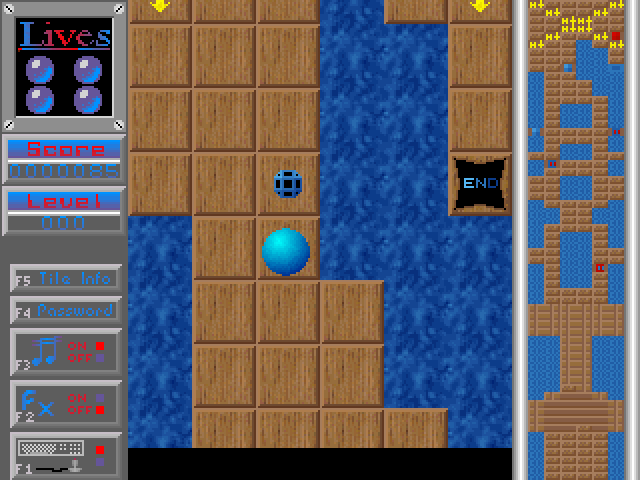
Screenshots

Keep playing
Similar Games
Help improve this entry
Something not working?
Report a gameplay or information problem. Short reports are enough.
Archive notes
Rights and Source Notes
Browser play uses the archived Freeware release.
- Distribution
- Freeware
- Browser player
- js-dos · Browser play
- Added to archive
- 2026-07-27