Velena
Saves are stored in this browser.
Player notes
About this game
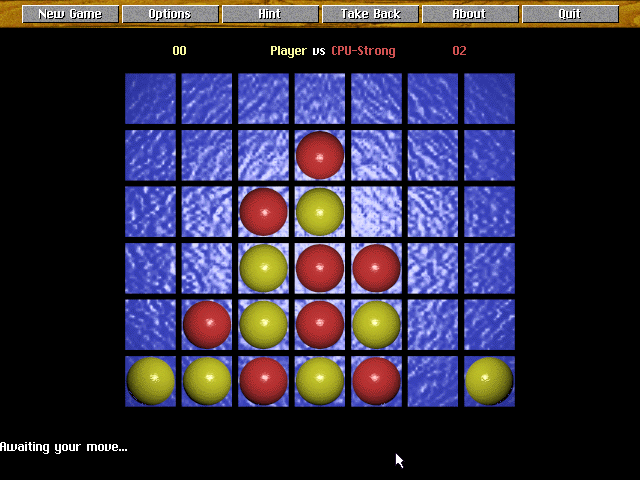
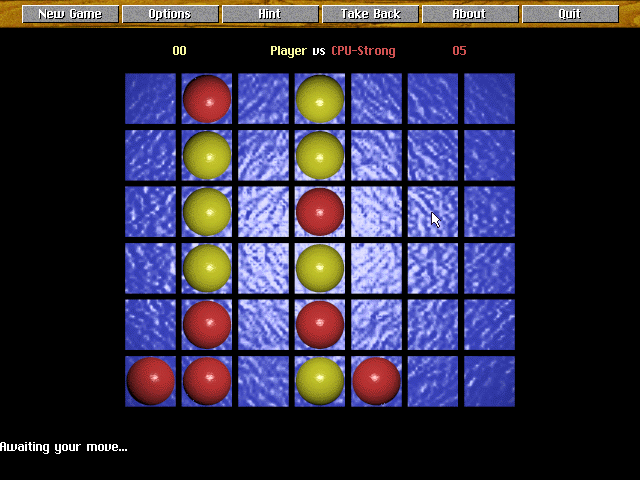
Velena plays Connect Four: players alternate dropping counters into seven columns and try to make a line of four. Gravity places each counter in the lowest available space, so a useful-looking square may require several supporting moves before it can be occupied.
Start a fresh board with New Game, then choose the players and computer settings in Options. Press 1 through 7 to play in the matching column from left to right, or point to the board with the mouse. F1 swaps the displayed colors without changing the game position.
The right mouse button opens additional commands, including move-list and save options. The documentation’s perfect-play claim applies to the first player starting from an empty board; it should not be read as a guarantee for every arbitrary position loaded into the program.
Start here
Quick tips
Check for immediate lines in both directions before dropping a counter.
Use Options to set which side is controlled by the computer.
- 1–7
- Drop a counter in the corresponding column
- F1
- Swap the displayed colors
- Left click
- Choose a board position or top-row command
- Right click
- Open additional game commands
Screens
Screenshots

Keep playing
Similar Games
Help improve this entry
Something not working?
Report a gameplay or information problem. Short reports are enough.
Archive notes
Rights and Source Notes
Browser play uses the archived Freeware release. Official project references are listed below.
- Distribution
- Freeware
- Browser player
- js-dos · Browser play
- Added to archive
- 2026-07-27
- Official references