Vertigo
Saves are stored in this browser.
Player notes
About this game
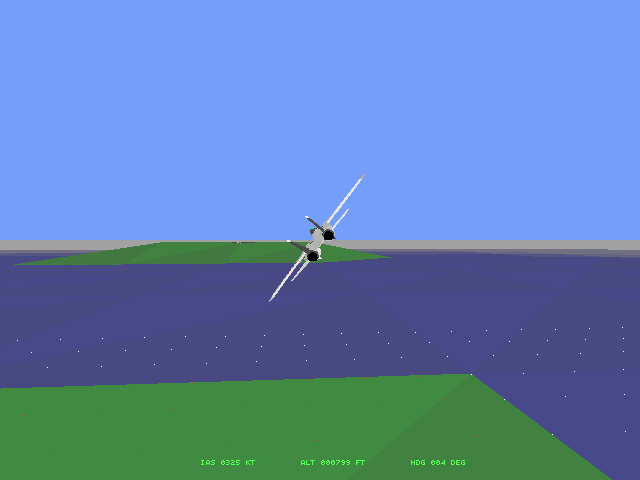
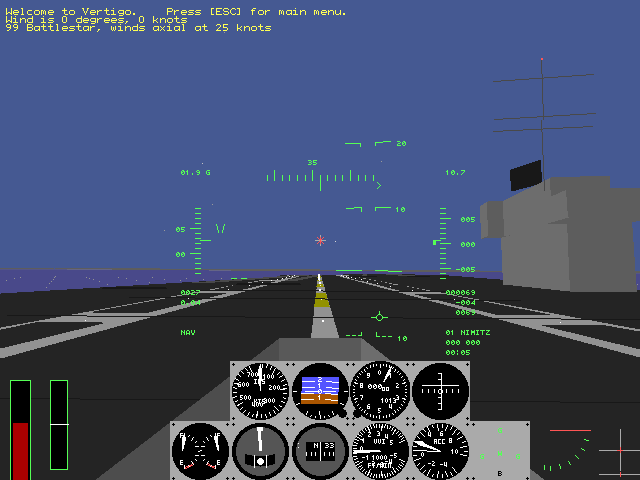
Vertigo is a flight simulator focused on aircraft handling. Its version 0.26 package includes several aircraft and a landscape containing mountains, an airfield and a moving carrier. Aircraft selection and realism options change what kind of flight you attempt.
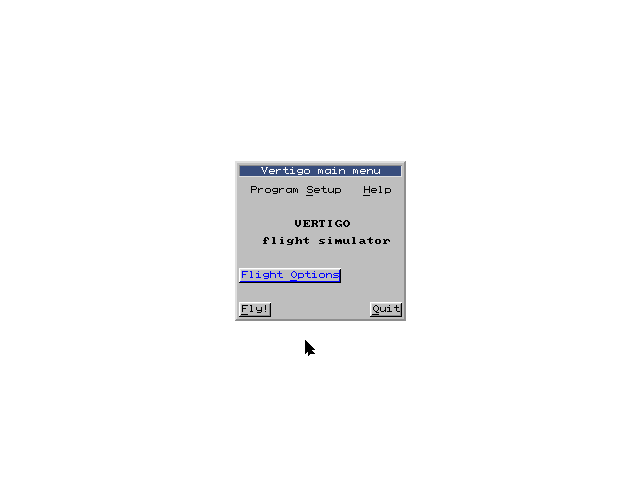
Before choosing Fly, check Program Setup → Controls and use the mouse when an analogue joystick is unavailable. The mouse supplies the flight-control input; the ordinary arrow keys change the cockpit view. F2 and F3 adjust throttle, F1 selects idle and F4 applies full throttle. G toggles the landing gear, W the wheel brakes and B the air brake.
The developer suggests starting with the MFI-17 Supporter, wind and realistic propeller behaviour disabled, and flat terrain. Use P to pause and Escape to return to the menu, where the full control reference is available.
Start here
Quick tips
Choose mouse control in Program Setup → Controls when no analogue joystick is available.
The MFI-17 with wind off and flat terrain is the developer’s suggested starting setup.
Use P to pause; the keyboard’s Pause key can disrupt this simulator’s timing.
- Arrow keys / Tab / Enter
- Navigate menu items / sections / activate a choice
- F1 / F4
- Set idle / full throttle
- F2 / F3
- Decrease / increase throttle
- G
- Raise or lower the landing gear
- W / B
- Toggle wheel brakes / air brake
- Z / X / C
- Apply left / centre / right rudder
- Arrow keys during flight
- Change the cockpit viewing direction
- M
- Show the map
- P
- Pause
- Escape
- Open the main menu
- Mouse movement
- Control the aircraft when mouse flight input is selected
- Left click
- Operate menu buttons
Screens
Screenshots
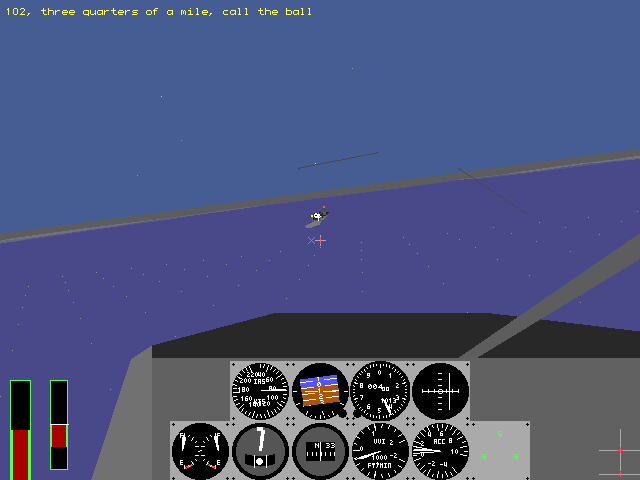
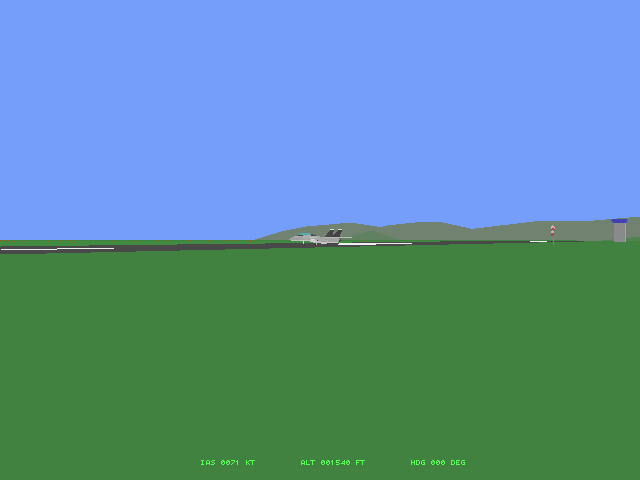
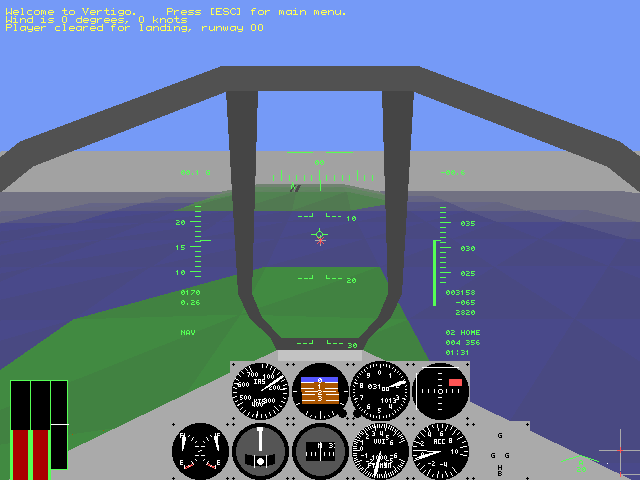
Keep playing
Similar Games
Help improve this entry
Something not working?
Report a gameplay or information problem. Short reports are enough.
Archive notes
Rights and Source Notes
Browser play uses the archived Freeware release. Official project references are listed below.
- Distribution
- Freeware
- Browser player
- js-dos · Browser play
- Added to archive
- 2026-07-27
- Official references