Visual Star Trek
Saves are stored in this browser.
Player notes
About this game
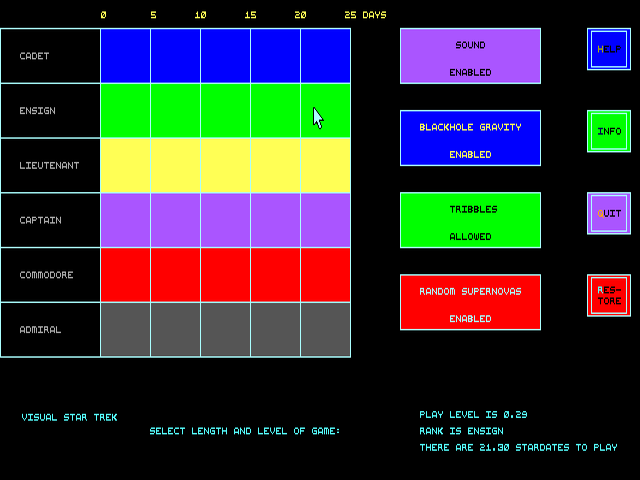
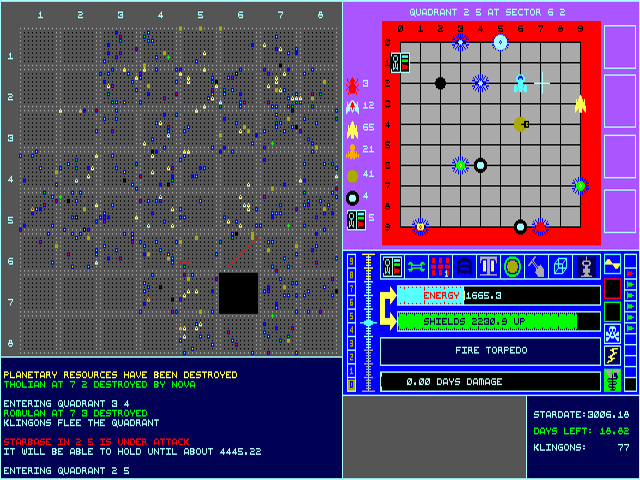
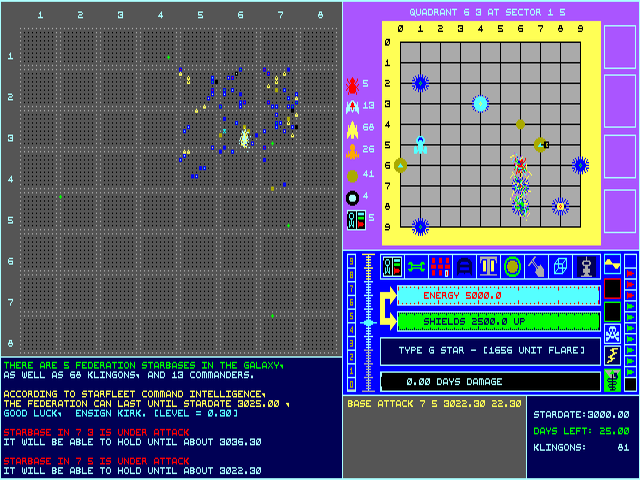
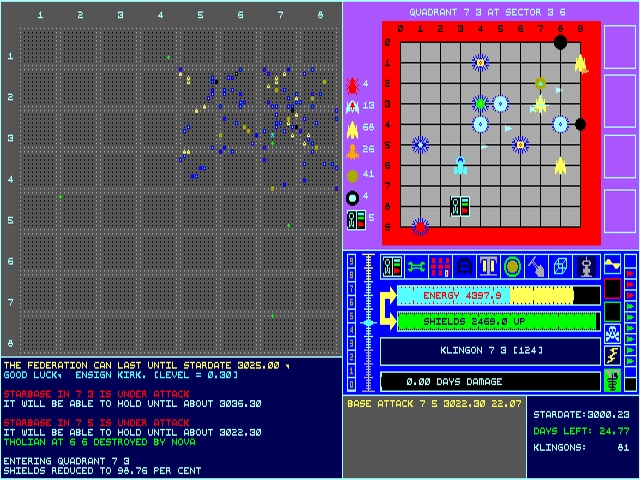
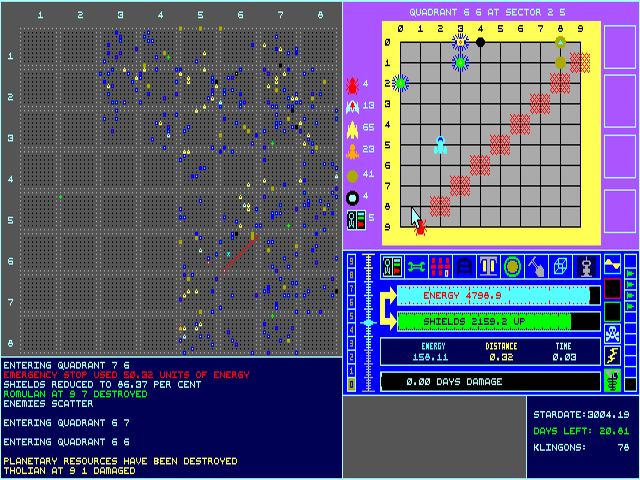
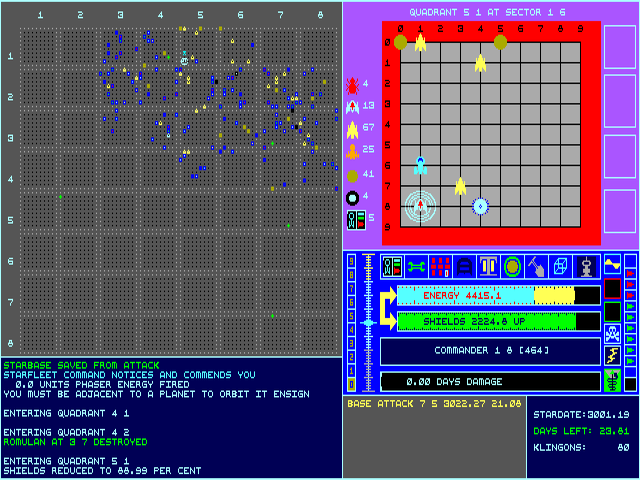
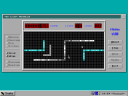
Visual Star Trek puts navigation, combat and resource management on a single command screen. The galactic map is at the upper left, the local sector scan at the upper right, and status panels below report events. The bundled notes were written by a player in 1991 rather than the unidentified author, so they are a practical guide to this archive's interface.
Left-click a destination on the galactic map for a long-range course. On the sector scan, right-click to travel and left-click a target to fire torpedoes. The same mouse button therefore performs different actions in different panels. Hover over icons for explanations before activating them.
Clicking the energy bar fires phasers. The notes warn that using more than 2,500 energy can overheat them. Dock beside a starbase to replenish supplies, and avoid firing at friendly bases or planets.
Start here
Quick tips
Right-click moves within the sector; left-click there fires a torpedo.
Read icon descriptions before spending energy or changing ship settings.
- Mouse movement
- Inspect descriptions by hovering over icons
- Left click on galactic map
- Set a long-range course
- Right click on sector scan
- Set a local destination
- Left click on sector target
- Fire a torpedo
- Left click on energy bar
- Fire phasers
- Left click on icon
- Activate the indicated ship command
Screens
Screenshots
Keep playing
Similar Games

Help improve this entry
Something not working?
Report a gameplay or information problem. Short reports are enough.
Archive notes
Rights and Source Notes
Browser play uses the archived Freeware release.
- Distribution
- Freeware
- Browser player
- js-dos · Browser play
- Added to archive
- 2026-07-27