Xerix
Saves are stored in this browser.
Player notes
About this game
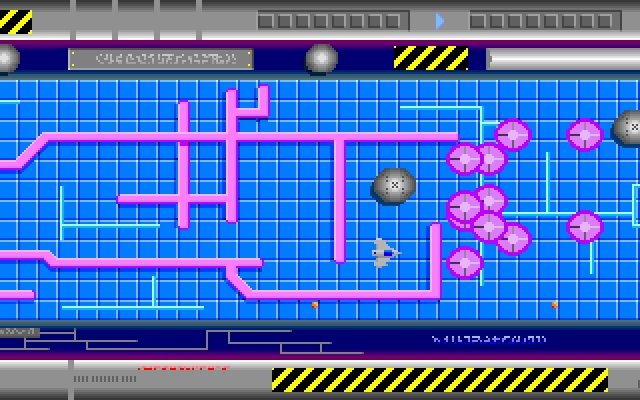
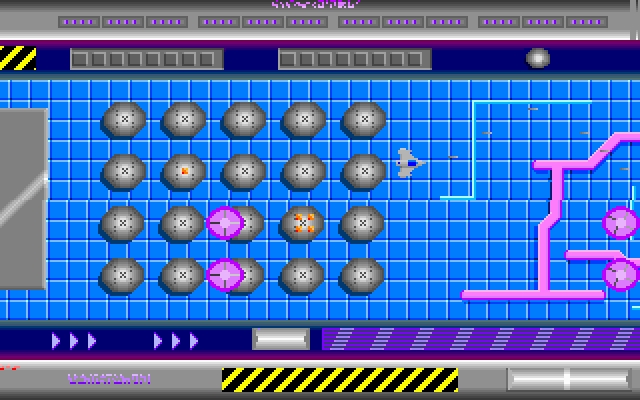
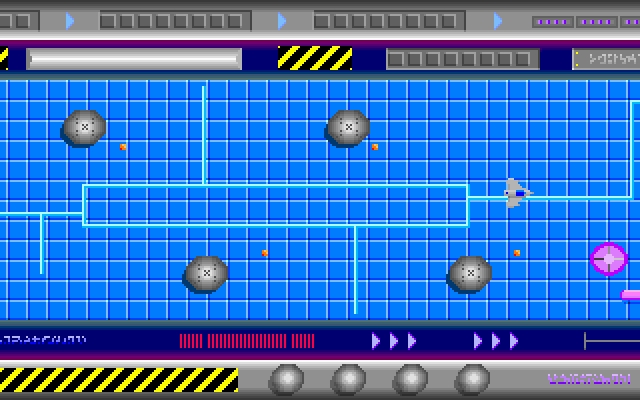
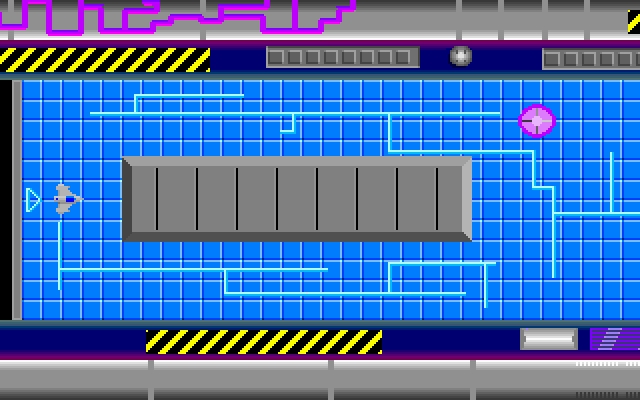
Xerix is a scrolling space shooter in which you dodge or destroy alien craft, avoid projectiles and defeat a guardian at the end of each level. Its difficulty choice changes how failure works: Novice gives unlimited attempts, while Expert begins with three lives and awards another after a completed level. A new life resumes near the point where the ship was destroyed.
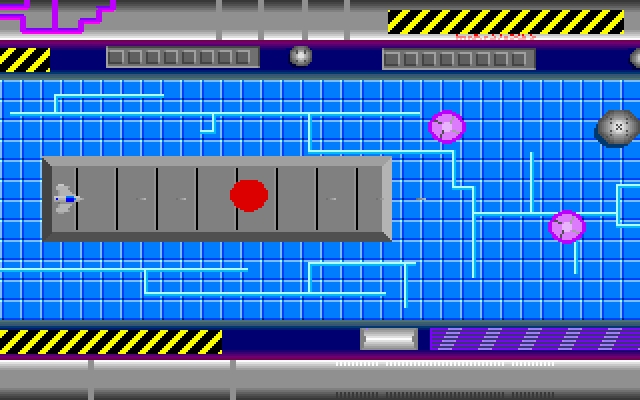
Use the arrow keys to move and Space to fire. Diagonal movement works by combining directions. Mouse control makes the ship chase a pointer, and either mouse button fires. The manual notes that repeated taps fire faster than simply holding the button, and shots cannot pass through the red remains of a destroyed alien.
Choose N for Novice or E for Expert when the difficulty prompt appears. Space also advances past the title and text sequences. Allow a moment after a new text screen appears before skipping it. P pauses those text sequences; Escape during action ends the current game and returns to the title. Start on Novice to learn the enemy patterns without exhausting a small reserve of ships.
Start here
Quick tips
Novice offers unlimited attempts; Expert starts with three lives.
Shots cannot pass through the red remains of destroyed enemies.
- Arrow keys
- Move the spacecraft; combine directions for diagonals
- Space
- Fire or advance past a title/text screen
- P
- Pause or resume a text sequence
- S
- Toggle sound effects during play
- T
- Toggle the outer scrolling regions
- Escape
- End the current game and return to the title
- N / E
- Choose Novice / Expert at the difficulty prompt
- Mouse movement
- Guide the pointer that the spacecraft follows
- Either mouse button
- Fire or advance a title/text sequence
Screens
Screenshots

Keep playing
Similar Games

Help improve this entry
Something not working?
Report a gameplay or information problem. Short reports are enough.
Archive notes
Rights and Source Notes
Browser play uses the archived Freeware release.
- Distribution
- Freeware
- Browser player
- js-dos · Browser play
- Added to archive
- 2026-07-27