Category
Retro Sports Games
Start with a bouncing volleyball match, a measured mini-golf shot or a baseball catching drill. This small sports collection also includes a turn-based capture-the-flag game and ZapPing inside a NES Zapper test program. Check the setup notes: some games need their keyboard controls defined before play.
Browse all 5 games ↓A few places to start
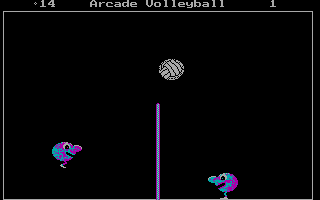
- Arcade Volleyball
Define Left, Right and Jump before starting. Each player can use keyboard controls, and the menu also offers a computer opponent.
- Mean Mini Golf
Work through eighteen holes by setting a shot angle and timing the power gauge. Water and sand reduce the shot's strength.
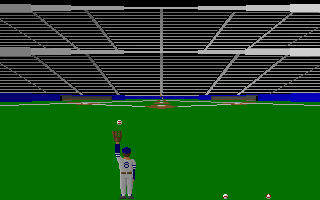
- Catch, If You Can!
Choose Keyboard again in Select Input and define the buttons first. Then position the glove, run and dive to meet each wave's catch target.
Archive entries
↑↓ Select · Enter Open| Game | Platform | Year | Genre | Play |
|---|---|---|---|---|
Arcade VolleyballPlay Arcade Volleyball with bouncing characters, setting your own left, right and jump keys before sending the ball across the net. | DOS | 1988 | Sports | PLAY |
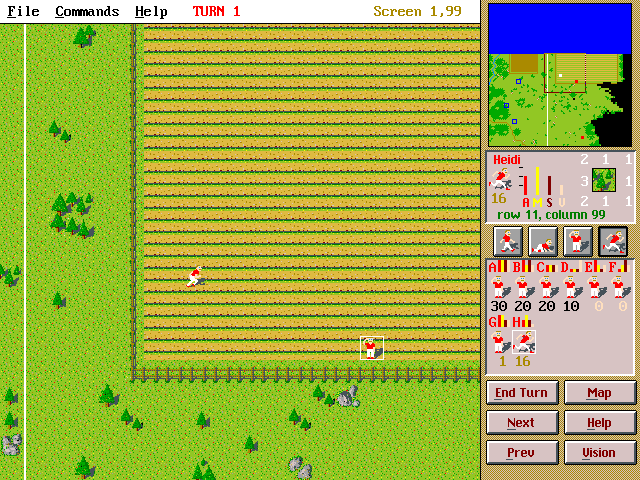
Capture the FlagExplore hidden terrain and seize the opposing flag in a turn-based field game where stance affects speed, sight and concealment. | DOS | 1992 | Sports | PLAY |
Catch, If You Can!Catch waves of baseballs in Catch, If You Can!, choosing a glove position, diving for difficult balls and meeting each wave’s catch target. | DOS | 1992 | Sports | PLAY |
Mean Mini GolfPlay eighteen holes in Mean Mini Golf, adjusting the shot angle and timing a power gauge around water and sand hazards. | DOS | 1992 | Sports | PLAY |
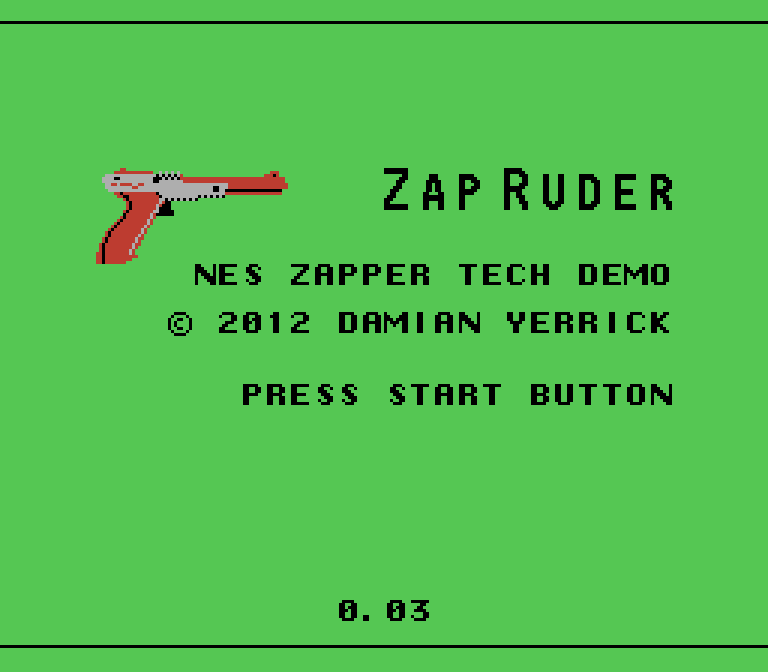
Zap RuderExplore NES Zapper tests and play the built-in ZapPing air-hockey game with a controller-friendly browser fallback. | Homebrew | 2011 | Sports | PLAY |