Alive Sharks
Saves are stored in this browser.
Player notes
About this game
Alive Sharks casts you as a diving biologist collecting small marine creatures. Touch a specimen to capture it, then return it to the cage. Sharks patrol the water, and the stun gun only disables them temporarily. The cage is a refuge: its protective field keeps enemies away while you plan another trip.
Movement continues after a direction is chosen, rather than stopping when you release a key. Arrow keys steer and Space fires in keyboard mode. In mouse mode, a small mouse movement changes the swimmer’s direction; it does not position him directly under the pointer. Left-click fires and right-click opens the menu. Choose the input device in the installation menu.
The archived v1.2 shareware release provides the Sharks game. The Raybats and Killer Jelly-Fish modes described in the manual belonged to the registered edition. Use the Speed menu if the action is too fast, and remember that stunned enemies recover sooner as the levels become harder.
Start here
Quick tips
Return captured creatures to the cage, which also protects you from enemies.
Use Num Lock off for the original keyboard controls.
- Arrow keys
- Change swimming direction in keyboard mode
- Home / Page Up / End / Page Down
- Swim diagonally in keyboard mode
- Space
- Fire the stun gun; select a menu item
- Enter
- Confirm a menu selection
- Escape
- Open the menu or back out
- Mouse movement
- In mouse mode, change the swimmer’s direction
- Left mouse button
- In mouse mode, fire or choose a menu item
- Right mouse button
- In mouse mode, open the menu or back out
Screens
Screenshots
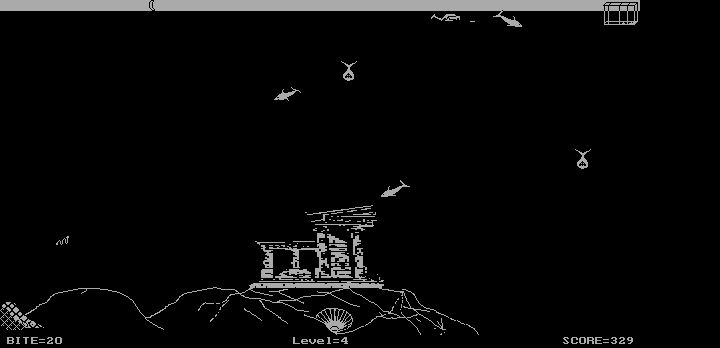
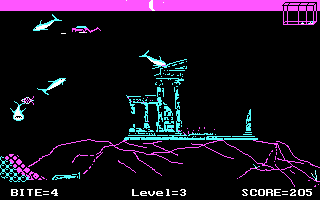
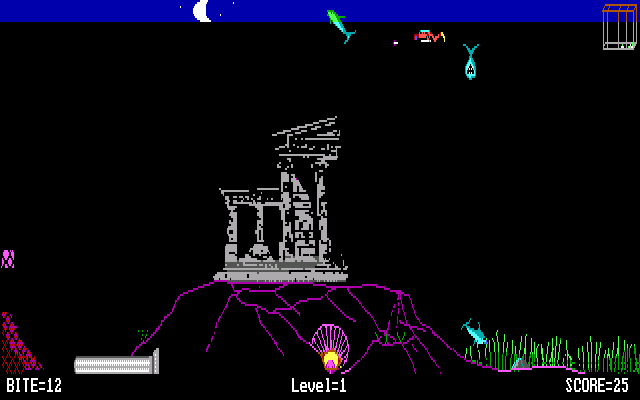
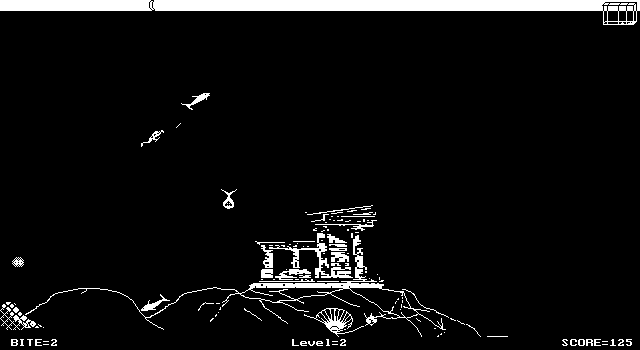
Keep playing
Similar Games

Help improve this entry
Something not working?
Report a gameplay or information problem. Short reports are enough.
Archive notes
Rights and Source Notes
Browser play uses the archived Shareware release.
- Distribution
- Shareware
- Browser player
- js-dos · Browser play
- Added to archive
- 2026-07-28