Antix
Saves are stored in this browser.
Player notes
About this game
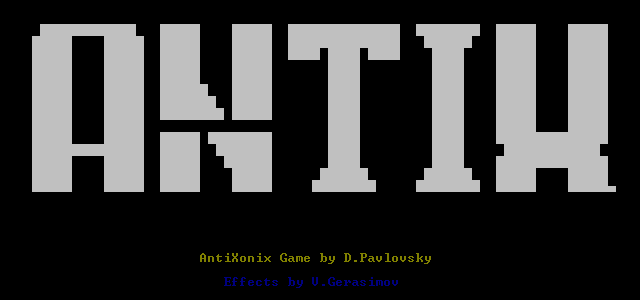
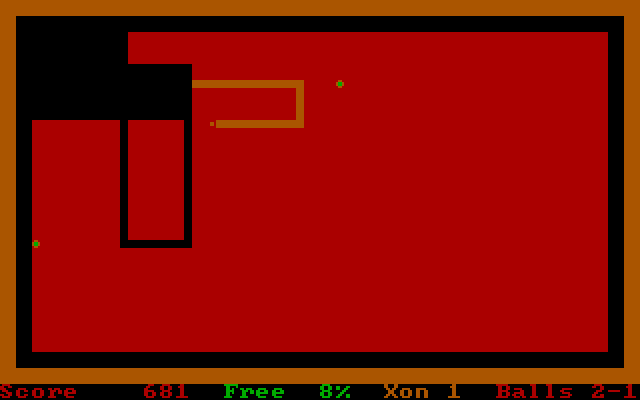
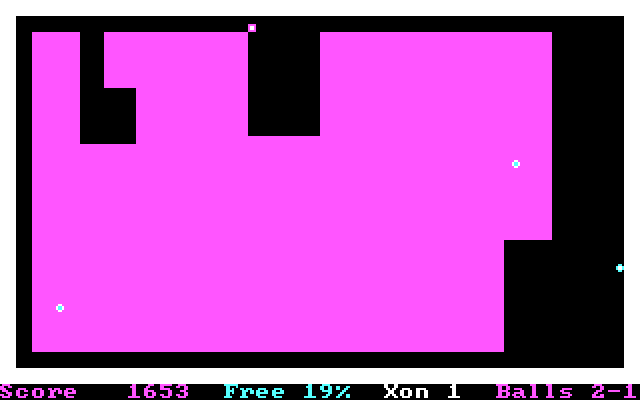
Antix presents a rectangular field with a safe border, moving balls and a small marker called Xonix. Move from the border into the field to draw a path, then reconnect it to the edge to free part of the area. The Free percentage and score show the result of a completed cut. A ball reaching the exposed path can cost a life.
At the opening prompts, type a name, press Enter, then choose a speed from 1 to 9 and confirm it. Begin at a low speed while learning how far the marker travels. The original control summary assigns the arrow keys to the four directions and the blank key, or Space, to stopping the marker.
The marker keeps moving after a direction is chosen, so plan the return to the border before leaving it. Use Space deliberately rather than relying on releasing an arrow to stop. Watch both the open field and the border: a successful cut changes the space available to the remaining balls.
Start here
Quick tips
Start with a low speed while learning the movement.
Reconnect your path to the border to complete a cut.
Space stops the marker; releasing an arrow does not.
- Arrow keys
- Set the movement direction
- Space
- Stop the marker
- 1–9
- Choose the starting speed at the prompt
- Enter
- Confirm the name and speed
Screens
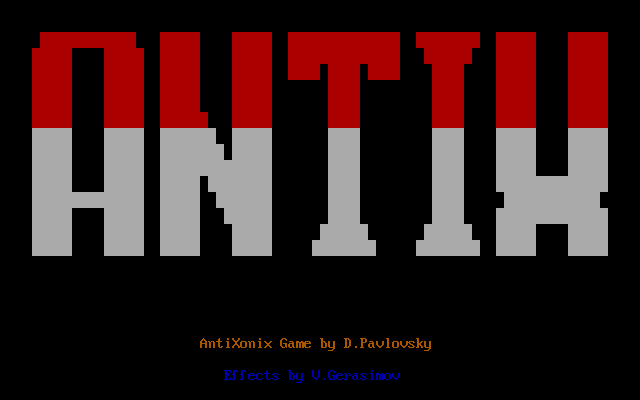
Screenshots
Keep playing
Similar Games
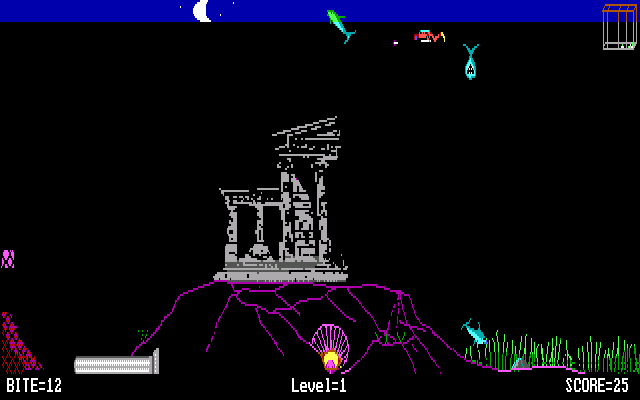

Help improve this entry
Something not working?
Report a gameplay or information problem. Short reports are enough.
Archive notes
Rights and Source Notes
Browser play uses the archived Freeware release.
- Distribution
- Freeware
- Browser player
- js-dos · Browser play
- Added to archive
- 2026-07-25