Avalon
Saves are stored in this browser.
Player notes
About this game
Avalon is MiG's DOS role-playing game about a colony on a distant planet. The accompanying story describes settlers fleeing a ruined Earth and travelling in suspended animation to Avalon. Their apparent refuge becomes dangerous when creatures attack the village and capture its leader, Lee. Mace sets out to find him and understand the threat.
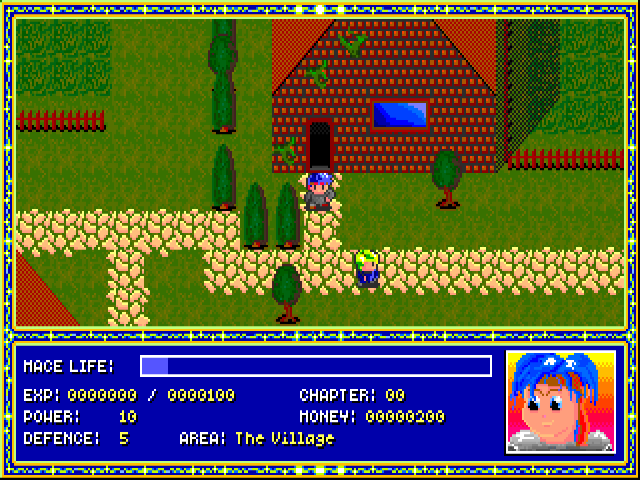
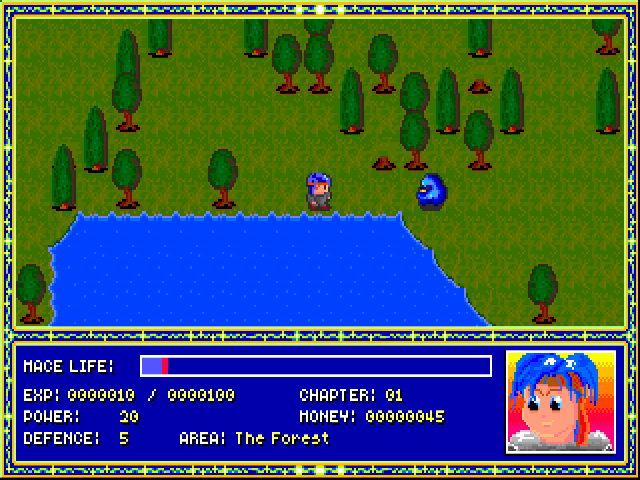
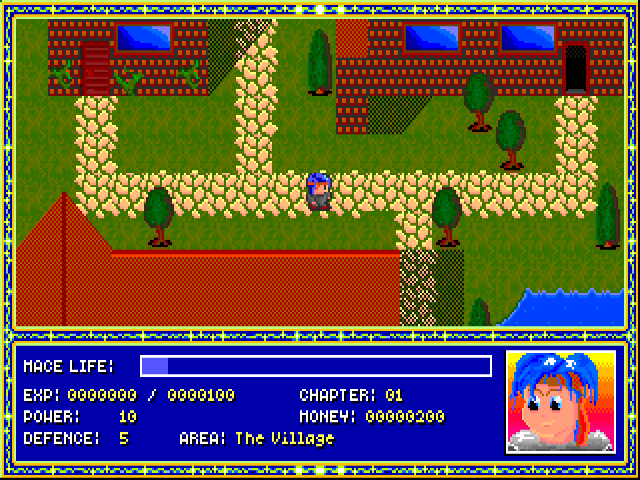
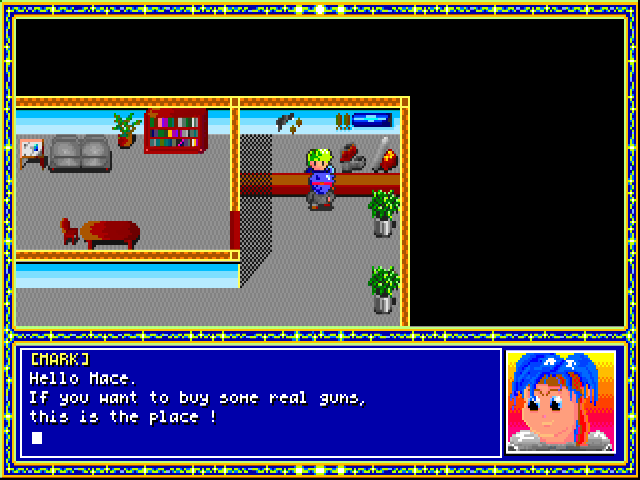
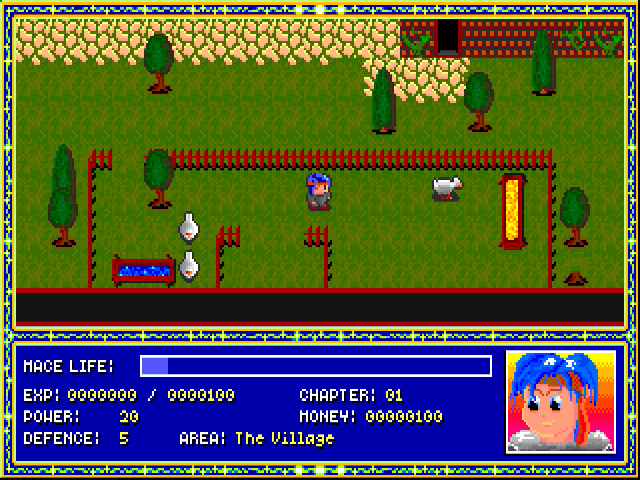
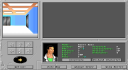
This is the 1997–1998 MiG game identified by its original README and title credits. It uses a scrolling overhead view with dialogue beneath the play area. The opening places Mace in the village with Tracer, who explains what happened. The status display tracks life, power, defence, experience, money and the current chapter; a separate Status panel also shows equipment and game progress.
Advance the title with Enter, select New Game, and allow the opening to load. Esc skips the introductory sequence if you want to reach the village sooner. Use the arrow keys to explore and Enter to advance dialogue. During exploration, Esc opens the menu for Objects, Items, Status, Load Game and Save Game. Use Up and Down to select an entry and Enter to open it; Esc returns to exploration.
The browser package restores the original game's startup path and retains its program, story document and data. The original save/load menu is present, but this page does not promise that saves survive a new browser session.
Start here
Quick tips
Let the New Game loading screen finish. Press Esc during the story introduction to proceed to the village.
Read Tracer's opening explanation, using Enter to advance the text.
Open Status from the Esc menu to inspect life, equipment and progress before exploring further.
The game's save/load menu belongs to the original DOS program. Persistence across browser sessions has not been verified.
- Arrow keys
- Move through the village and surrounding world
- Up / Down
- Choose menu entries
- Enter
- Confirm a menu choice or advance dialogue
- Esc
- Skip the opening sequence; open or leave the exploration menu
Screens
Screenshots

Keep playing
Similar Games
Help improve this entry
Something not working?
Report a gameplay or information problem. Short reports are enough.
Archive notes
Rights and Source Notes
Browser play uses the archived Freeware release. Official project references are listed below.
- Distribution
- Freeware
- Browser player
- js-dos · Browser play
- Added to archive
- 2026-07-28
- Official references