Gene Splicing
Saves are stored in this browser.
Player notes
About this game
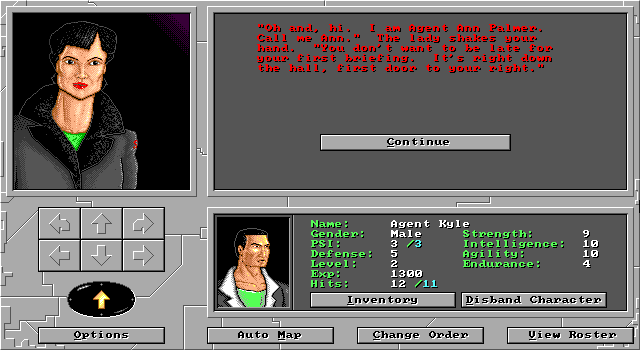
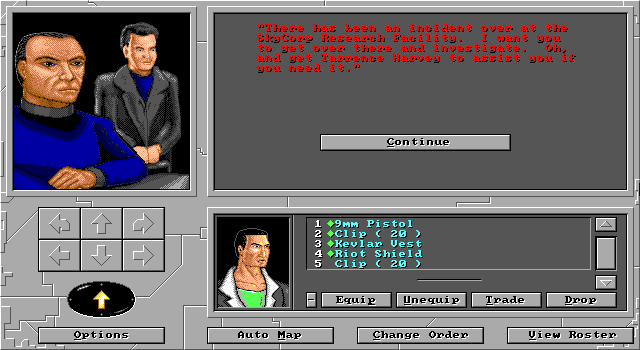
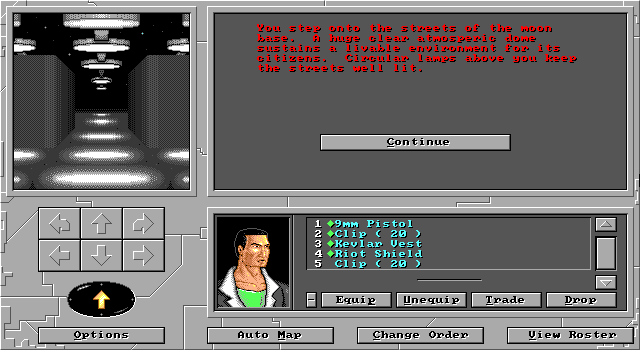
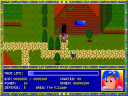
Gene Splicing begins with a new recruit to the SSA and presents exploration through a first-person view. Messages and available actions sit beside the scene, while the party occupies the lower panel. Create a character, read the available responses and use the direction controls to investigate the starting area.
Equipment must be equipped before it helps in combat. Party order also matters: the manual allows the first four members to fight in melee, so place suitable characters toward the front. Equipment must be taken off before it can be traded to another member.
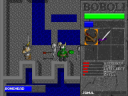
During an encounter, Fight, Run Away and Advance offer different ways to handle the distance to enemies. Advancing closes ten feet but consumes a combat round. Use the automap and the Options menu to orient yourself and access the game’s save and restore commands.
Start here
Quick tips
Equip weapons and armor before a fight.
Advancing toward an enemy spends a combat round.
- Arrow keys / numeric keypad
- Move through the first-person environment
- Highlighted option letter
- Choose the corresponding displayed action
- Escape
- Return from Options
- Left click
- Choose an on-screen option or direction button
Screens
Screenshots
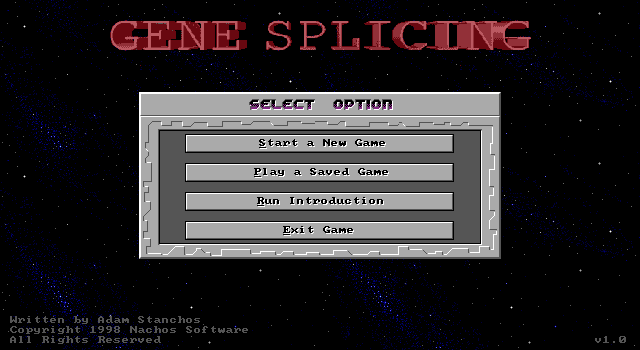
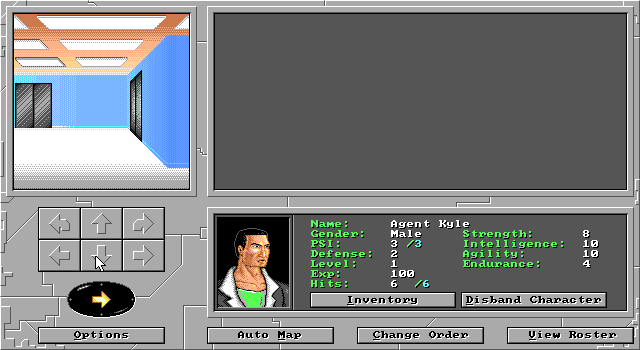
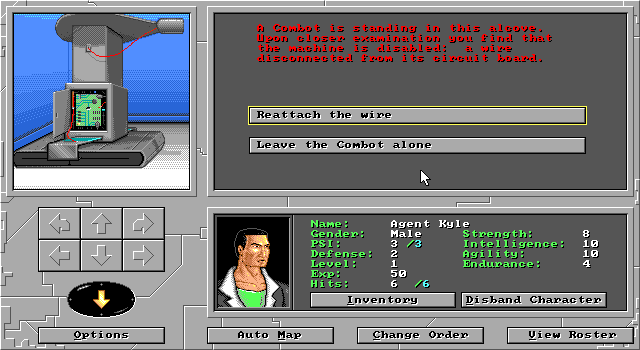
Keep playing
Similar Games
Help improve this entry
Something not working?
Report a gameplay or information problem. Short reports are enough.
Archive notes
Rights and Source Notes
Browser play uses the archived Freeware (installed) release. Official project references are listed below.
- Distribution
- Freeware (installed)
- Browser player
- js-dos · Browser play
- Added to archive
- 2026-07-26
- Official references