Boboli The Mighty Knight
Saves are stored in this browser.
Player notes
About this game
Boboli the Mighty Knight sends you after the wizard Sylabulus. The manual recommends defeating lesser enemies first: their skill rewards build toward a level, which improves attributes such as strength, speed, intellect and armor. The browser launch selects the documented one-player mode.
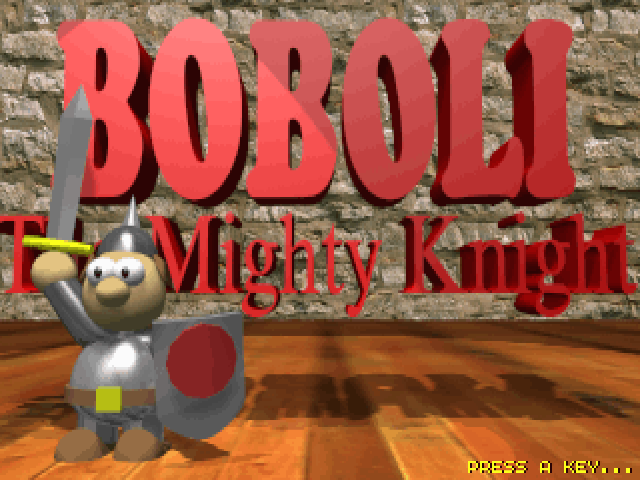
Press one of the action keys at the title to begin. Move with the arrows, swing a sword with Q and use the selected item with W. S moves the selection to the next inventory slot. A picks up the item under you or drops the selected item if the space is empty, so check your position before pressing it.
Different equipment uses different actions. A selected sword attacks with Q, while crossbows and spells use W. A spell that produces only sparkles indicates insufficient magic; wait for recovery or improve the character before trying again.
Start here
Quick tips
Fight weaker monsters before challenging Sylabulus.
A can drop equipment when there is nothing underfoot.
- Q / W / A / S
- At the title: begin play
- Arrow keys / Numpad 8/2/4/6
- Move
- Q
- Swing sword
- W
- Use selected item or cast selected spell
- A
- Pick up an item underfoot; otherwise drop the selected item
- S
- Select next item
- Escape
- Exit
Screens
Screenshots
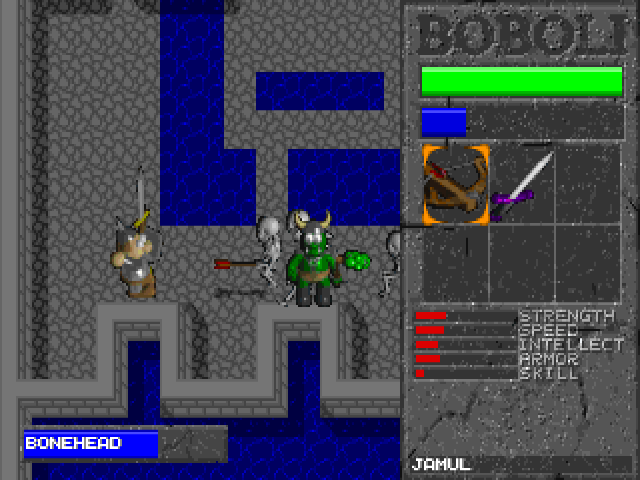
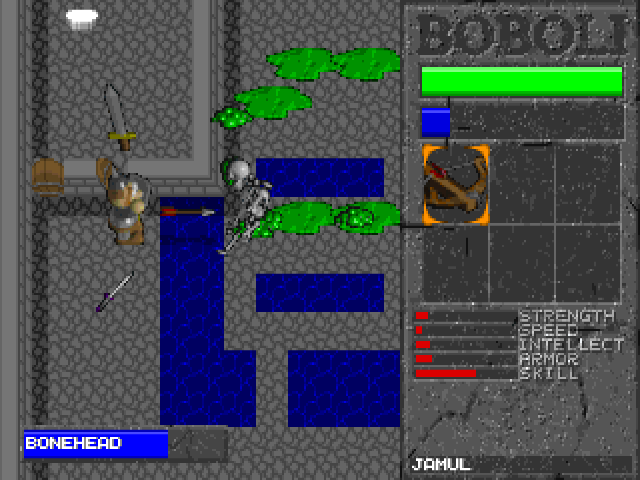
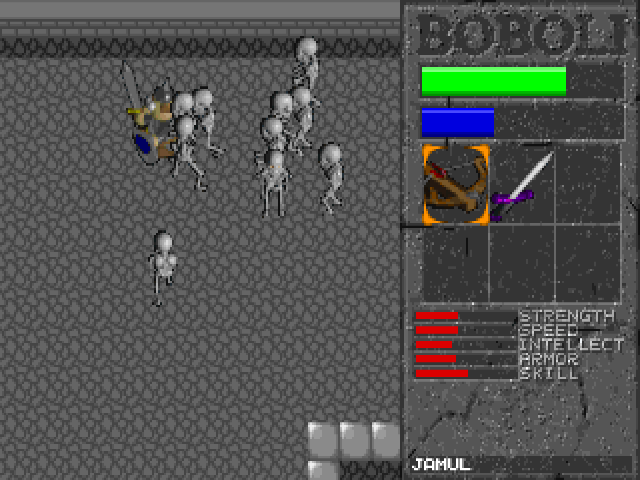
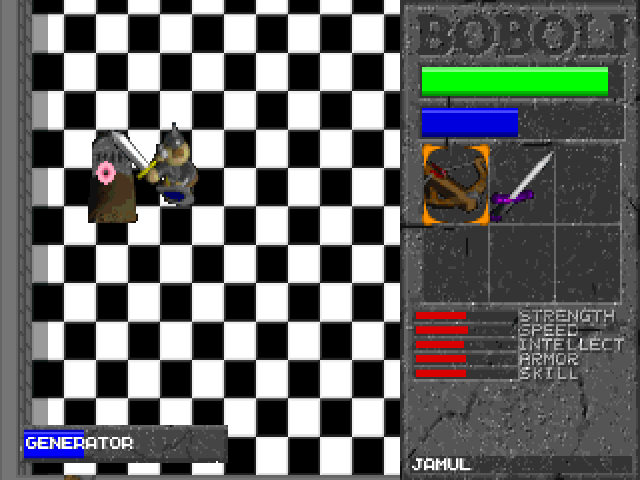
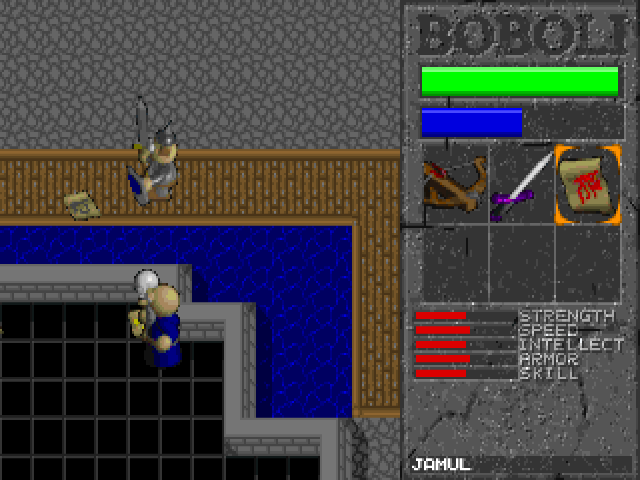
Keep playing
Similar Games
Help improve this entry
Something not working?
Report a gameplay or information problem. Short reports are enough.
Archive notes
Rights and Source Notes
Browser play uses the archived Freeware (installed) release. Official project references are listed below.
- Distribution
- Freeware (installed)
- Browser player
- js-dos · Browser play
- Added to archive
- 2026-07-26
- Official references