EGA RPG
Saves are stored in this browser.
Player notes
About this game
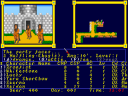
EGA-RPG is an unfinished role-playing prototype with first-person exploration and menu-driven encounters. Moving around the world and selecting combat commands use different confirmation keys: Space chooses a command, while Enter handles prompts such as names, loading and saving.
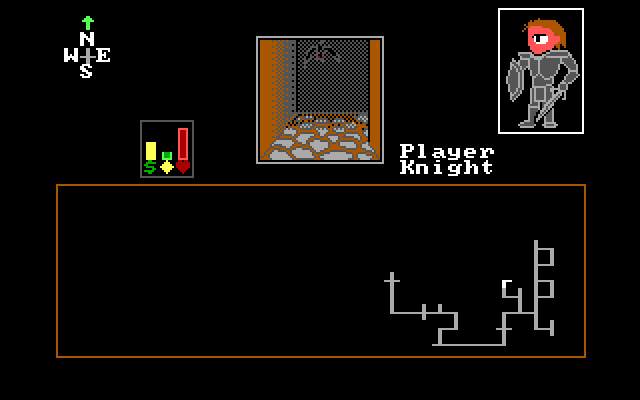
Arrow Up moves forward, Arrow Down turns around, and the horizontal arrows turn left or right. In menus, arrows change the selection. Insert or Tab opens character status. Escape cancels or backs out, depending on the current screen.
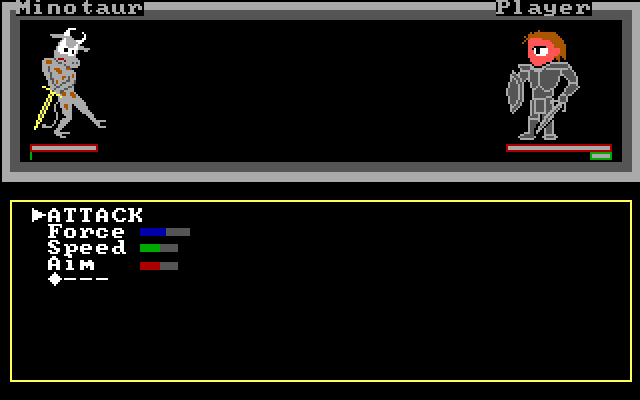
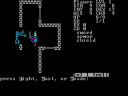
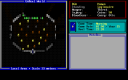
Combat alternates between attacking and defending. The manual pairs Power against Force, Give against Speed, and Reflex against Aim, so choosing a defence matters. Shops sell attack and defensive magic separately. F10 opens a magic map, which is useful when learning the layout of this experimental build.
Start here
Quick tips
Use Space for ordinary command choices; Enter is used for other prompts.
This is an unfinished prototype, so expect a smaller and less complete adventure.
- Arrow Up
- Move forward
- Arrow Down
- Turn around
- Arrow Left / Arrow Right
- Turn left / right
- Arrow keys
- Change a menu selection
- Space
- Choose a command
- Enter
- Confirm names and load/save prompts
- Insert / Tab
- View status
- F10
- Open the magic map
- Escape
- Cancel or go back
Screens
Screenshots
Keep playing
Similar Games
Help improve this entry
Something not working?
Report a gameplay or information problem. Short reports are enough.
Archive notes
Rights and Source Notes
Browser play uses the archived Freeware release. Official project references are listed below.
- Distribution
- Freeware
- Browser player
- js-dos · Browser play
- Added to archive
- 2026-07-26
- Official references