Tower of Fortune
Saves are stored in this browser.
Player notes
About this game
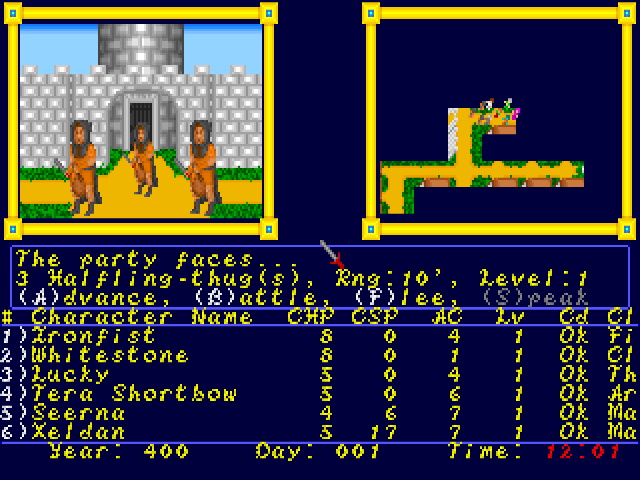
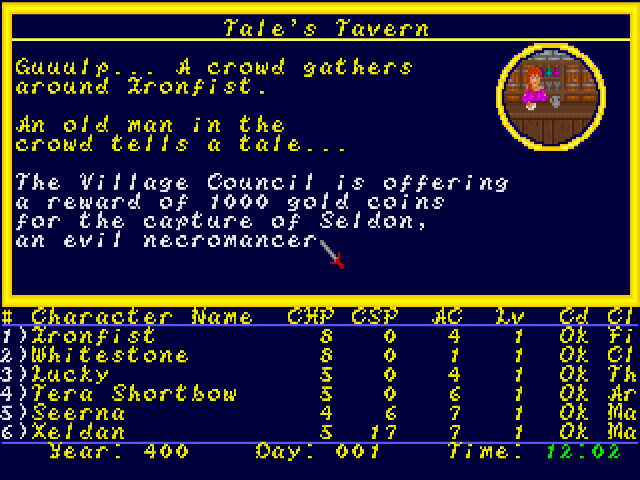
Tower of Fortune is Mario Soft's unfinished party-based fantasy RPG. The archived build opens at the Adventurer's Inn, with a roster of six named adventurers already in the party. The inn menu lets you browse the roster, create and add characters, inspect a character, or leave for the town. The display tracks each party member's hit points, spell points and armour class alongside the world's day and time.
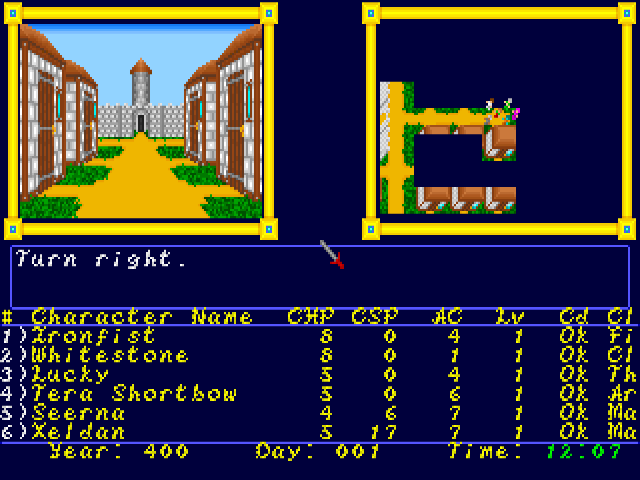
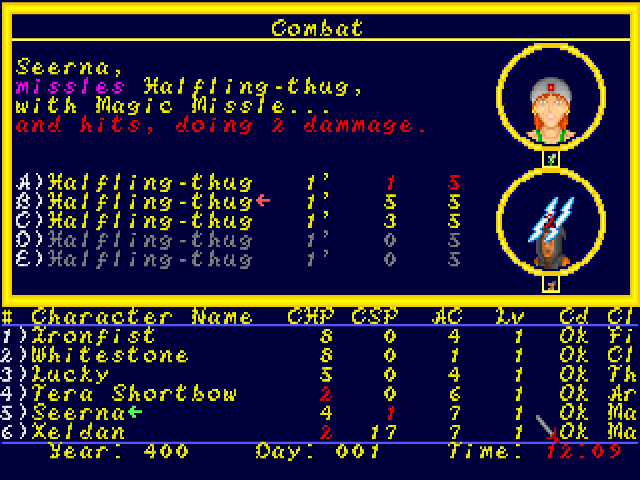
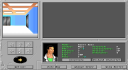
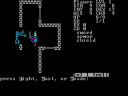
Outside the inn, a first-person view shows the street or building ahead. Turn to face a destination and move forward to approach it; the message area identifies locations such as Brog's Combat Shop. Encounters interrupt exploration with their own letter-key menu, including Advance, Battle, Flee and Speed. Read the current prompt because the same letter can have a different purpose at the inn, in a shop or during combat.
The bundled manual describes the human, elf and dwarf races, their attributes and class restrictions, but several later sections are only headings. Treat this as a partial game rather than a finished campaign. The site preserves the original game program and data, including its pre-existing characters. A brief blank blue screen can appear while it loads another part of the game; let it finish before choosing your next action.
Start here
Quick tips
Start with the supplied six-character party to inspect the town before making new characters.
Read the letters shown on the current menu. Inn commands and encounter commands are different.
Wait through the blank blue transitions between the inn, town and shops; those screens can take several seconds to load.
This is an unfinished build with an incomplete manual. Its save and load menu entries have not been verified across browser sessions.
- Enter
- Advance the opening screen
- Left / Right
- Turn while exploring the town
- Up
- Move forward or enter the building ahead
- A / B / C
- At the inn: Add Character / Browse Roster / Create Character
- V
- At the inn: View Character
- E
- Exit the inn
- F
- Flee when the encounter menu offers Flee
- A / B
- At an encounter: Advance / Battle, as labelled on screen
Screens
Screenshots
Keep playing
Similar Games
Help improve this entry
Something not working?
Report a gameplay or information problem. Short reports are enough.
Archive notes
Rights and Source Notes
Browser play uses the archived Freeware (installed) release.
- Distribution
- Freeware (installed)
- Browser player
- js-dos · Browser play
- Added to archive
- 2026-07-28