Telengard
Saves are stored in this browser.
Player notes
About this game
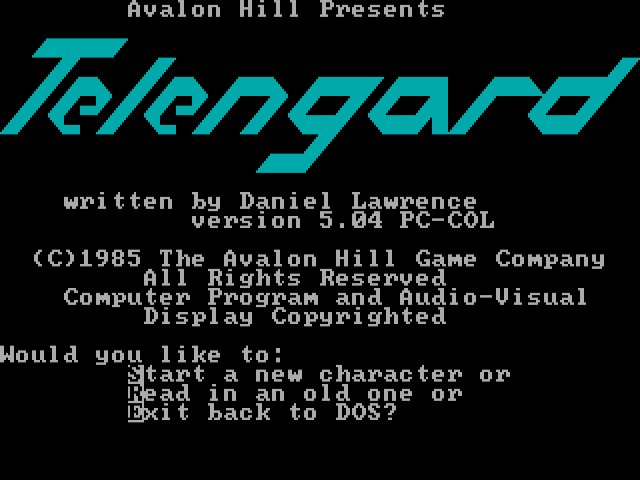
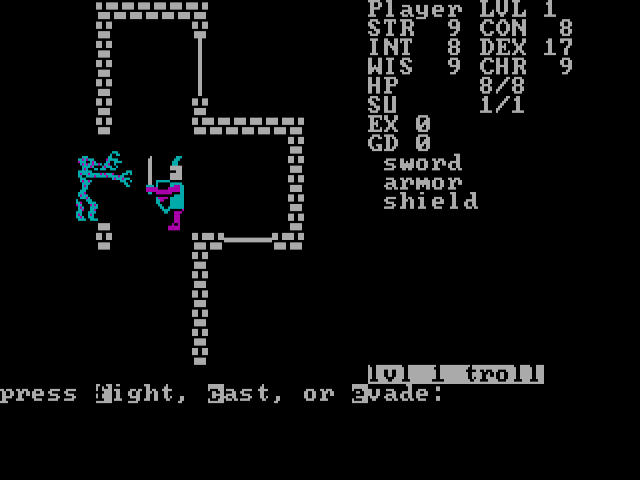
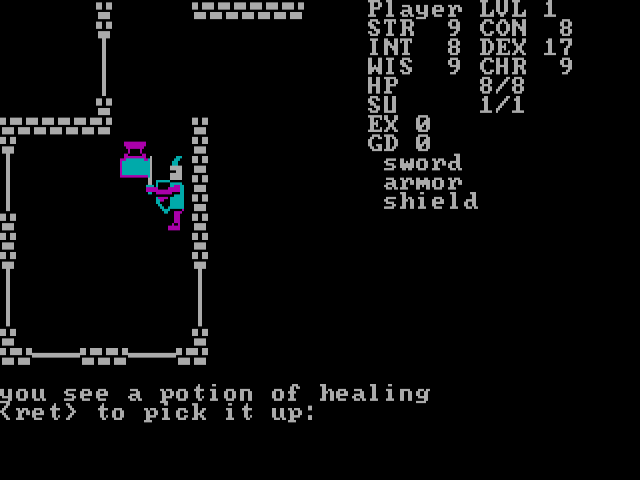
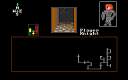
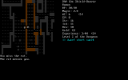
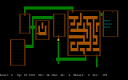
Telengard begins with a choice to create a character or read an existing one. The current package identifies itself as version 5.04 PC-COL. Accept a set of starting statistics, enter a name and descend into the dungeon, where movement brings encounters with creatures, treasure and special locations. Health, spell units, experience and gold are shown beside the map.
This version uses W, A, D and X for north, west, east and south. S stays in place, P redraws the map and C opens spell casting. Enter answers prompts that explicitly request it, such as picking up an object or opening a chest. Read the current question before pressing a movement key: an encounter can temporarily change what the game expects.
F1 uses a rescue scroll, F2 a healing potion and F3 a strength potion when you have the required item. F4 stores the character. Keep track of those supplies before exploring deeper, and treat an unfamiliar chest or creature as a decision rather than an automatic reward.
Start here
Quick tips
Read encounter prompts before entering another movement command.
Track health and spell units as well as gold.
The movement layout uses X for south, not S.
- W / A / D / X
- Move north / west / east / south
- S
- Stay in place during exploration
- P
- Redraw the dungeon view
- C
- Choose a spell to cast
- Enter
- Confirm a prompt that requests Return
- F1
- Use a scroll of rescue if available
- F2 / F3
- Use a healing / strength potion if available
- F4
- Store the character
Screens
Screenshots
Keep playing
Similar Games
Help improve this entry
Something not working?
Report a gameplay or information problem. Short reports are enough.
Archive notes
Rights and Source Notes
Browser play uses the archived Freeware release. Official project references are listed below.
- Distribution
- Freeware
- Browser player
- js-dos · Browser play
- Added to archive
- 2026-07-27
- Official references