MAG
Saves are stored in this browser.
Player notes
About this game
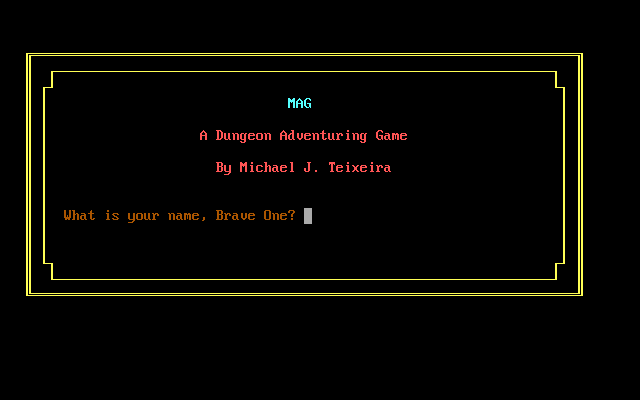
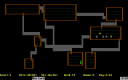
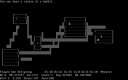
MAG, short for Mike’s Adventure Game, is a dungeon adventure in the Rogue tradition. Its objective is to recover the Sudbury Sapphire from the Imperial Dragons and bring it back to the surface. The readme places their lair somewhere below the twentieth level, so reaching the treasure is only part of the expedition.
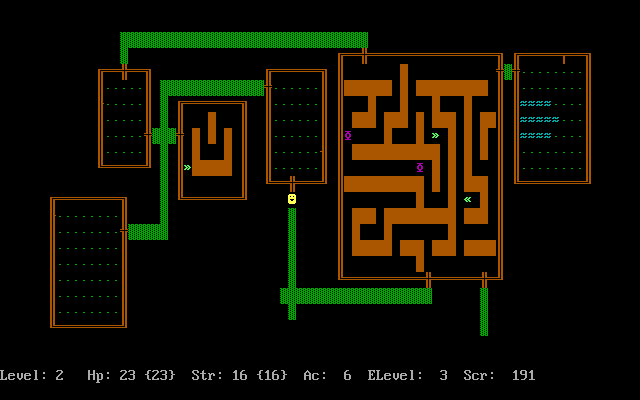
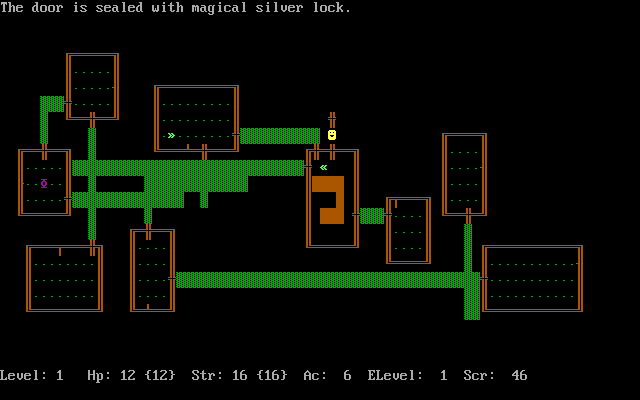
Move one square at a time with the arrow keys, using Home, Page Up, End and Page Down for diagonals. Pick up objects with lowercase g, inspect your pack with i, and search nearby for hidden doors or traps with lowercase s. Period rests for one turn. Food, equipment and unfamiliar items each have separate commands, so F1 is a useful reference during exploration.
The packaged documentation identifies the PC edition as version 1.1. Commands distinguish uppercase and lowercase letters: lowercase r reads a scroll, while uppercase R stores the game for later. Use the staircase commands on the appropriate tile, and check supplies before descending farther from the surface.
Start here
Quick tips
Commands are case-sensitive: r reads, while Shift + R stores the game.
Recovering the sapphire is not enough; you must return to the surface.
- Arrow keys
- Walk one square
- Home / Page Up / End / Page Down
- Walk diagonally
- .
- Rest for one turn
- < / >
- Climb up / descend a staircase
- g
- Pick up an object beneath you
- i / F3
- Show inventory
- s
- Search for secret doors and traps
- e
- Eat food
- q
- Drink a potion
- r
- Read a scroll
- w
- Wield a weapon
- Shift + R
- Store the game for later
- F1
- List commands
- Escape
- Cancel a command
Screens
Screenshots
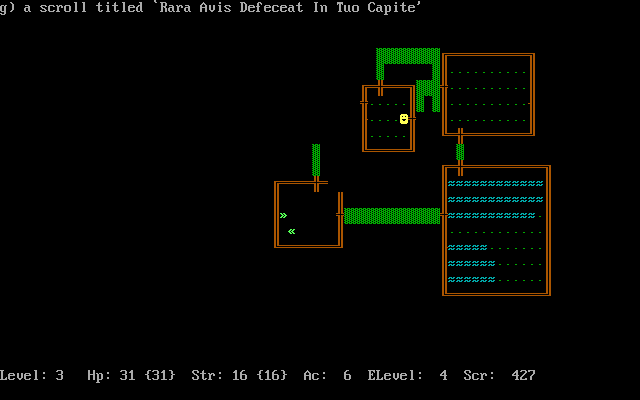
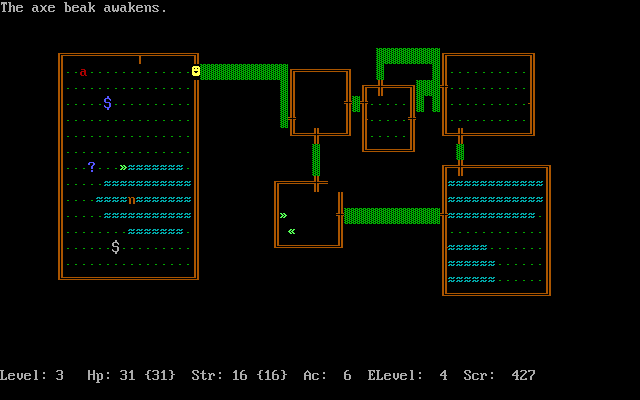
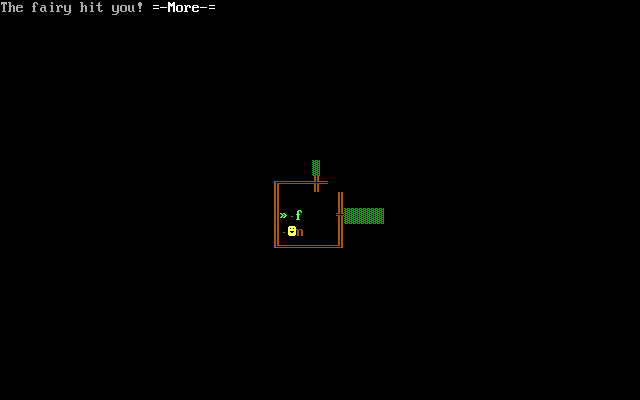
Keep playing
Similar Games
Help improve this entry
Something not working?
Report a gameplay or information problem. Short reports are enough.
Archive notes
Rights and Source Notes
Browser play uses the archived Freeware release. Official project references are listed below.
- Distribution
- Freeware
- Browser player
- js-dos · Browser play
- Added to archive
- 2026-07-27
- Official references