SLASH
Saves are stored in this browser.
Player notes
About this game
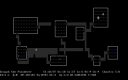
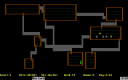
SLASH expands NetHack with additional character choices, creatures and dungeon features. The supplied release 6 notes date this build to March 1996. Its dungeon rules differ from other NetHack branches: for example, the FAQ describes a shorter Gnomish Mines and explains that this version does not use a weapon-skill system.
The packaged configuration enables number-pad movement. Lowercase i lists your belongings, w readies a weapon, e eats food and s searches the surroundings. Comma picks up an object, while the greater-than and less-than commands use stairs when you stand on them.
Open help with question mark and use slash to investigate an unfamiliar symbol. Uppercase S saves the game. Choices are turn-based, but moving carelessly can still exhaust food or expose the character to a dangerous encounter.
Start here
Quick tips
Read prompts for item letters and directions before entering another command.
The packaged SLASH release has different features from later NetHack variants.
- Number pad 1–9, excluding 5
- Move in eight directions
- i
- View inventory
- w
- Wield a weapon
- e
- Eat
- s
- Search
- ,
- Pick up an object
- o
- Open a door
- < / >
- Go upstairs / downstairs
- ?
- Open help
- /
- Identify a symbol
- Shift+S
- Save
- Space
- Rest a turn
Screens
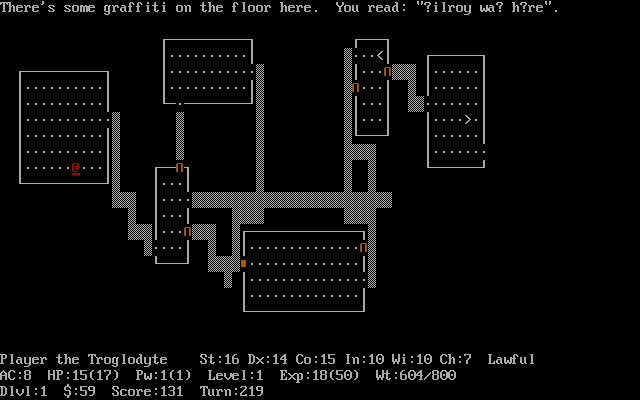
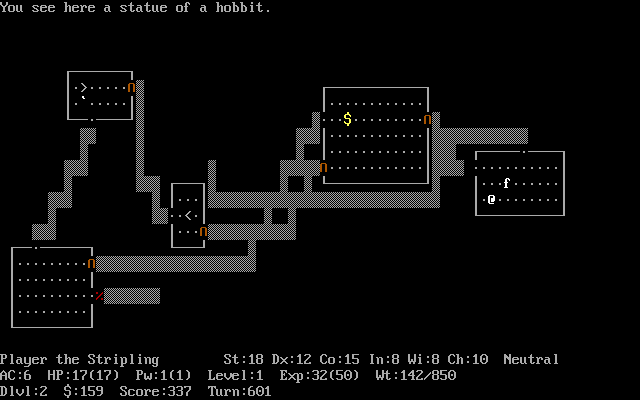
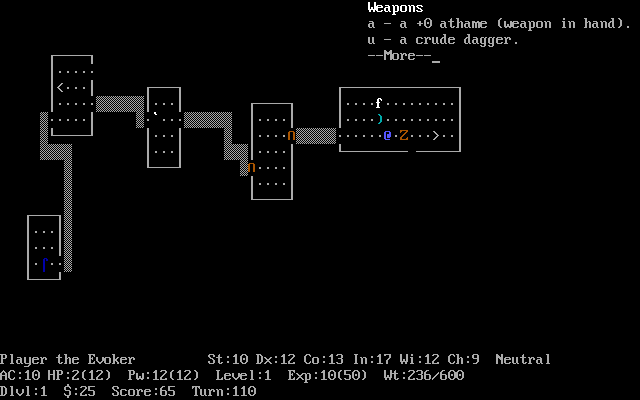
Screenshots
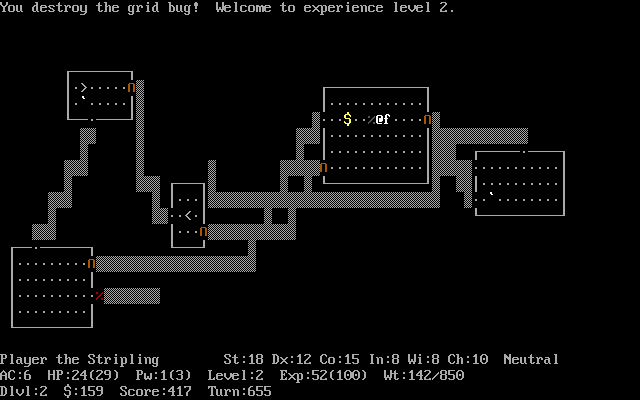
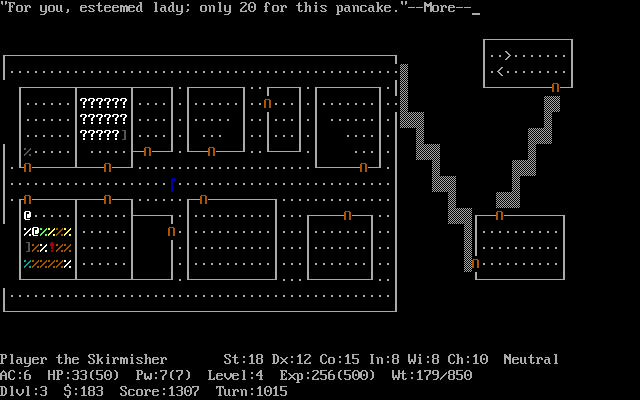
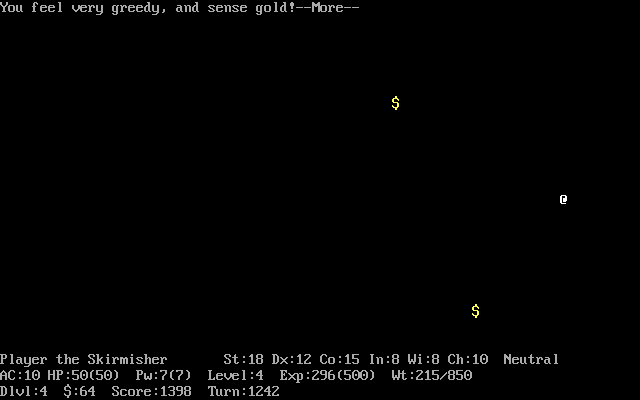
Keep playing
Similar Games
Help improve this entry
Something not working?
Report a gameplay or information problem. Short reports are enough.
Archive notes
Rights and Source Notes
Browser play uses the archived Freeware release. Official project references are listed below.
- Distribution
- Freeware
- Browser player
- js-dos · Browser play
- Added to archive
- 2026-07-27
- Official references