Rogue
Saves are stored in this browser.
Player notes
About this game
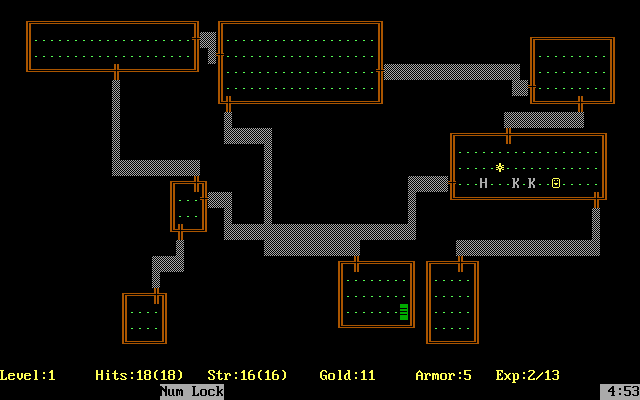
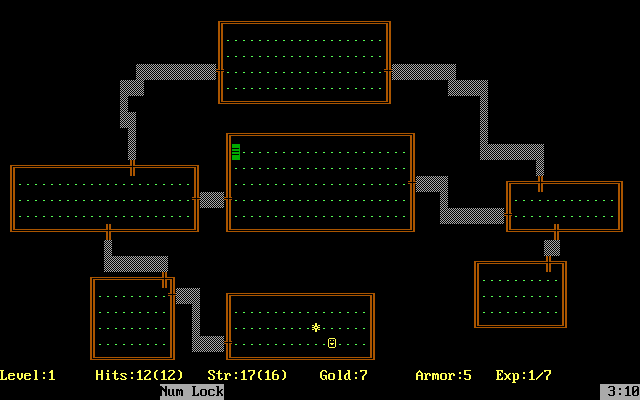
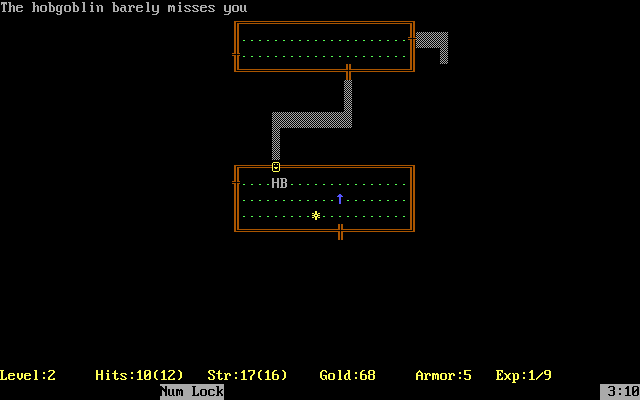
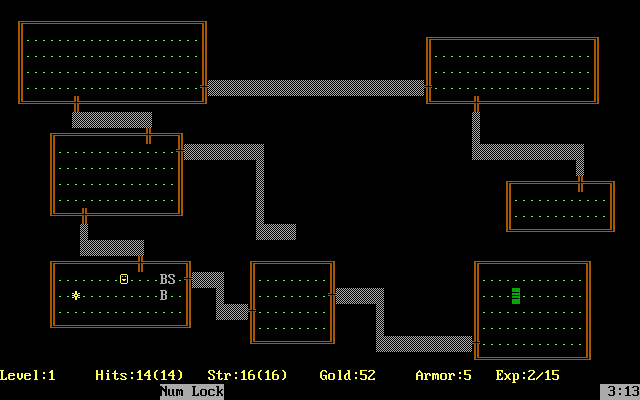
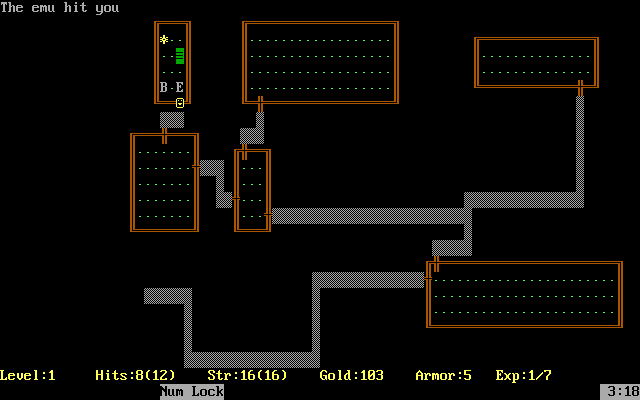
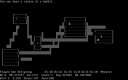
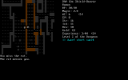
Rogue presents its dungeon as a grid of rooms, passages and symbols. Enter a name to begin, then explore while watching your health, food and equipment. The status line reports your dungeon level, hit points, strength, gold, armour and experience.
The arrow keys move in four directions. Home, Page Up, End and Page Down cover the diagonals. Use F1 for the command list and F2 for a symbol reference; Space clears a more-message or advances a help page. F7 lists your possessions. Lowercase e eats food, q drinks a potion, r reads a scroll and s searches for traps or secret doors.
Use the staircase commands > and < when standing on the corresponding stairs. Uppercase S saves the game, while lowercase s searches, so case matters. Escape cancels a command when you want to reconsider an item or direction.
Start here
Quick tips
Keep food available; the game warns when hunger becomes dangerous.
Use F1 for commands and F2 to identify the map symbols.
Lowercase s searches; uppercase S saves.
- Arrow keys
- Move in the four cardinal directions
- Home / Page Up / End / Page Down
- Move diagonally
- F1 / F2
- Show commands / the symbol reference
- F7
- List your inventory
- Space
- Clear a more-message or advance help
- e
- Eat food
- q / r
- Drink a potion / read a scroll
- s
- Search for traps or secret doors
- w
- Wield a weapon
- > / <
- Go down / up stairs while standing on them
- Shift + S
- Save the game
- Escape
- Cancel the current command
Screens
Screenshots
Keep playing
Similar Games
Help improve this entry
Something not working?
Report a gameplay or information problem. Short reports are enough.
Archive notes
Rights and Source Notes
Browser play uses the archived Freeware release.
- Distribution
- Freeware
- Browser player
- js-dos · Browser play
- Added to archive
- 2026-07-27