Linley's Dungeon Crawl
Saves are stored in this browser.
Player notes
About this game
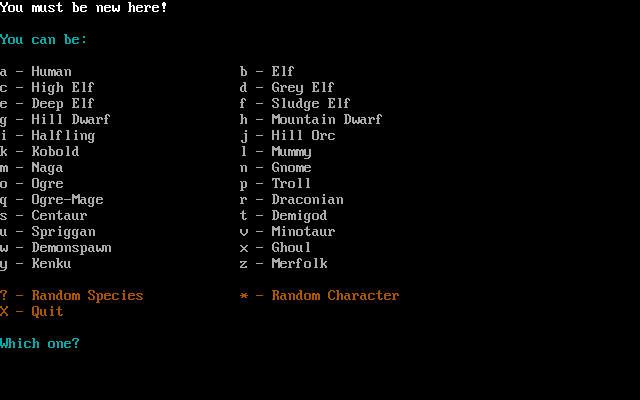
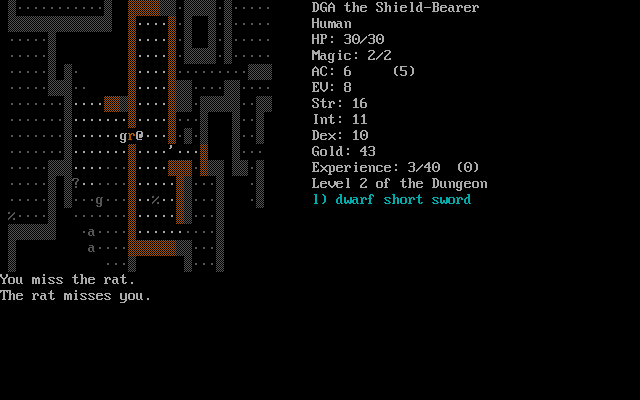
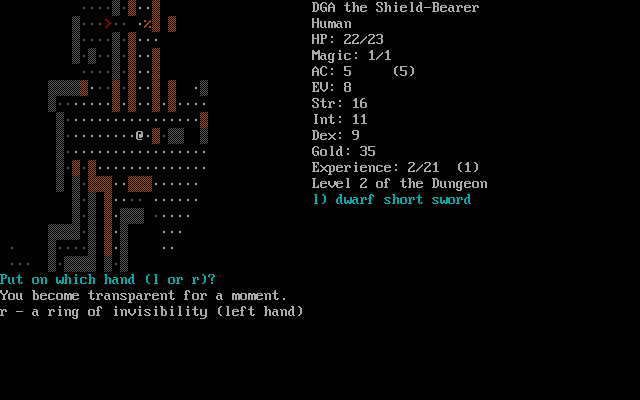
Linley's Dungeon Crawl is a turn-based descent through a changing dungeon in search of the Orb of Zot. Choose a species and class, then manage equipment, food and health while deciding when to fight or retreat. Death ends a character's run.
This archive's packaging note identifies a DOS build of 4.0.0 beta 26, accompanied by older quick-start and 3.40 reference text. It is the classic game, not a current Dungeon Crawl Stone Soup release. Use the in-game question-mark command to check the active command list.
Comma picks up objects, i lists inventory and d drops an item. Period waits one turn; 5 rests longer. Lowercase w wields a weapon, q drinks a potion and r reads a scroll. The stair commands are < and > when standing on the corresponding staircase.
Start here
Quick tips
Read the active ? command list when an older manual differs.
Rest in safety between encounters instead of walking in circles.
- Numeric keypad directions
- Move or attack an adjacent monster
- ?
- Show commands
- ,
- Pick up objects
- i
- Show inventory
- d
- Drop an item
- w
- Wield a weapon
- q
- Drink a potion
- r
- Read a scroll
- e
- Eat food
- .
- Wait one turn
- 5
- Rest for longer
- < / >
- Use an up / down staircase
- Shift+S
- Save and leave the current run
Screens
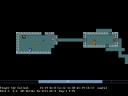
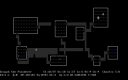
Screenshots
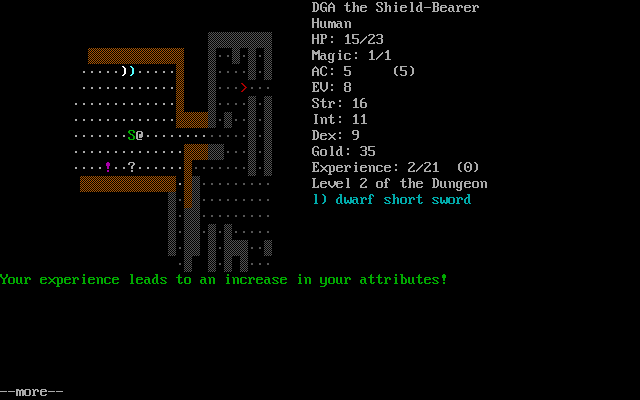
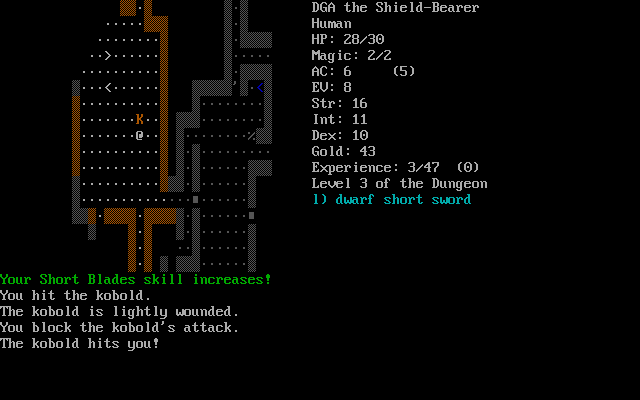
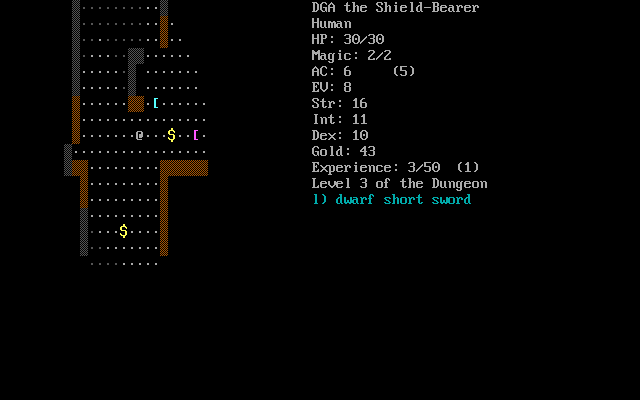
Keep playing
Similar Games
Help improve this entry
Something not working?
Report a gameplay or information problem. Short reports are enough.
Archive notes
Rights and Source Notes
Browser play uses the archived Freeware (installed) release. Official project references are listed below.
- Distribution
- Freeware (installed)
- Browser player
- js-dos · Browser play
- Added to archive
- 2026-07-27
- Official references