NetHack
Saves are stored in this browser.
Player notes
About this game
NetHack sends an adventurer into the Mazes of Menace to recover the Amulet of Yendor. Your role and starting equipment affect the opening decisions, but careful exploration and learning unfamiliar objects matter throughout the run. The bundled guide is the 3.4-era guidebook; these notes describe that DOS archive rather than a newer release.
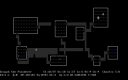
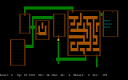
Movement uses the eight direction letters: h/j/k/l for left, down, up and right, with y/u/b/n for diagonals when number-pad mode is off. Stepping into a monster attacks it. Period waits one turn and comma picks up objects.
Use ? for help, / to identify a map symbol and & to ask about a command. Escape cancels a prompt. Read messages before continuing with Space, and distinguish lowercase commands from their shifted counterparts.
Start here
Quick tips
Letter movement applies when number-pad mode is off.
Use / to identify an unfamiliar symbol before approaching it.
- H / J / K / L
- Move left / down / up / right with unshifted letters
- Y / U / B / N
- Move diagonally with unshifted letters
- .
- Wait one turn
- ,
- Pick up objects
- i
- Show inventory
- a
- Use a tool
- < / >
- Use stairs
- ?
- Open help
- /
- Explain a symbol
- &
- Explain a command
- Space
- Advance a More prompt
- Escape
- Cancel the current command
Screens
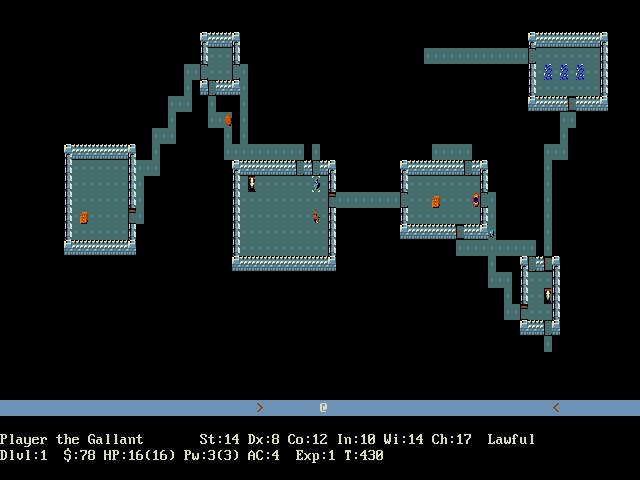
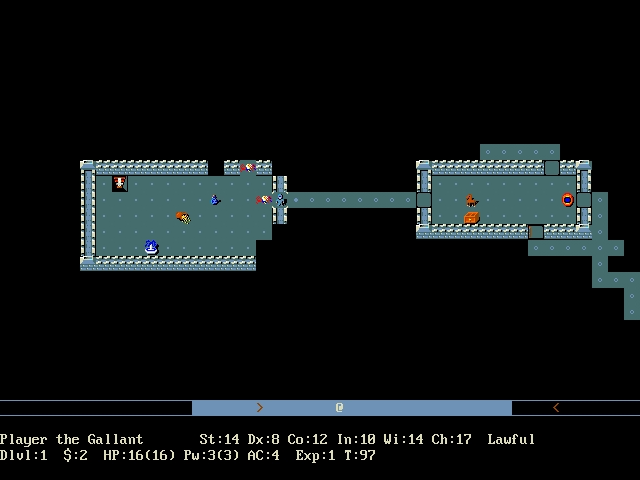
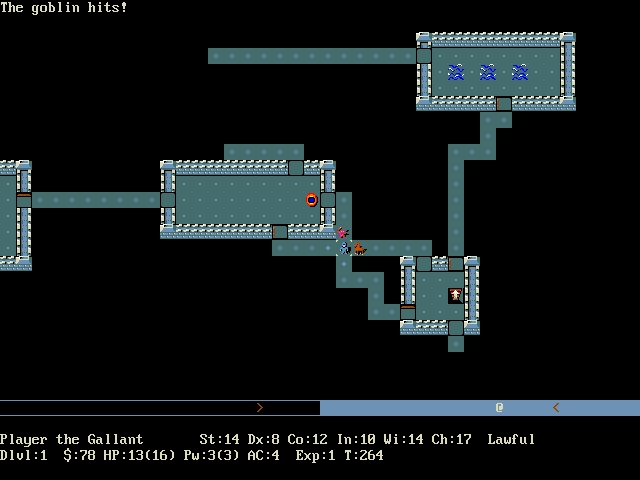
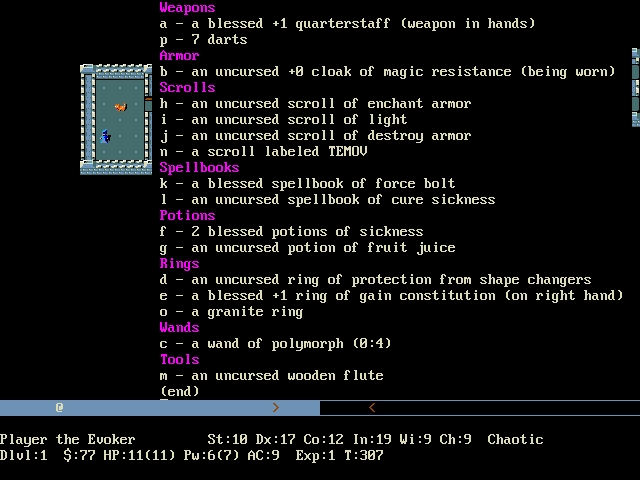
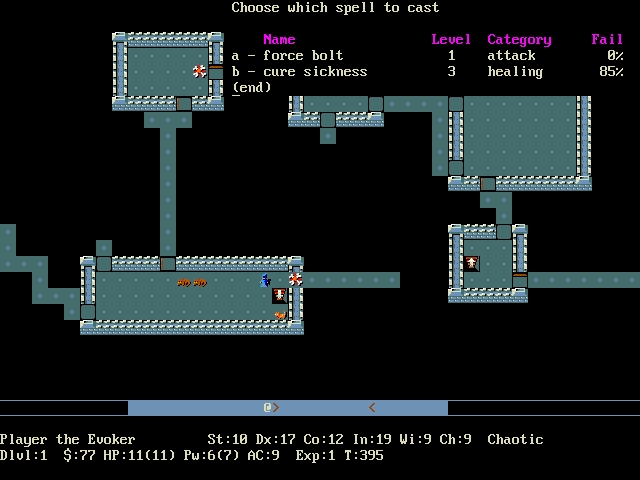
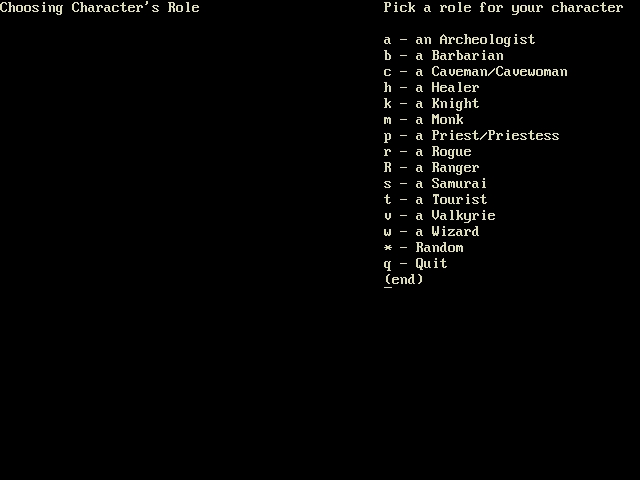
Screenshots
Keep playing
Similar Games
Help improve this entry
Something not working?
Report a gameplay or information problem. Short reports are enough.
Archive notes
Rights and Source Notes
Browser play uses the archived Freeware release. Official project references are listed below.
- Distribution
- Freeware
- Browser player
- js-dos · Browser play
- Added to archive
- 2026-07-28
- Official references