Bubble Jeopardy
Saves are stored in this browser.
Player notes
About this game
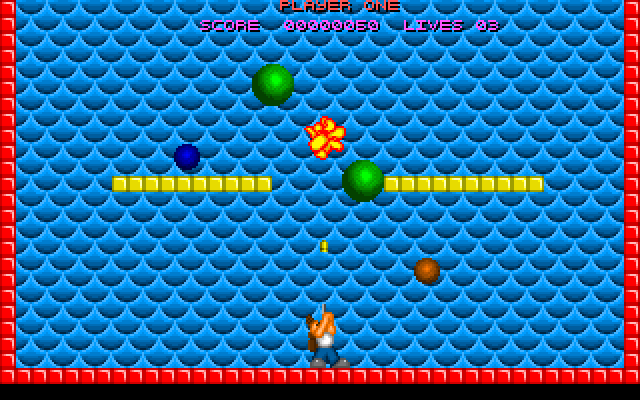
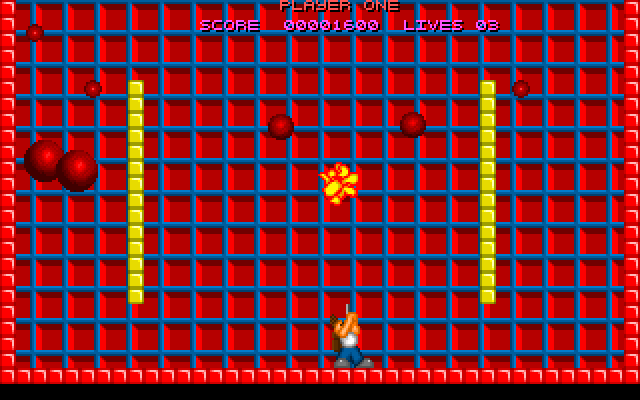
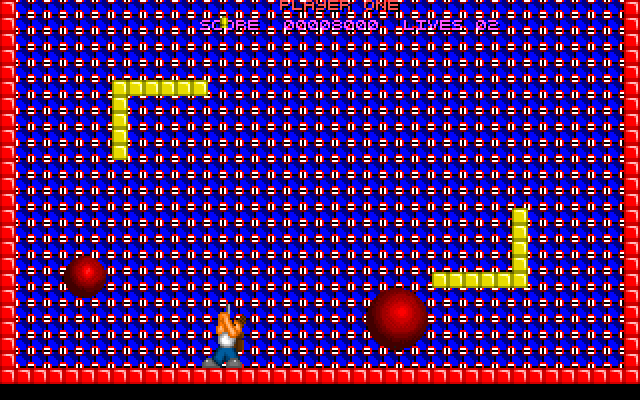
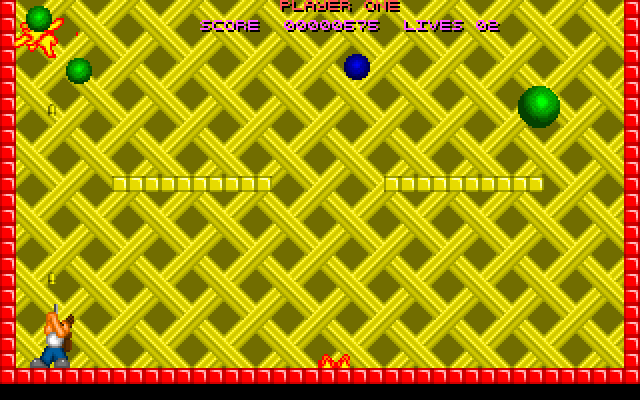
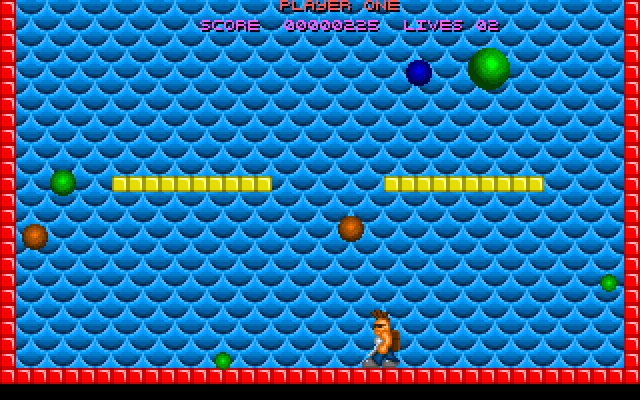
Bubble Jeopardy asks you to remove every red, green and yellow bubble from the playfield. Shooting one splits it into smaller bubbles of the same colour; the smallest disappear when hit. Touching a bubble costs a life and restarts the current level.
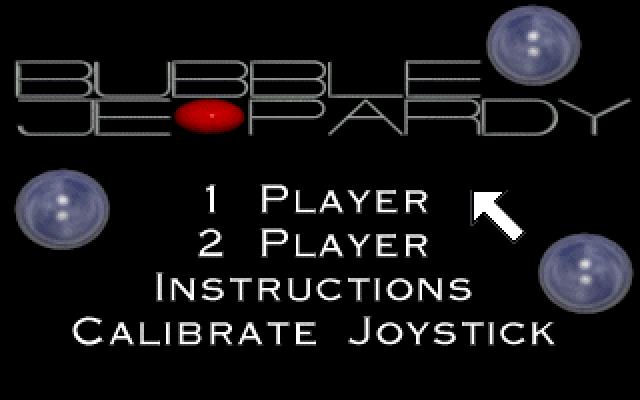
Use the mouse to choose 1 Player or Instructions from the title menu. During keyboard play, comma and full stop move left and right, and Space fires upward. The original help assigns the keyboard to player one and a joystick to player two in two-player mode, so these instructions focus on the single-player keyboard option.
Purple and blue bubbles behave differently from the ordinary targets: they cannot be popped normally and can multiply. Orange bubbles release fire that blocks part of the floor when shot. Read the illustrated Instructions before taking on these hazards, and collect useful temporary bonuses such as a shield or a freeze effect when the route is clear.
Start here
Quick tips
Clear all sizes of the red, green and yellow bubbles.
Read Instructions for hazardous colours before shooting them.
Single-player keyboard movement uses comma and full stop.
- , / .
- Move left / right
- Space
- Fire upward; continue when the game requests Space or Fire
- Left click
- Choose a title-menu item
Screens
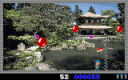
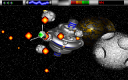
Screenshots
Keep playing
Similar Games
Help improve this entry
Something not working?
Report a gameplay or information problem. Short reports are enough.
Archive notes
Rights and Source Notes
Browser play uses the archived Freeware release. Official project references are listed below.
- Distribution
- Freeware
- Browser player
- js-dos · Browser play
- Added to archive
- 2026-07-26
- Official references