Catacomb
Saves are stored in this browser.
Player notes
About this game
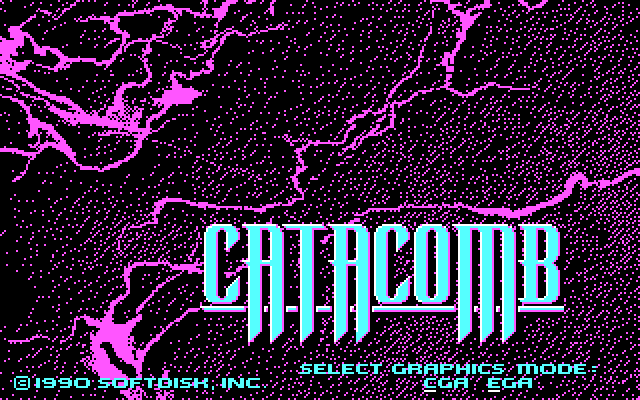
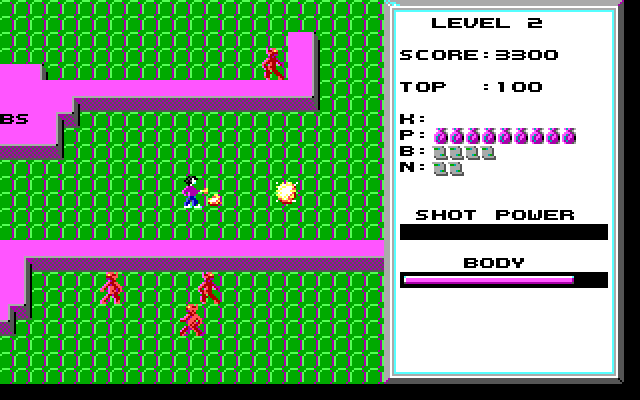
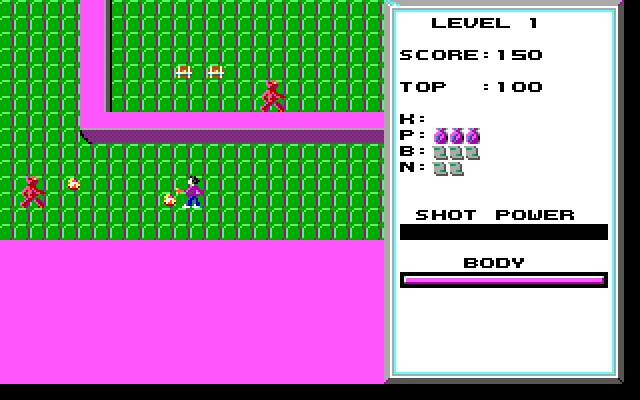
Catacomb sends the magician Petton Everhail through ten dungeon levels. A magic mirror leads out of each floor, but locked doors, monsters and hidden passages stand between you and the exit. Keys open doors when you walk into them, potions restore health, and treasure chests add points. Some walls can be destroyed with magic, making them part of the route rather than permanent barriers.
This is John Carmack's original two-dimensional Catacomb from the Gamer's Edge sampler, not Catacomb 3-D. The included CATACOMB.TXT explains its keyboard controls and items.
Hold Ctrl to charge the Power gauge for a stronger shot. Holding Alt keeps your facing direction while you move, which helps when firing along a corridor. B uses a bolt scroll; Enter or N uses a nuke. Those scrolls are separate from your normal attack, so keep track of what you have collected before relying on them.
Start here
Quick tips
Try shooting suspicious walls when a room seems unreachable.
Save nuke scrolls for crowded encounters and use Space or P to heal when needed.
- Arrow keys
- Move
- Ctrl
- Fire; hold to charge a stronger shot
- Alt
- Keep facing the same direction while moving
- Space / P
- Drink a potion
- B
- Use a bolt scroll
- Enter / N
- Use a nuke scroll
- F1
- Open help
- F9
- Pause
Screens
Screenshots
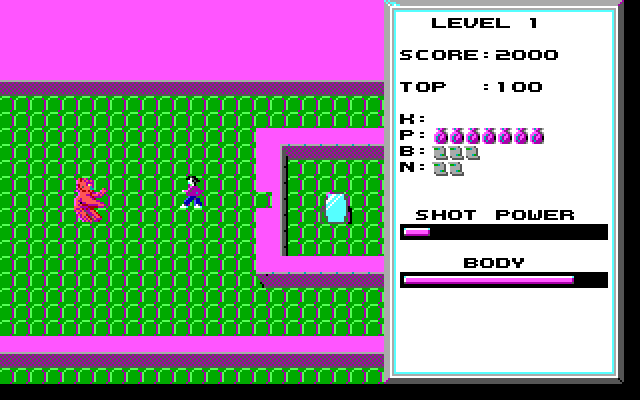
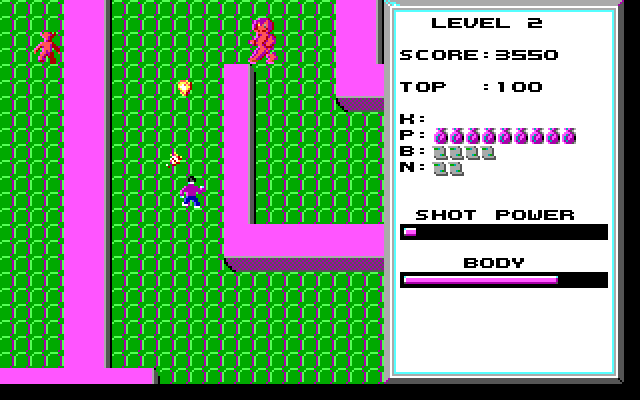
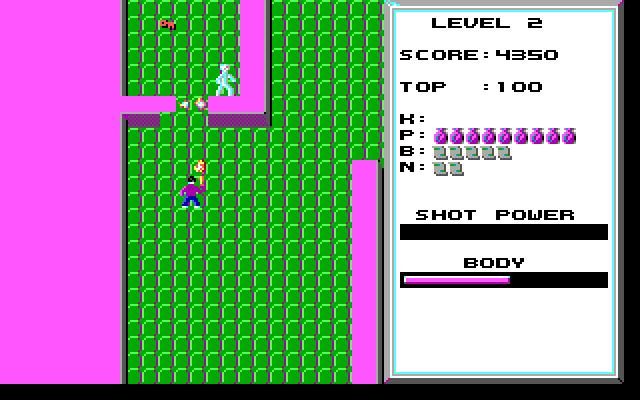
Keep playing
Similar Games

Help improve this entry
Something not working?
Report a gameplay or information problem. Short reports are enough.
Archive notes
Rights and Source Notes
Browser play uses the archived Freeware release. Official project references are listed below.
- Distribution
- Freeware
- Browser player
- js-dos · Browser play
- Added to archive
- 2026-07-26
- Official references