Firefall
Saves are stored in this browser.
Player notes
About this game
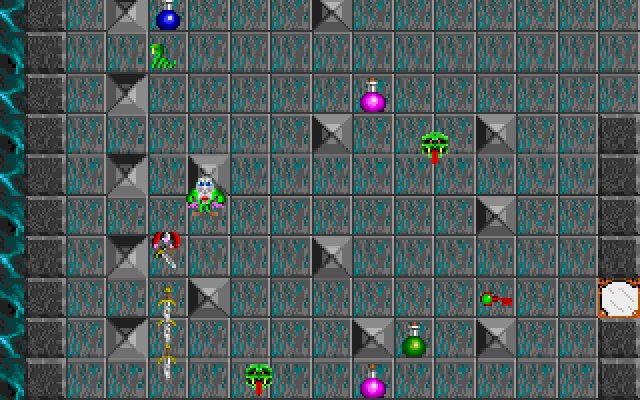
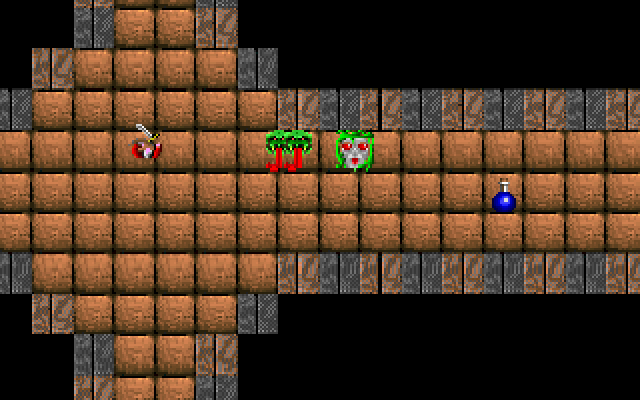
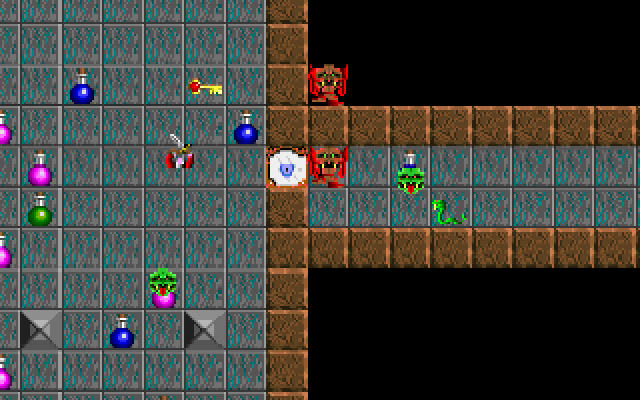
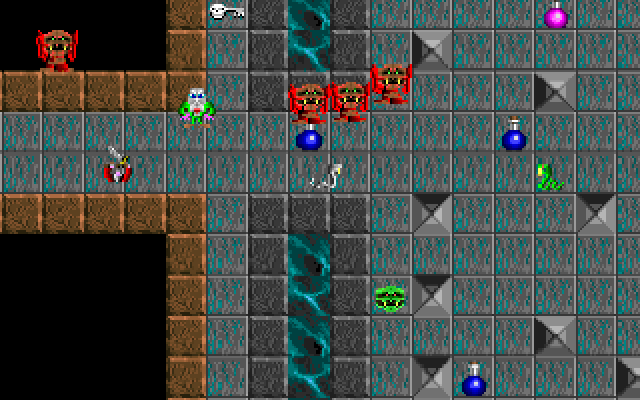
Firefall begins with a warrior entering a cliffside dungeon despite the warning carved into its door. The entrance disappears behind you, leaving a maze to explore and creatures to fight. It was made with Recreational Software Designs’ Game-Maker, and its short instruction screens focus on movement, attacks and recognizing useful objects.
Arrow keys move the adventurer and Space launches an attack. Green potions restore health; blue potions provide the axe, and violet potions provide the fireball. Keys correspond to doors by color or theme. Search for the flashing skull slab when you are ready to leave a level.
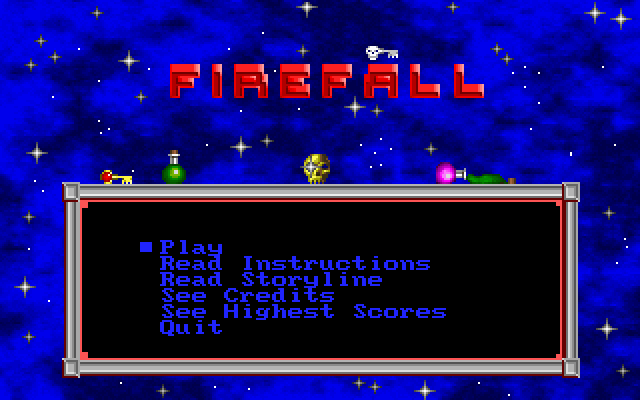
On a fresh start, a hardware-settings screen appears first. Click Done to continue to the title menu, then choose Play. F1 opens help and F2 displays status and inventory. The original game also has F5 and F6 commands for saving and restoring within the game. Escape ends help or the current game, so use it deliberately. If you lose track of your equipment, check the inventory before returning to a locked route.
Start here
Quick tips
At the first hardware-settings screen, click Done, then choose Play.
Look for a flashing skull slab to find the exit.
- Arrow keys
- Move
- Space
- Attack
- F1
- Show help
- F2
- Show status and inventory
- F3
- Toggle music
- F4
- Toggle sound
- F5
- Save within the game
- F6
- Restore an in-game save
- Escape
- End help or the game
- Left mouse button
- Choose Done on the initial hardware-settings screen
Screens
Screenshots
Keep playing
Similar Games

Help improve this entry
Something not working?
Report a gameplay or information problem. Short reports are enough.
Archive notes
Rights and Source Notes
Browser play uses the archived Freeware release.
- Distribution
- Freeware
- Browser player
- js-dos · Browser play
- Added to archive
- 2026-07-26