Clyde's Revenge
Saves are stored in this browser.
Player notes
About this game
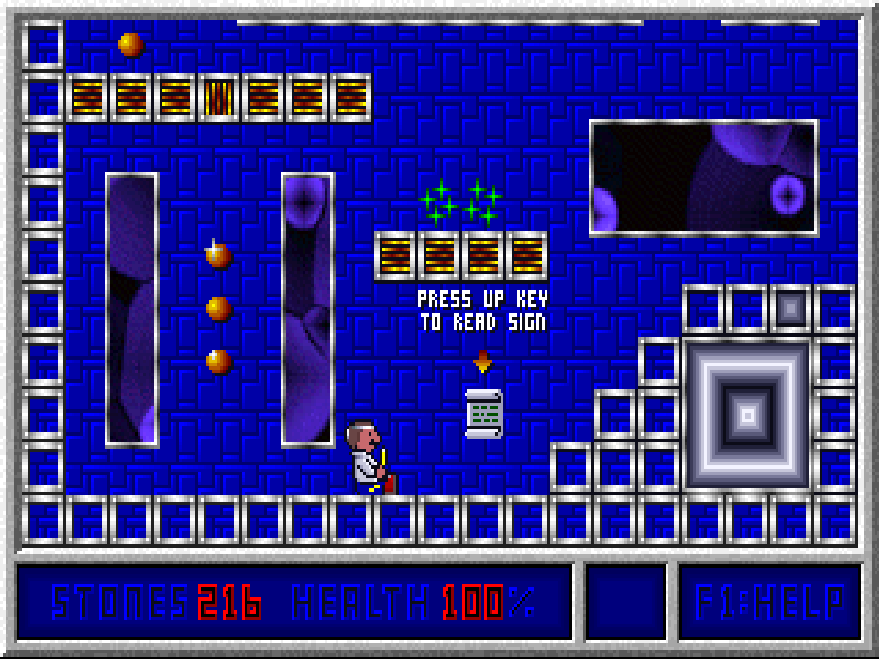
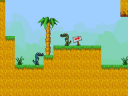
Clyde's Revenge is Moonlite Software's 1995 scrolling platform adventure. Clyde searches a series of castles for treasure, jumping between ledges and using his wand to break bricks. Finishing a castle means collecting all of its stones, so a route that looks like a detour may still be worth exploring. The display beneath the playfield shows the stones remaining and Clyde's health.
This package identifies itself as shareware version 1.5. Its original registration information describes the first part as shareware and the other three as separate registered episodes. The four difficulty choices are Kiddie, Easy, Medium and Hard; they are settings for play, not four episodes included in this package.
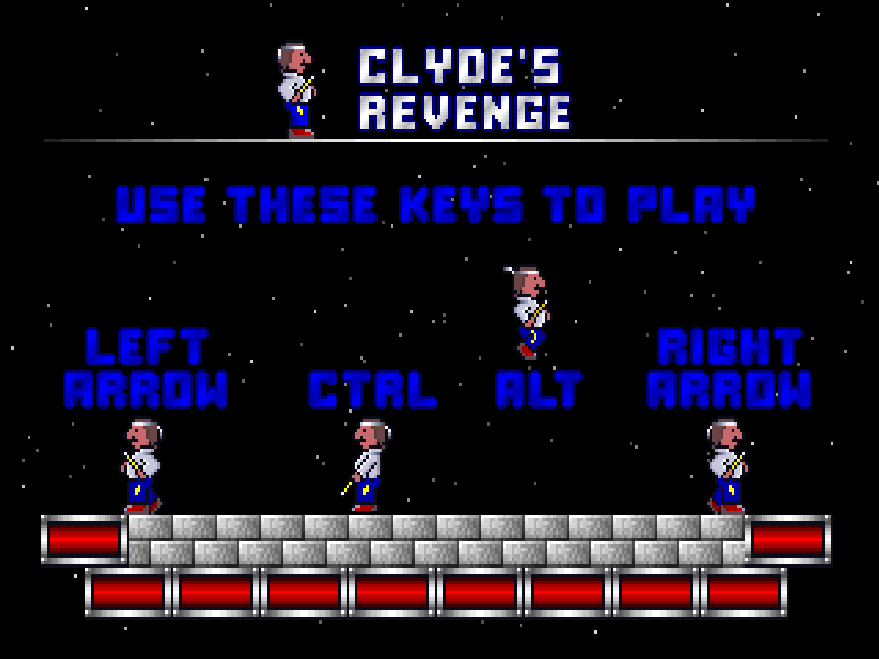
At the opening text menu, choose Start the Game. Select a player from the list or choose Add me to create one, then confirm the difficulty. Let the opening animation finish and select Start Playing Clyde when the graphical menu appears. Use the left and right arrows to walk and Alt to jump. Ctrl uses the wand; nearby breakable bricks are one of its uses.
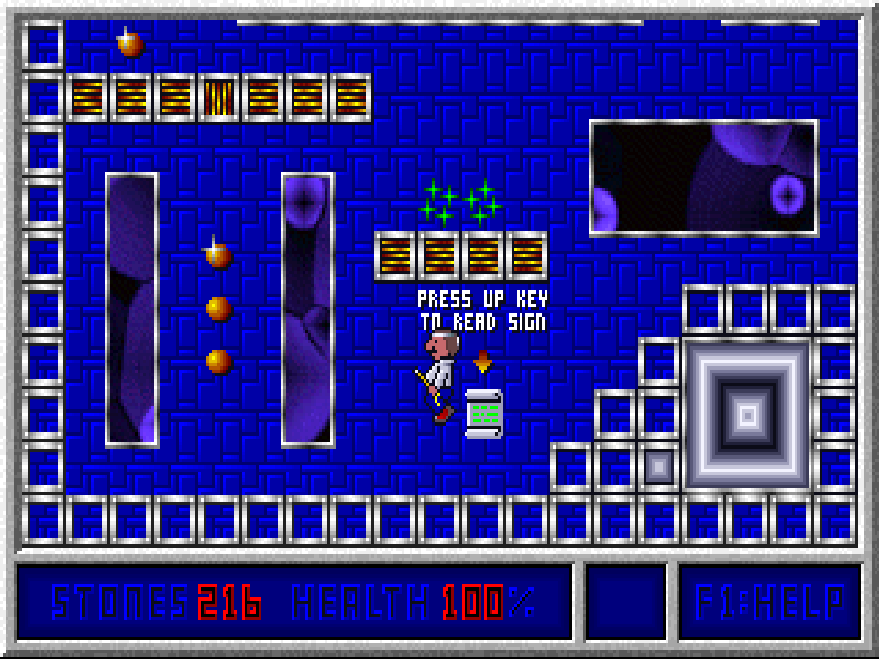
Read the signposts as you explore: stand nearby and press the up arrow. The signs introduce switches, keys and other features of the castle. Up also operates a nearby switch. Gold keys remain with Clyde for the rest of that castle and open matching gold locks. Press F1 during play to open the help and options menu, where How to Play the Game repeats the basic controls.
Start here
Quick tips
Choose Start the Game, select or create a player, and confirm the difficulty. Allow each menu transition to finish before pressing again.
Watch the STONES counter: collect every stone to finish the castle, including those away from the most obvious route.
Stand near a sign and press Up to read it. The first sign recommends reading all the signs for instructions.
Use Alt to jump and Ctrl to break suitable bricks with the wand. Some switches change a part of the castle outside your current view.
Press F1 for the game's help menu. Choose Return to Game to continue after checking the controls.
- Left / Right
- Walk left / right
- Alt
- Jump
- Ctrl
- Use the wand; break nearby breakable bricks
- Up
- Read a nearby sign or operate a nearby switch
- F1
- Open the in-game help and options menu
- Up / Down
- Move the selection in menus
- Enter
- Confirm a menu selection
Screens
Screenshots
Keep playing
Similar Games
Help improve this entry
Something not working?
Report a gameplay or information problem. Short reports are enough.
Archive notes
Rights and Source Notes
Browser play uses the archived Freeware release.
- Distribution
- Freeware
- Browser player
- js-dos · Browser play
- Added to archive
- 2026-07-28