CRASH
Saves are stored in this browser.
Player notes
About this game
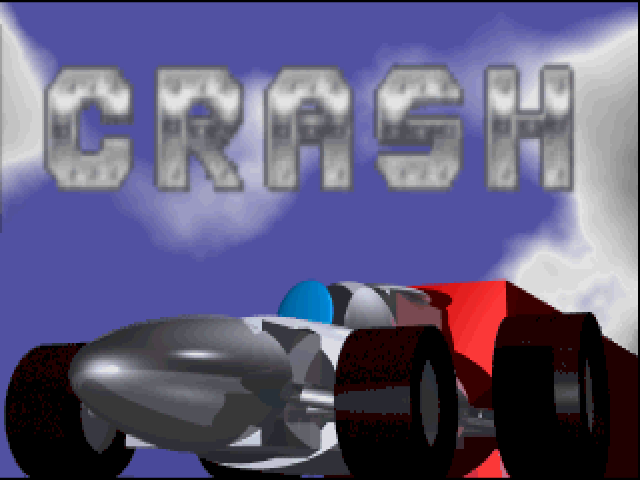
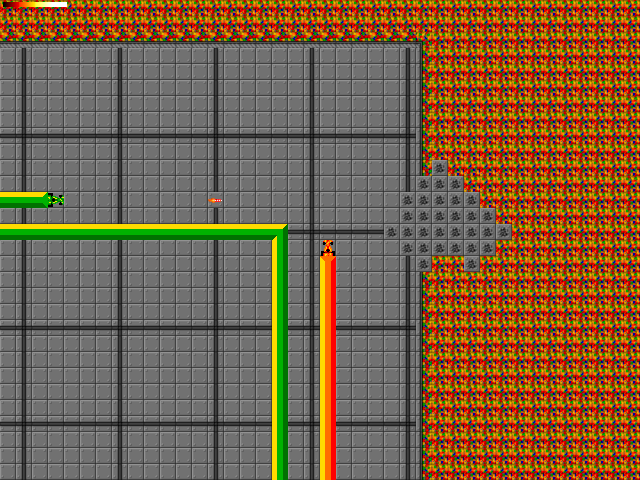
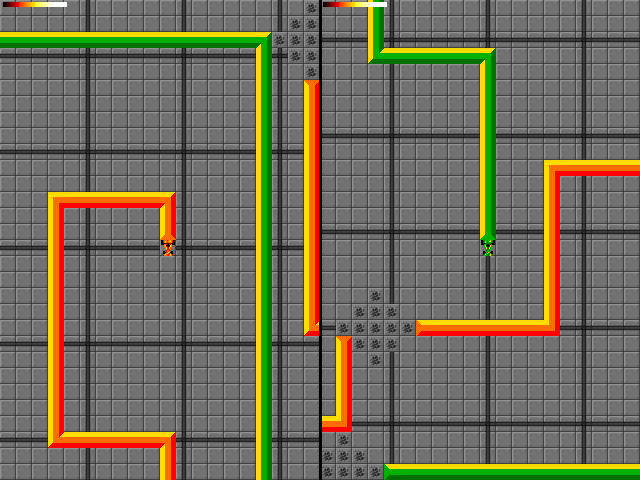
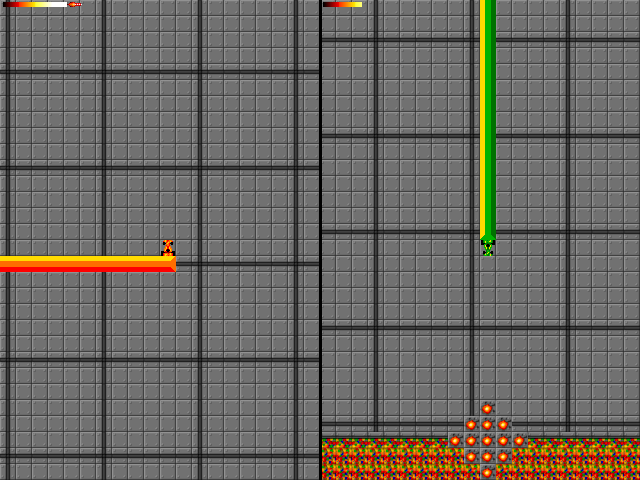
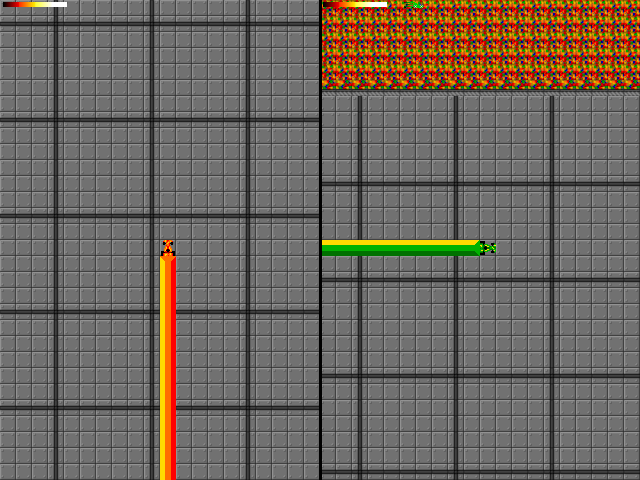
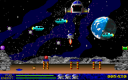
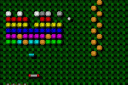
Crash is Digital Nightmares' March 1996 vehicle-combat game. Its futuristic contest equips the competitors with rockets and turbo, then leaves them fighting to be the last survivor. The playfield is viewed from above, with coloured trails marking the vehicles' routes across a tiled arena.
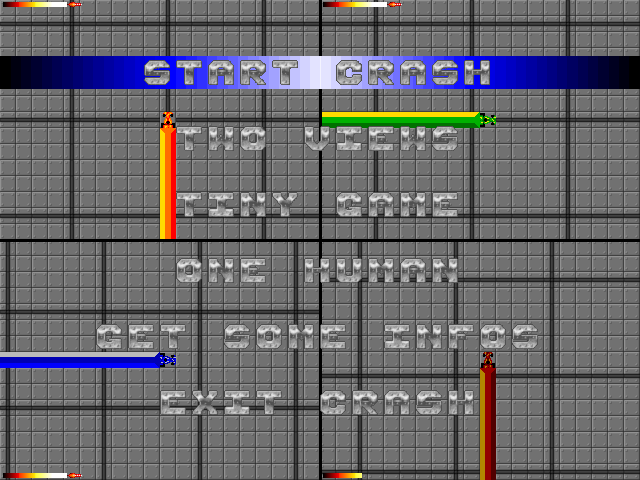
The title menu offers one, two or four views, a difficulty choice and a human-player count. Difficulty changes the number of computer competitors: the original information gives two, five or ten. Begin with one human and a small field of opponents while learning how the arena fills up. Select Start Crash when ready; Get Some Infos contains the original instructions.
Player one uses the arrow keys, right Ctrl to fire and right Alt for turbo. Player two uses W/A/S/D, left Ctrl to fire and left Shift for turbo. The side of the modifier key matters. F1 slows the game and F2 speeds it up. Leave room for your next direction change instead of rushing into a tight corner, and try the weapon before relying on turbo to escape.
Start here
Quick tips
The one-player attack keys are right Ctrl and right Alt.
Start with fewer computer competitors.
Use F1 if the game is moving too quickly.
- Arrow keys
- Player 1: choose movement direction
- Right Ctrl
- Player 1: fire
- Right Alt
- Player 1: turbo
- W / A / S / D
- Player 2: choose movement direction
- Left Ctrl
- Player 2: fire
- Left Shift
- Player 2: turbo
- F1 / F2
- Slow down / speed up the game
- Enter
- Confirm the selected menu option
Screens
Screenshots
Keep playing
Similar Games
Help improve this entry
Something not working?
Report a gameplay or information problem. Short reports are enough.
Archive notes
Rights and Source Notes
Browser play uses the archived Freeware release. Official project references are listed below.
- Distribution
- Freeware
- Browser player
- js-dos · Browser play
- Added to archive
- 2026-07-26
- Official references