Cybersphere Plus
Saves are stored in this browser.
Player notes
About this game
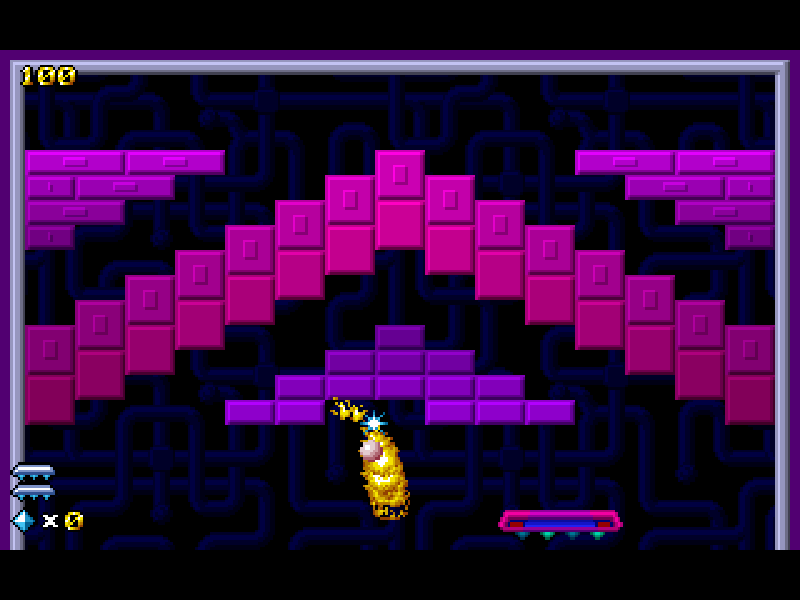
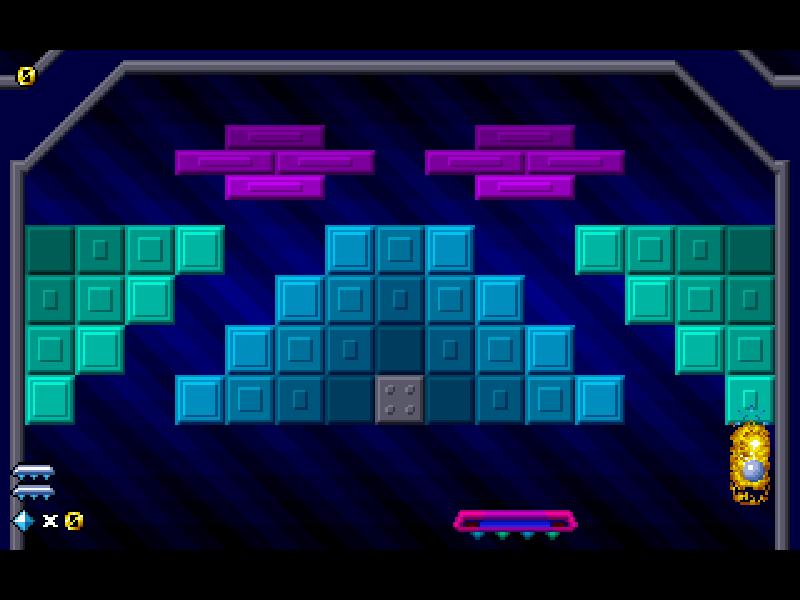
Cybersphere Plus is Clay Hellman’s 1998 DOS brick-breaking game from Psycon Software. Move the paddle with the mouse and keep the ball inside the arena while clearing blocks. Where the ball hits your paddle changes its outgoing angle, so a controlled return can open a route behind a difficult group of bricks.
Destroyed bricks can release gems and lettered items. W changes paddle width, F enables firing and H enables catching the ball; collecting one of those again reverses its effect. Multiball gives you more chances, but the last remaining ball still has to be saved. Gems are counted at level and bonus-stage transitions and are lost when you lose a life.
This is the original February 3, 1998 playable demo: one sector with three levels and two possible bonus stages. The other sectors belong to the full game and are not supplied here. It is a separate Plus release, with its own boards, rather than the full version of the earlier demo. Original files, the complete source ZIP, credits and the demo distribution notice are retained. Use a mouse; the keyboard arrows select menus rather than steering the paddle.
Start here
Quick tips
On a fresh start, answer Y to the sound question; the website mute control still silences playback. Wait for the main menu, choose Start and then Sector 1. When prompted to press FIRE, click the left mouse button.
Move the mouse horizontally to position the paddle. Click again to launch a held ball; the same button fires when the paddle has the F power-up.
W, F and H are toggles, so catching a second copy can remove a useful ability. P or Space pauses; Esc resets the game.
- Up / Down
- Move through menus; these keys do not steer the paddle.
- Enter / Space
- Confirm menu choices.
- P / Space
- Pause the game.
- Esc
- Reset the game.
- Y / N
- Answer the first-run sound question.
- Mouse movement
- Move the paddle left or right.
- Left mouse button
- Confirm prompts, launch held balls, and fire when equipped.
Keep playing
Similar Games
Ratings & comments
Help improve this entry
Something not working?
Report a gameplay or information problem. Short reports are enough.
Archive notes
Rights and Source Notes
Browser play is available for this entry.
- Distribution
- Shareware
- Browser player
- js-dos · Browser play
- Added to archive
- 2026-11-04
No comments yet. Be the first to share a tip.