Dragons Bane: Mah Jongg II
Saves are stored in this browser.
Player notes
About this game
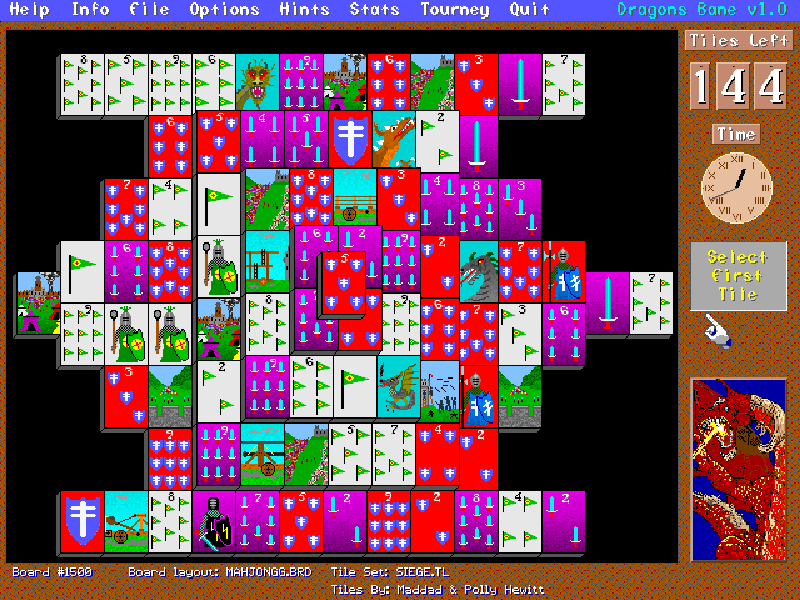
Dragons Bane: Mah Jongg II is Nels Anderson’s 1995 tile solitaire game, published by Arcanum Computing. A board begins with 144 tiles arranged in layers. Remove matching pairs while opening access to the tiles underneath; this is solitaire, rather than a four-player mahjong table.
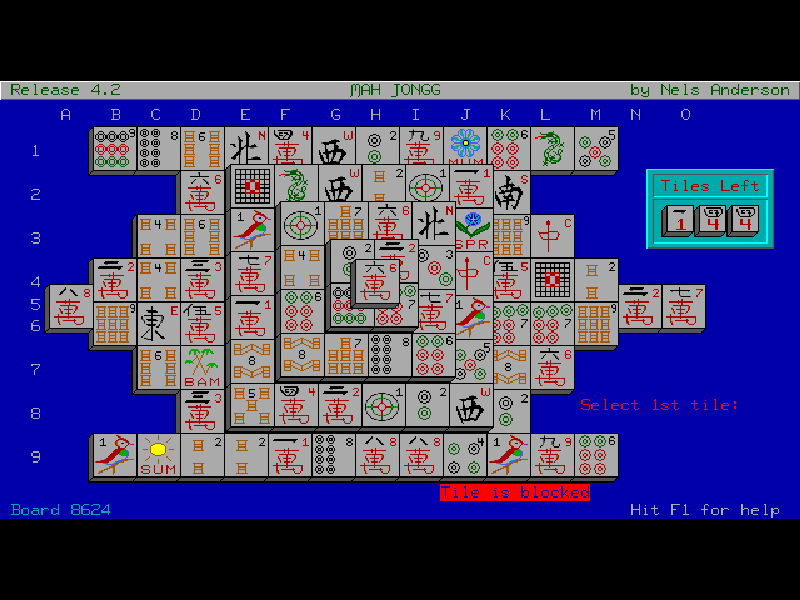
A selectable tile must have no tile covering it and a free left or right side. The supplied illustrated tile sets change the pictures, but keep the same matching structure. Flower and season groups in the traditional set follow their special matching rules. View Tile Set in Options helps explain an unfamiliar set.
This is the original 1.0 evaluation shareware release. It includes its native hints, menus, manual and editing utilities, with the author’s registration reminders preserved. Use the original mouse or keyboard interface; the website does not alter the tile artwork or add registered material.
Start here
Quick tips
Let the introductory animation and board drawing finish. The starting artwork may show medieval pictures rather than traditional mahjong symbols.
Ctrl+H shows available pairs. Its panel lets you inspect the next pair, stop, or remove the shown pair.
Use the mouse to select tiles, or move the cursor with arrows and confirm with Enter. A blocked-tile message means the tile is not currently free.
- Arrow keys
- Move the tile-selection cursor.
- Enter / Space
- Select the tile at the cursor or confirm a dialog.
- Ctrl + H
- Show a matching-pair hint.
- Alt + U
- Undo the last move when one is available.
- F1
- Open the original help.
- F10
- Open the quit command.
- Left mouse button
- Select a tile or a menu item.
Keep playing
Similar Games
Ratings & comments
Help improve this entry
Something not working?
Report a gameplay or information problem. Short reports are enough.
Archive notes
Rights and Source Notes
Browser play is available for this entry.
- Distribution
- Shareware
- Browser player
- js-dos · Browser play
- Added to archive
- 2026-11-04
No comments yet. Be the first to share a tip.