Epic Pinball
Saves are stored in this browser.
Player notes
About this game
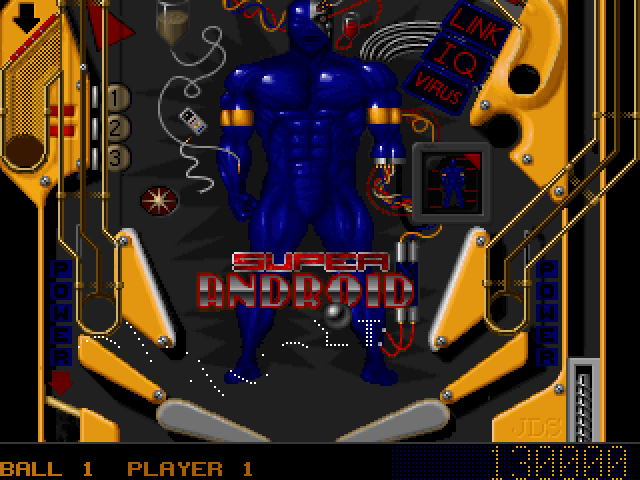
Epic Pinball puts the Super Android table on a DOS screen. Time each flipper separately to send the ball through ramps and lanes. The table has its own objectives and score display, so different routes can pay off as the ball stays in play.
If the first run opens the sound setup, choose a sound card and select Exit and Save. At the main menu choose Begin and confirm the Super Android table. Hold and release Space to launch, then use the two Shift keys for the two flippers.
The hosted copy is Epic MegaGames’ original try-before-you-buy shareware release, version 2.1. It includes Super Android, and Epic MegaGames, Inc. is credited in the original package as the program owner.
Start here
Quick tips
Wait for the ball to reach the flipper before shooting.
Try different plunger strengths.
Use the table’s Rules screen to see the current objectives.
- Enter
- Confirm menus or start a ball game
- Space
- Hold and release the plunger
- Left Shift
- Raise the left flipper
- Right Shift
- Raise the right flipper
- Esc
- Return to the menu when prompted
Keep playing
Similar Games
Ratings & comments
Help improve this entry
Something not working?
Report a gameplay or information problem. Short reports are enough.
Archive notes
Rights and Source Notes
Browser play is available for this entry. Official project references are listed below.
- Distribution
- Epic MegaGames shareware license
- Browser player
- js-dos · Browser play
- Added to archive
- 2026-11-19
- Official references
No comments yet. Be the first to share a tip.