Gladius
Saves are stored in this browser.
Player notes
About this game
Gladius combines exploration with explicit commands for weapons, equipment and magic. The available spells depend on the character's class, level and remaining magic power. Fighters favour direct combat, while classes such as clerics and wizards trade physical strength for spellcasting options.
Move with the arrow keys; holding two directions permits diagonal movement. A prepares an attack and C opens the spell list. Press A or N again when targeting to select the nearest enemy. W readies a weapon, E wears equipment and U uses an item.
G picks up objects and also drinks from pools. S searches for concealed walls or switches. Menu lists accept arrows and Enter, while Space usually cancels a choice or passes time. Check equipment and available spells before moving into a dangerous area.
Start here
Quick tips
After A or C, A or N can target the nearest monster.
Use S around suspicious walls and switches.
- Arrow keys
- Move; combine two directions for diagonal movement
- A
- Attack, then A or N targets the nearest enemy
- C
- Choose a spell
- W
- Ready a weapon
- E / R
- Wear / remove equipment
- U
- Use an item
- G
- Get an item or drink from a pool
- S
- Search for secrets
- Tab
- Switch equipment lists
- Enter
- Confirm a list selection
- Space
- Cancel a selection or pass time
- Escape
- Open the game menu
Screens
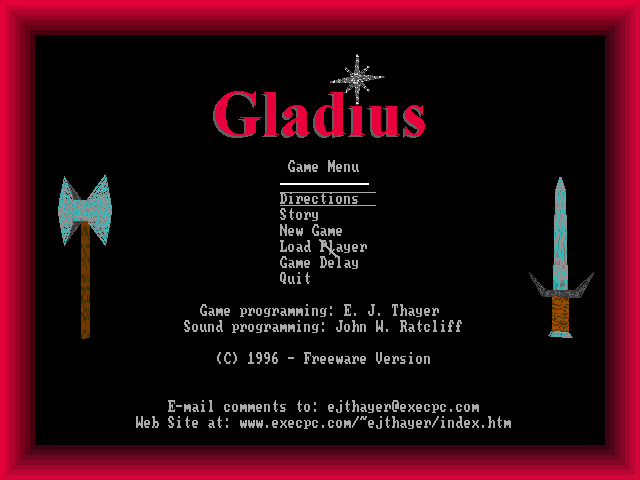
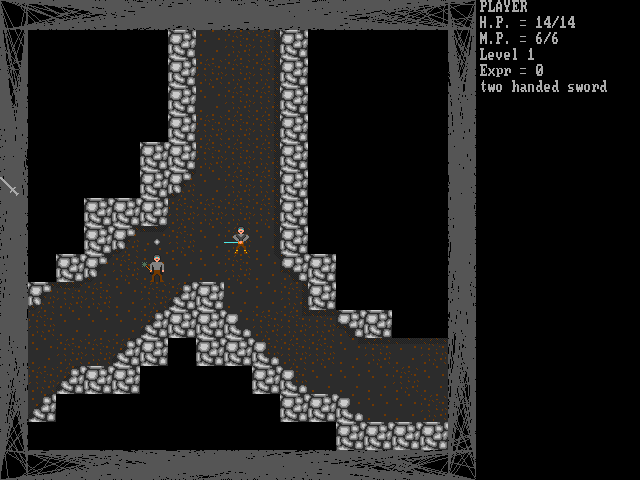
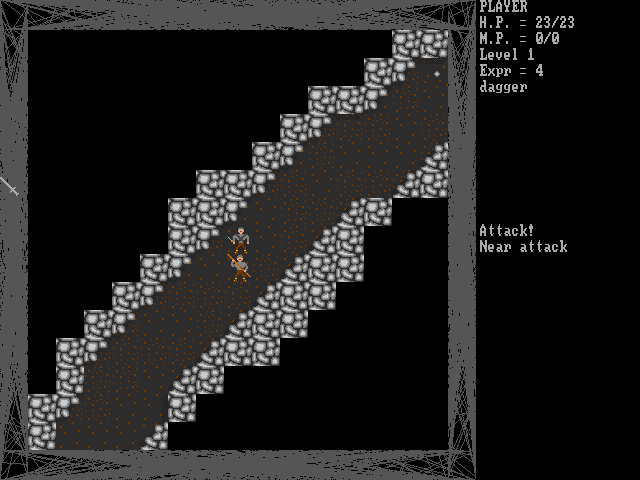
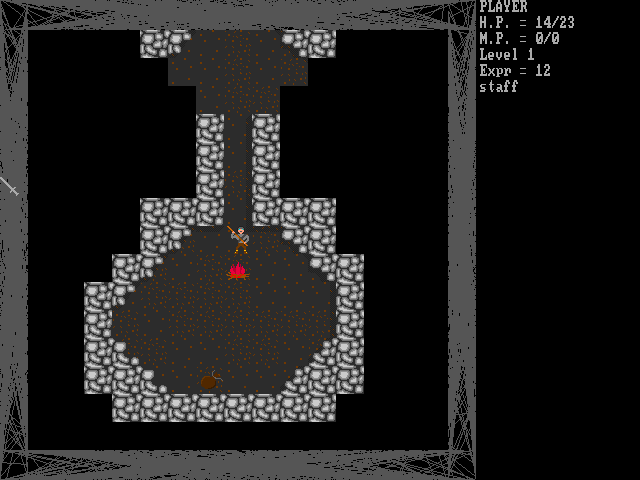
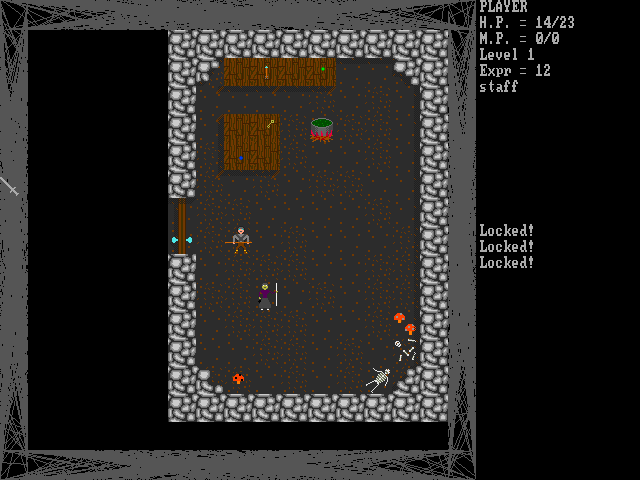
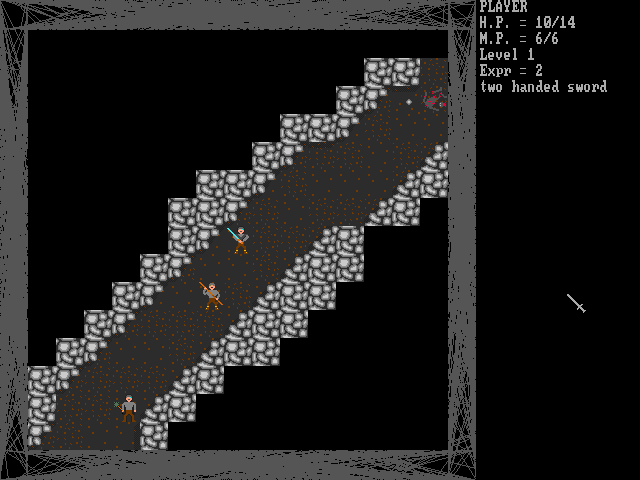
Screenshots
Keep playing
Similar Games
Help improve this entry
Something not working?
Report a gameplay or information problem. Short reports are enough.
Archive notes
Rights and Source Notes
Browser play uses the archived Freeware release. Official project references are listed below.
- Distribution
- Freeware
- Browser player
- js-dos · Browser play
- Added to archive
- 2026-07-26
- Official references