HalfLight
Saves are stored in this browser.
Player notes
About this game
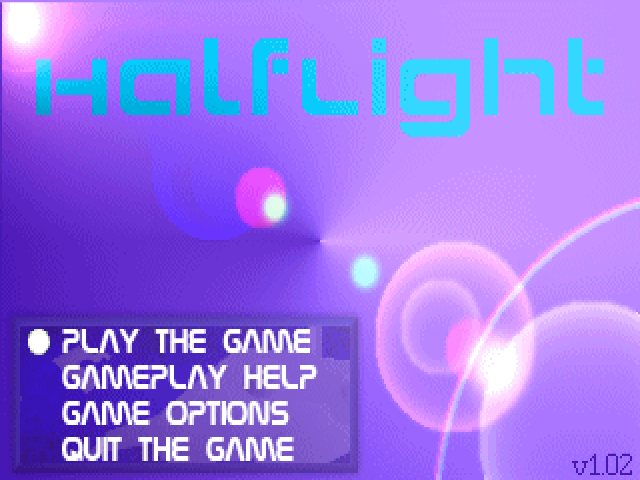
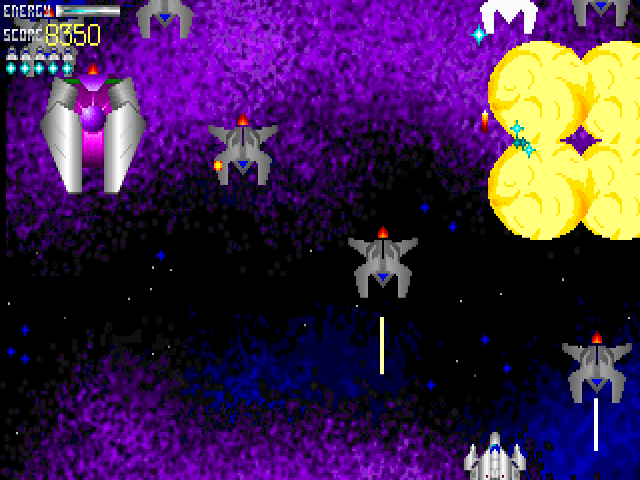
HalfLight takes a ship through six stages, from a nebula to a fortress, city and final warpspace encounter. Shoot approaching enemies and collect the upgrade icons explained by the main menu's Help screen. Its continue-point message tells you when a new restart location has been reached.
Use the arrows to move. Ctrl, Space and Enter are alternatives for the main gun, while Alt fires a mega-bomb. Enter also selects menu options. Escape backs out of a menu or asks to quit an active game; leaving a run loses your place.
The package's change notes identify version 1.02, which restores full health at the end of a level. Weapons return to their starting state between levels, so a powerful loadout is temporary. Pay attention to pickups and continue messages instead of assuming that an upgrade or restart position will carry unchanged through the whole game.
Start here
Quick tips
Alt uses the mega-bomb; Ctrl, Space or Enter fires the main gun.
Listen for the continue-point message and remember weapons reset between levels.
- Arrow keys
- Move the ship
- Ctrl / Space / Enter
- Fire the main gun
- Alt
- Fire a mega-bomb
- Enter
- Select a menu option
- Esc
- Back out / request to quit the current game
Screens
Screenshots
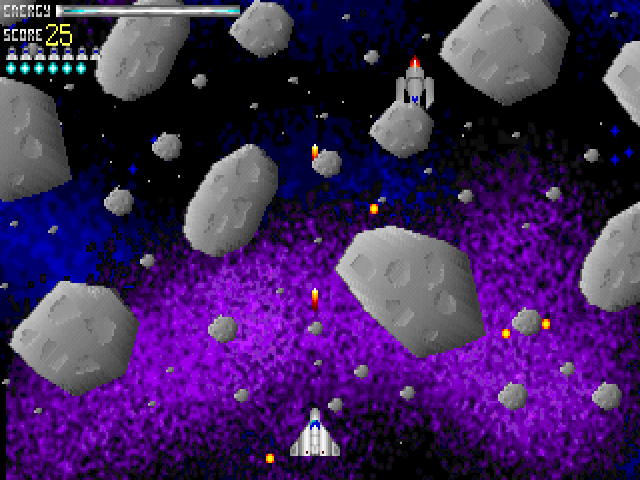
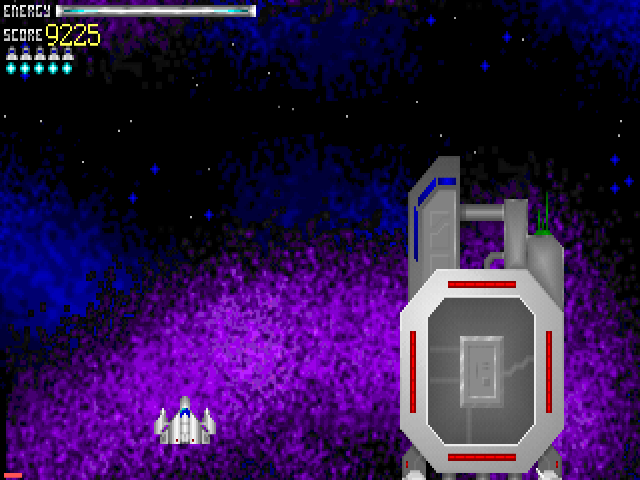
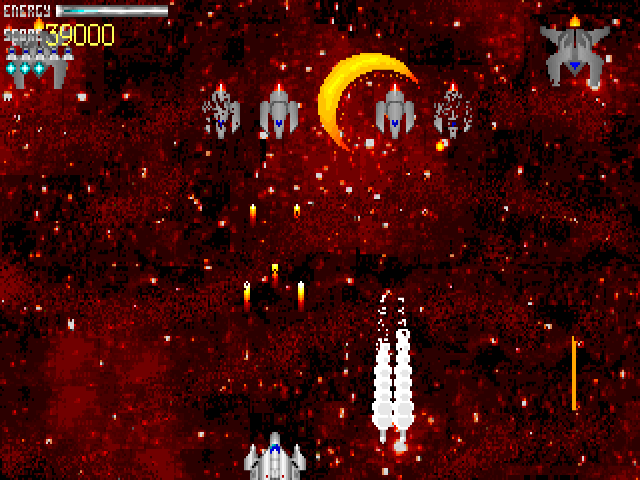
Keep playing
Similar Games

Help improve this entry
Something not working?
Report a gameplay or information problem. Short reports are enough.
Archive notes
Rights and Source Notes
Browser play uses the archived Freeware release. Official project references are listed below.
- Distribution
- Freeware
- Browser player
- js-dos · Browser play
- Added to archive
- 2026-07-28
- Official references