Operation Spacehog
Saves are stored in this browser.
Player notes
About this game
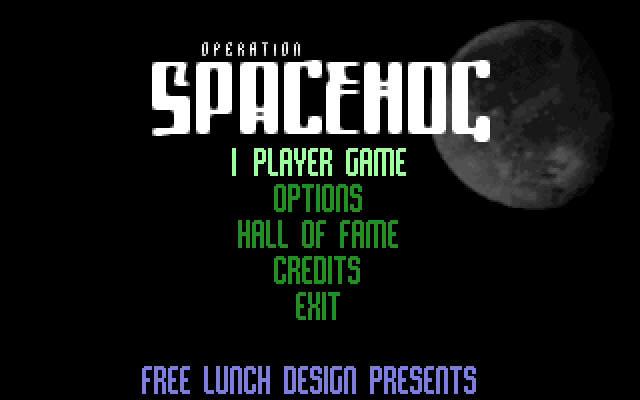
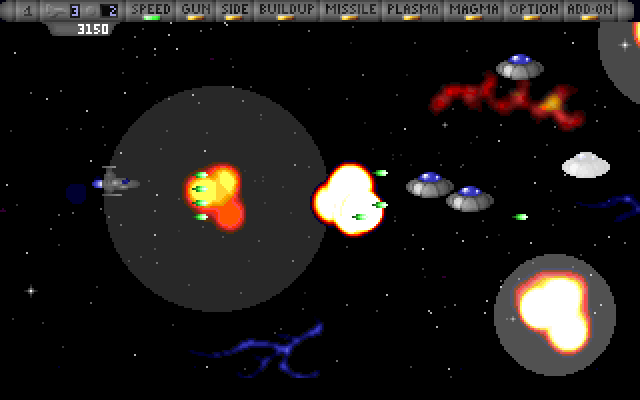
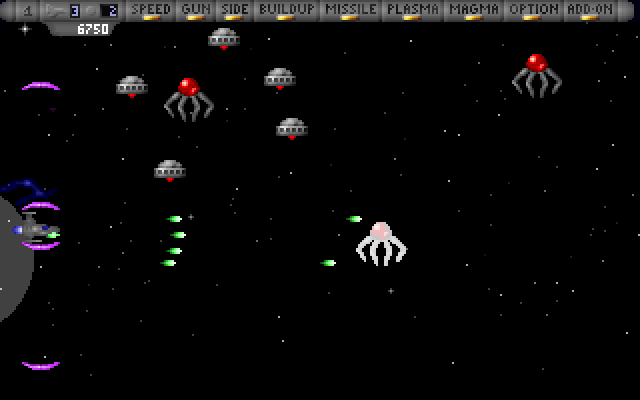
Operation Spacehog sends one or two pilots against an invading fleet. Its three craft trade speed, resilience and firepower, with a different special weapon for each. Destroying an entire enemy wave produces an upgrade token, and accumulated tokens move the selection along the upgrade bar.
For player one, arrows move, Insert fires, Delete claims the currently selected upgrade and Enter uses the special ability. Player two defaults to WASD, H, J and K for the corresponding actions. Visit Options before starting if the saved controls have been changed.
Taking a hit that destroys a ship reduces collected upgrades. A Lock, shown by a blue light at the end of the upgrade bar, protects weapons on a lost ship. Decide whether to claim an early upgrade or collect more tokens for a later one.
Start here
Quick tips
Destroy a complete enemy wave to obtain an upgrade token.
Check Options for the active player count and key assignments.
- Arrow keys
- Player one movement
- Insert
- Player one fire
- Delete
- Player one: select the highlighted upgrade
- Enter
- Player one special ability
- W / A / S / D
- Player two movement
- H / J / K
- Player two fire / upgrade selection / special
- Pause
- Pause
- Escape
- Back out or quit, depending on the screen
Screens
Screenshots
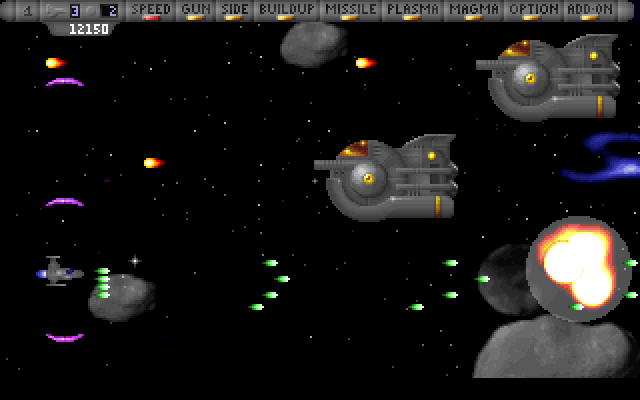
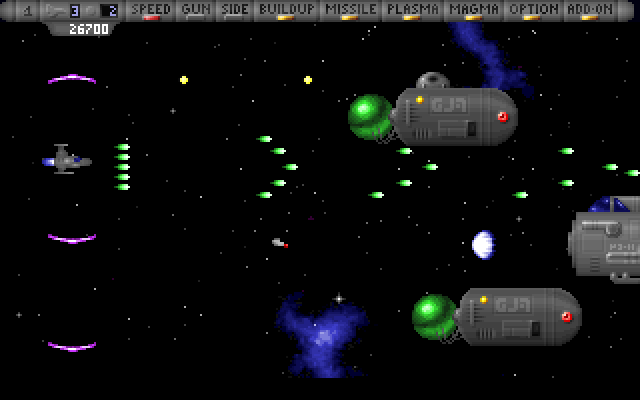
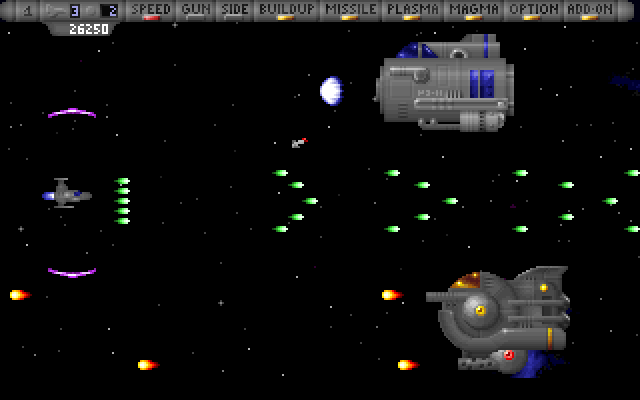
Keep playing
Similar Games

Help improve this entry
Something not working?
Report a gameplay or information problem. Short reports are enough.
Archive notes
Rights and Source Notes
Browser play uses the archived Freeware release. Official project references are listed below.
- Distribution
- Freeware
- Browser player
- js-dos · Browser play
- Added to archive
- 2026-07-27
- Official references