In Pursuit of GREED
Saves are stored in this browser.
Player notes
About this game
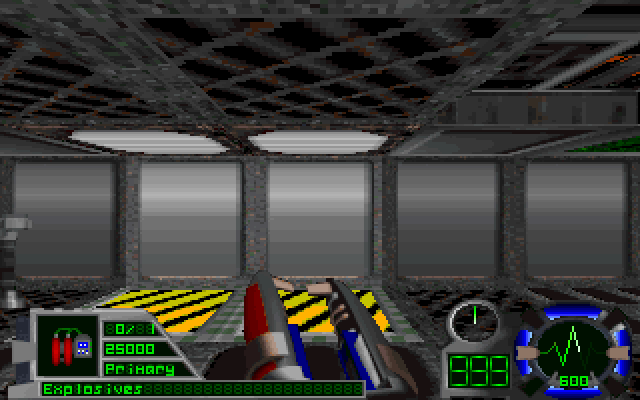
This science-fiction shooter sends scavengers into hostile installations to recover specific items. The mission briefing tells you which targets matter, and the map and sensors help you search the corridors.
Use the arrows to move and turn, Ctrl to fire, and Space at doors or switches. F5 opens the briefing. Tab switches between objective displays and Esc opens the options menu.
This is Softdisk’s freely distributable DOS demo v7.0. Its original setup uses Gravis UltraSound. Use Save in the original menu, then Save game files in the browser player to keep it after closing the tab.
Start here
Quick tips
Recheck your objectives with F5 if you lose the route.
Check side rooms for pickups.
Use the map and motion sensor in unfamiliar corridors.
- Arrow keys
- Move and turn
- Ctrl
- Fire
- Space
- Use a door or switch
- Alt
- Strafe with the arrows
- Z
- Jump
- Tab
- Cycle objective displays
- A–Z
- Enter an original save slot name
- Enter
- Confirm a menu or save name
- F5
- Read the mission briefing
- Esc
- Open the options menu
Keep playing
Similar Games
Ratings & comments
Help improve this entry
Something not working?
Report a gameplay or information problem. Short reports are enough.
Archive notes
Rights and Source Notes
Browser play is available for this entry. Official project references are listed below.
- Distribution
- Softdisk original free demo
- Browser player
- js-dos · Browser play
- Added to archive
- 2026-11-19
- Official references
No comments yet. Be the first to share a tip.