Islands of Danger
Saves are stored in this browser.
Player notes
About this game
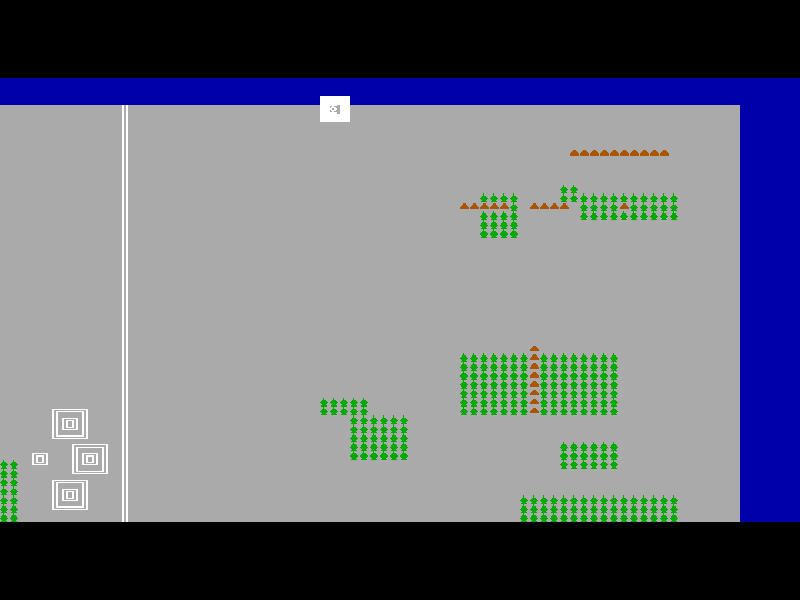
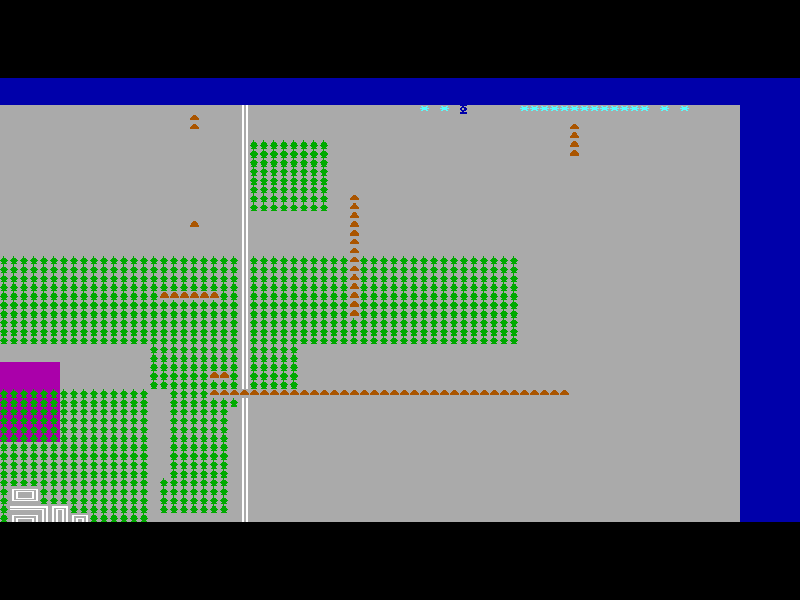
Islands of Danger sends a hovercraft across seven islands to rescue Jean from the pirates of Emperor Louis the 30th. Destroy the missile launchers to clear each island while avoiding the missiles they fire. You begin with six craft; clearing an island without losing one earns a larger craft bonus than scraping through with losses.
Movement and firing use separate key groups. E moves up, S left, D down and F right. The numeric keypad aims the cannon: 8, 4, 6 and 2 fire in the four main directions, while 7, 9, 1 and 3 fire diagonally. These are keypad keys, not the number row above the letters. Holding movement and firing together lets you sweep across a missile’s path. A full keyboard is the easiest way to learn this layout.
At first launch choose a display mode, continue through the information and answer N to the joystick question. B begins a game; the next prompt offers normal, half or quarter speed. Slower time-warp modes also reduce the score. This is the original October 1990 version 3.0 shareware episode, not the other games in the Islands series.
Start here
Quick tips
Choose V for VGA, or Shift+V to skip the opening tune. Continue the opening pages, answer N for keyboard play, then B to begin and B again for normal speed.
Use E/S/D/F to move and the numeric keypad to aim. Keep moving across incoming missiles rather than driving straight towards them.
P pauses, K toggles automatic keyboard fire, and L reports the remaining launchers during play. Keep clear of a launcher when destroying it. Esc returns to the menu.
- E
- Move up.
- S
- Move left.
- D
- Move down.
- F
- Move right.
- Numpad 8 / Numpad 4 / Numpad 6 / Numpad 2
- Fire up, left, right or down using the numeric keypad.
- Numpad 7 / Numpad 9 / Numpad 1 / Numpad 3
- Fire diagonally using the numeric keypad.
- K
- Toggle automatic keyboard firing.
- P
- Pause or resume.
- L
- Display the number of missile launchers remaining.
- Esc
- Leave the current game and return to the menu.
- V
- Choose VGA at first startup; Shift+V skips the opening tune.
- Enter
- Continue opening information pages.
- N
- Choose no joystick at the startup question.
- B
- Begin from the menu; choose normal speed at the Islands of Danger prompt.
Keep playing
Similar Games
Ratings & comments
Help improve this entry
Something not working?
Report a gameplay or information problem. Short reports are enough.
Archive notes
Rights and Source Notes
Browser play is available for this entry.
- Distribution
- Shareware
- Browser player
- js-dos · Browser play
- Added to archive
- 2026-11-04
No comments yet. Be the first to share a tip.