Jaguar GR1: Strike Force Delta Zulu
Saves are stored in this browser.
Player notes
About this game
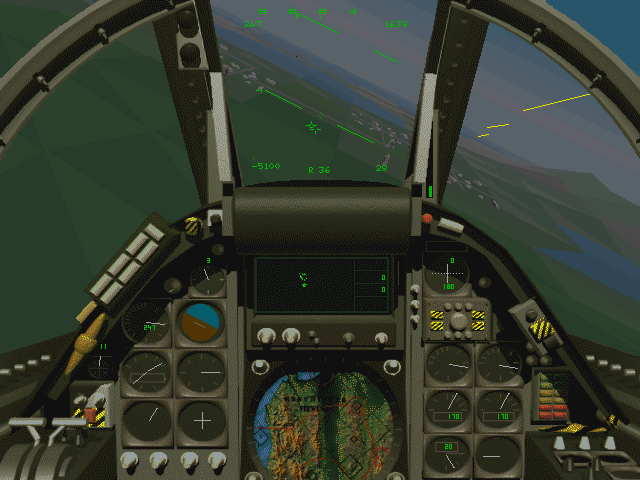
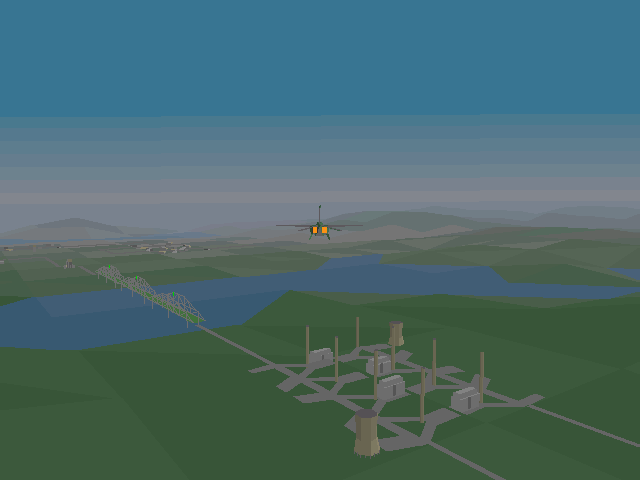
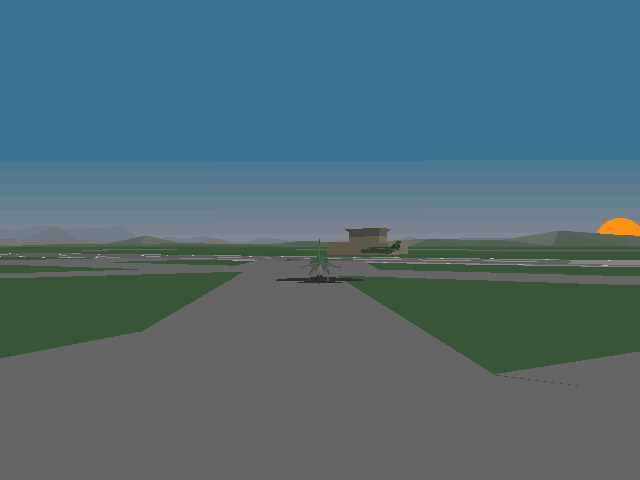
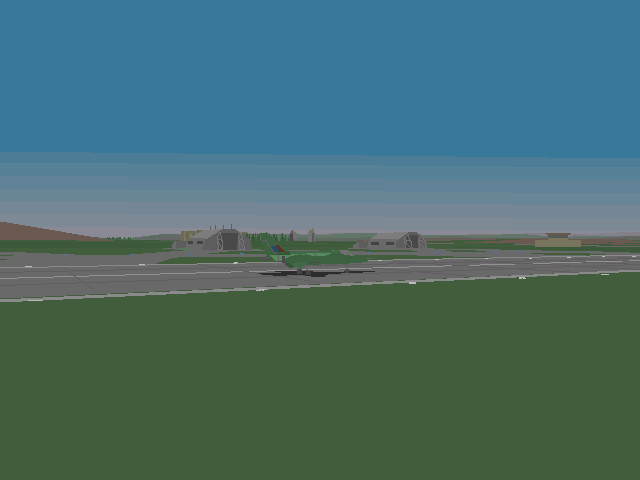
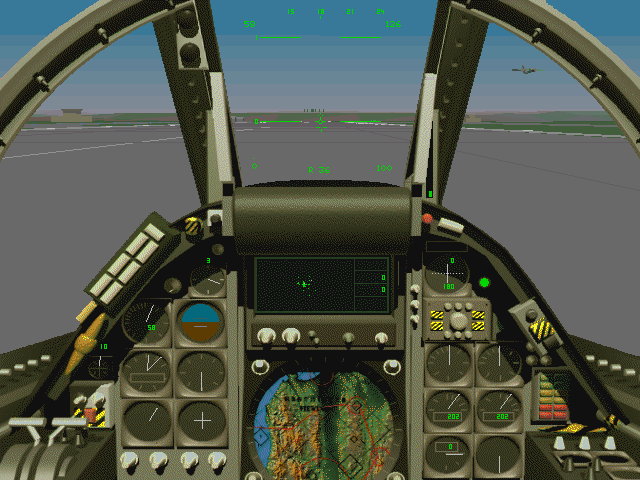
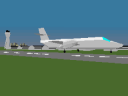
Jaguar GR1: Strike Force Delta Zulu is Ron Walker's Flight Sim Toolkit combat simulation. Its mission world includes allied aircraft, Hercules transports and tankers, and Russian aircraft. Select a mission in the launcher before taking control of the aircraft.
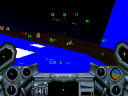
Ctrl+M opens the situation map, showing your position and nearby enemies. E toggles the engine, W controls wheel brakes, G operates the landing gear and the number row sets throttle. Backspace selects weapons and Space fires. Use Alt+P to pause: plain P is assigned to the padlock view in this game's reference.
The supplied missile note says enemy jets initially use cannons because of problems with their missile-equipped flight behaviour. That restriction does not remove your own air-to-air missile capability. Treat the archive's default scenario as supplied rather than assuming every aircraft has the same armament.
Start here
Quick tips
Use Alt+P to pause; plain P controls a view.
Ctrl+M helps locate targets before making an approach.
- E
- Toggle engine
- 1–0
- Set throttle
- W
- Toggle wheel brakes
- G
- Toggle landing gear
- B
- Toggle air brakes
- S
- Change flap position
- Z
- Centre stick
- , / .
- Rudder left / right
- Backspace
- Select weapon
- Space
- Fire weapon
- Ctrl+M
- Open situation map
- P
- Padlock view
- Alt+P
- Pause
- F1
- Look forward
- Escape
- Open simulation menu
Screens
Screenshots
Keep playing
Similar Games
Help improve this entry
Something not working?
Report a gameplay or information problem. Short reports are enough.
Archive notes
Rights and Source Notes
Browser play uses the archived Freeware (installed) release. Official project references are listed below.
- Distribution
- Freeware (installed)
- Browser player
- js-dos · Browser play
- Added to archive
- 2026-07-27
- Official references