Joerg's Flight-Sim
Saves are stored in this browser.
Player notes
About this game
Joerg's Flight-Sim is an early Flight Sim Toolkit project with a shared flying area and several scenarios. Its included reference separates engine management, hydraulics, navigation, weapons and views. A second file lists local VOR, NDB and ILS frequencies, including Airport 1's VOR at 113.00 and NDB at 506.00.
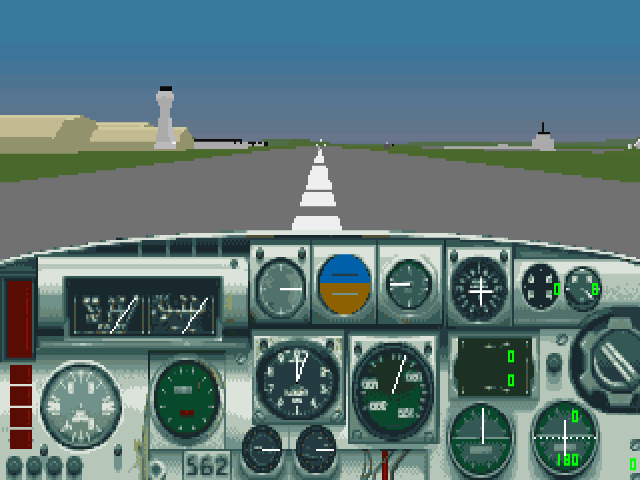
E switches the engine, the number keys set throttle, W controls wheel brakes and G operates the landing gear. These commands are independent: more throttle will not release a brake. Comma and period operate the rudder, and Z centres the stick.
Space fires the selected weapon and Backspace cycles weapons. P pauses, Escape opens the simulator menu, and F1 restores the forward view. The key sheet gives German-layout alternatives in brackets; the reference below uses its primary layout.
Start here
Quick tips
The browser starts the first jet flight, from Airport 1 toward Airport 2.
Check wheel brakes before adding takeoff power.
F1 restores the forward view after looking around.
- E
- Toggle the engine
- 1–0
- Set throttle from minimum to maximum
- = / -
- Increase / decrease throttle
- W
- Toggle wheel brakes
- G
- Toggle landing gear
- B
- Toggle air brake
- S
- Operate flaps
- , / .
- Rudder left / right
- Z
- Centre the stick
- Space
- Fire selected weapon
- Backspace
- Cycle weapons
- F1
- Forward view
- V
- Chase view
- P
- Pause
- Escape
- Open simulator menu
Screens
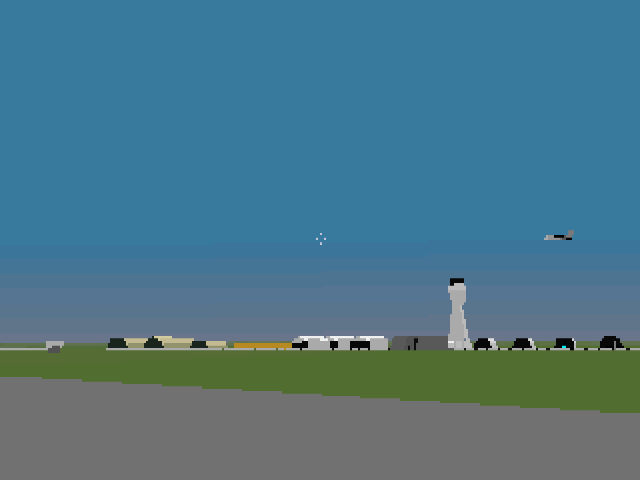
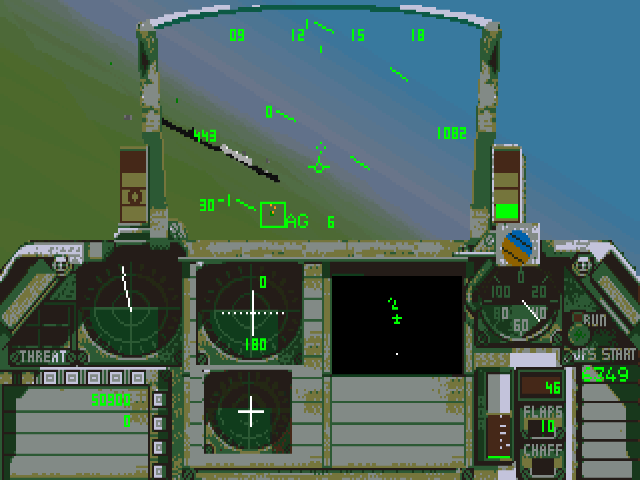
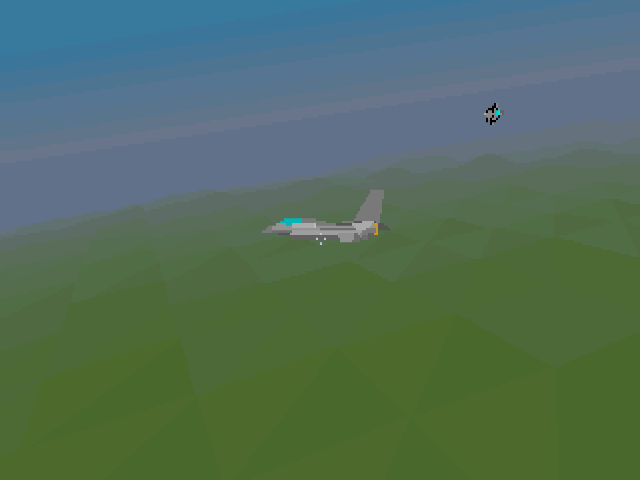
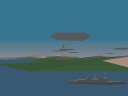
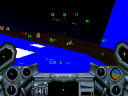
Screenshots
Keep playing
Similar Games
Help improve this entry
Something not working?
Report a gameplay or information problem. Short reports are enough.
Archive notes
Rights and Source Notes
Browser play uses the archived Freeware (installed) release.
- Distribution
- Freeware (installed)
- Browser player
- js-dos · Browser play
- Added to archive
- 2026-07-27