Skyhawk Attack
Saves are stored in this browser.
Player notes
About this game
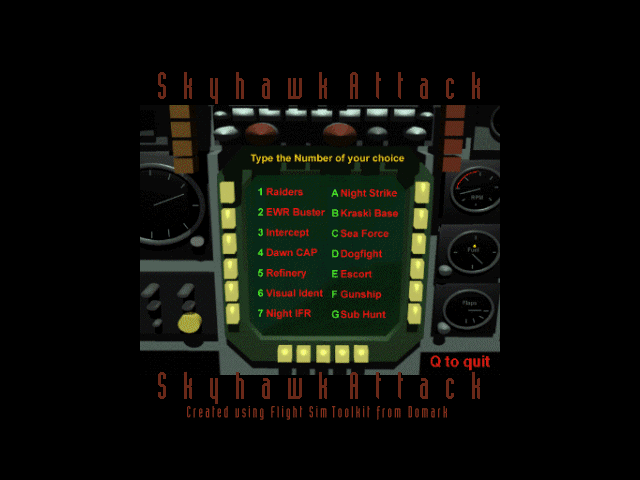
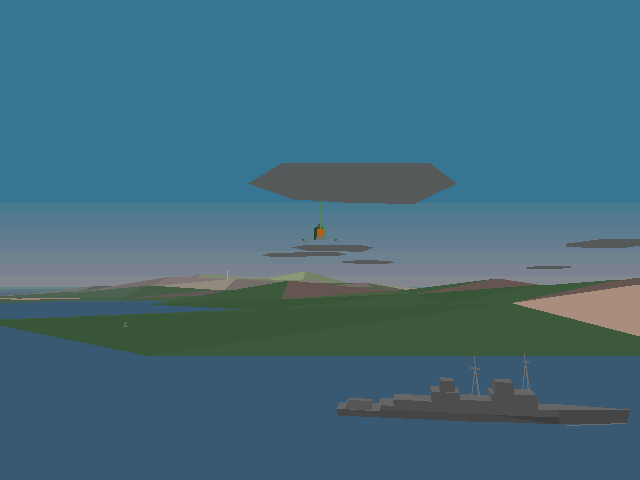
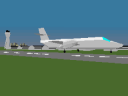
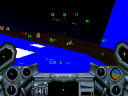
Skyhawk Attack places a squadron in a fictional island conflict in the early 1960s. Alongside strikes against enemy assets, the supplied scenarios include dawn, noon and night flying, an approach to a VC10 tanker and carrier-landing practice. Large stretches of the map are ocean, so navigation matters as much as finding targets.
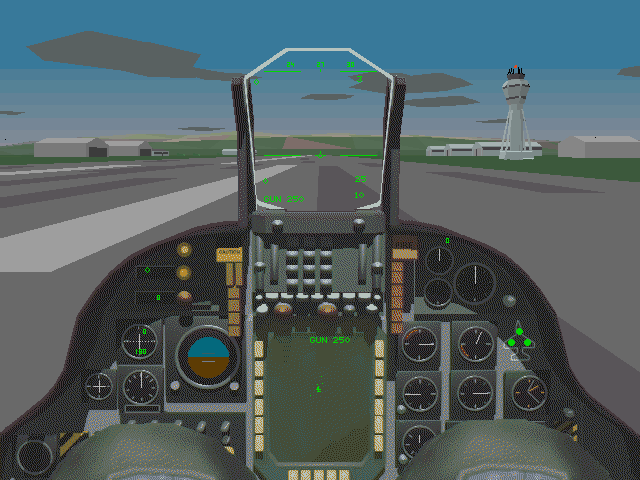
Ctrl+M shows a situation map. The home island's NDB frequency is 100, with other destinations at 200 through 500. E controls the engine, W the wheel brakes, G the landing gear and S the flaps. Backspace changes weapon and Space fires it.
Use F1 to restore the forward view and Escape for simulator options. The documented pause command includes Alt+P. Learn the engine, brakes and map commands during a simple departure before attempting the carrier or tanker scenarios.
Start here
Quick tips
NDB 100 points towards the home-base island.
Restore the forward view with F1 before lining up an approach.
- E
- Toggle engine
- 1–0
- Set throttle
- W
- Toggle wheel brakes
- B
- Toggle air brakes
- G
- Toggle landing gear
- S
- Change flap position
- Z
- Centre stick
- , / .
- Rudder left / right
- / / Shift+/
- Scan NDB frequencies up / down
- Backspace
- Select weapon
- Space
- Fire weapon
- Ctrl+M
- Open situation map
- Alt+P
- Pause
- F1
- Look forward
- Escape
- Open simulation menu
Screens
Screenshots
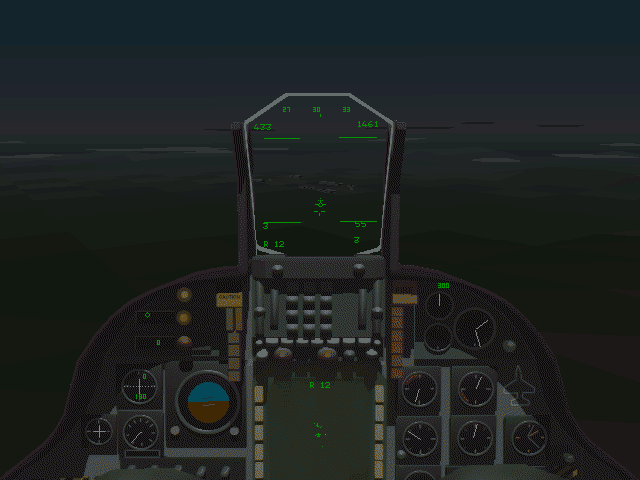
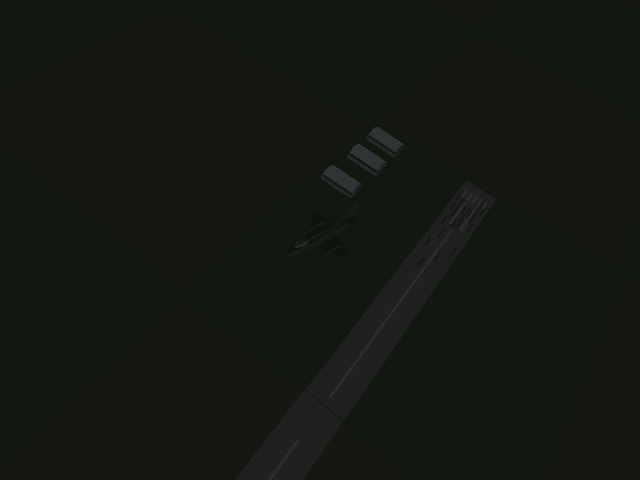
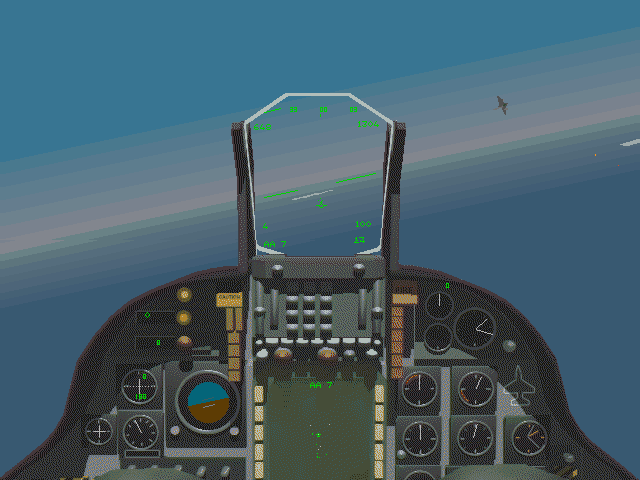
Keep playing
Similar Games
Help improve this entry
Something not working?
Report a gameplay or information problem. Short reports are enough.
Archive notes
Rights and Source Notes
Browser play uses the archived Freeware (installed) release. Official project references are listed below.
- Distribution
- Freeware (installed)
- Browser player
- js-dos · Browser play
- Added to archive
- 2026-07-27
- Official references