VERITECH: Variable Flight Simulator
Saves are stored in this browser.
Player notes
About this game
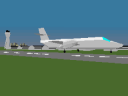
Veritech Variable Flight Simulator models a transforming aircraft inspired by Macross and Robotech. The supplied simulations switch between Fighter and Guardian configurations. Guardian mode adds drag and is required for landing; despite the theme, the documented takeoff uses a runway run rather than vertical lift.
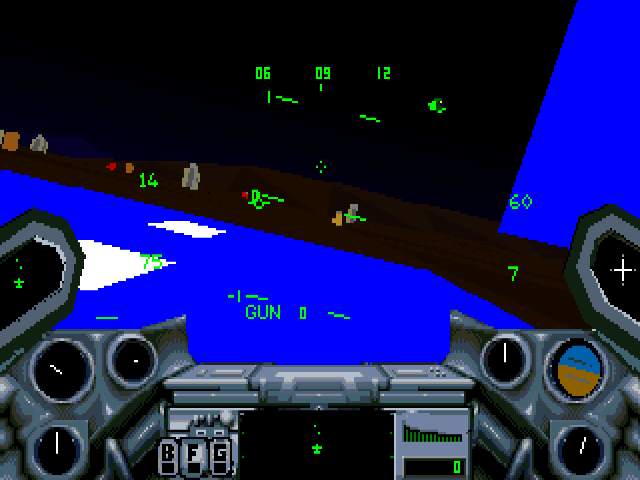
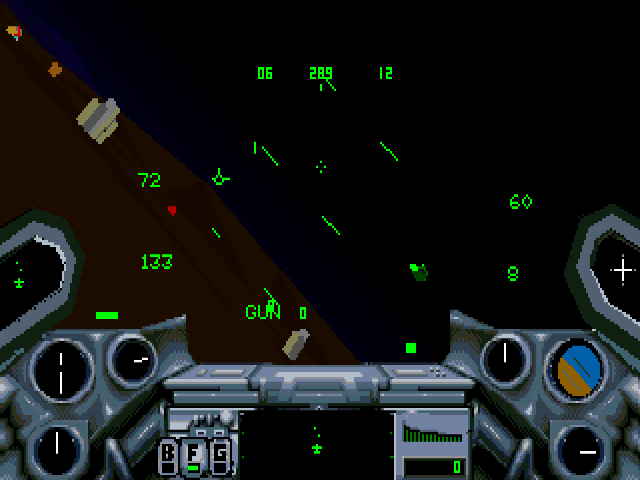
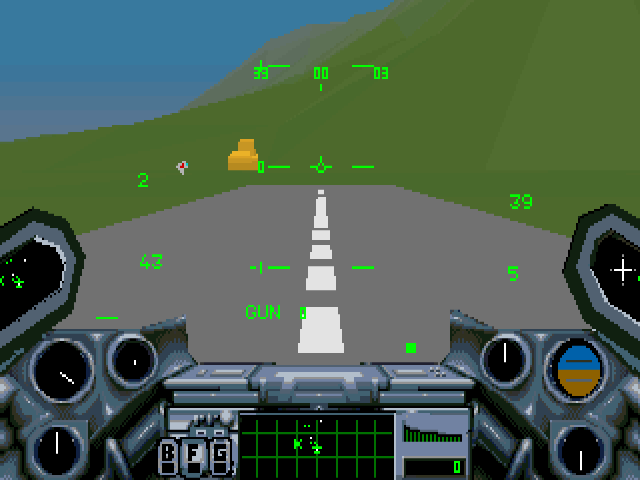
Start the engine with E, increase throttle with the number keys and use the arrows for pitch and roll. G changes configuration. The F indicator lights in Fighter mode. Backspace selects a weapon and Space fires it; the radar distinguishes ground targets from airborne opponents.
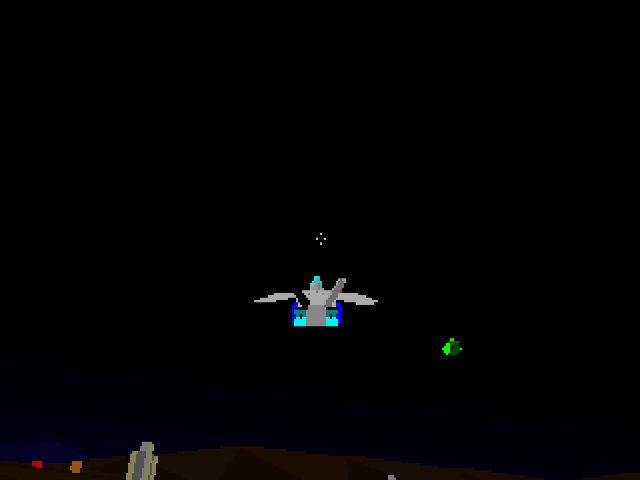
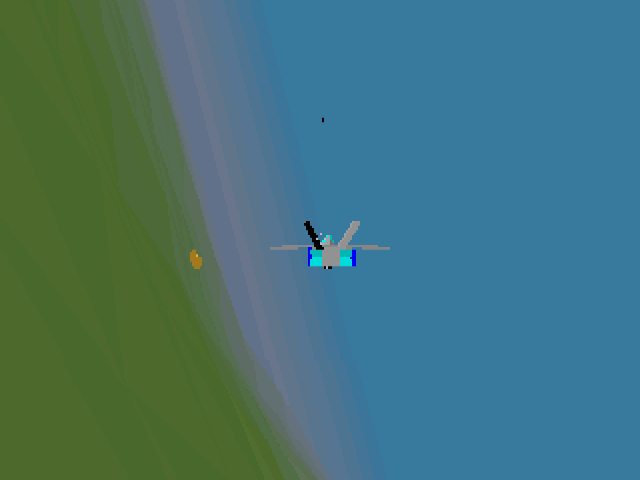
The navigation display can guide you toward the scenario’s beacon, and I brings up landing guidance. V changes to an external tracking view, useful for observing a transformation; Alt+V returns to the cockpit. Treat the brake keys as this simulator’s own layout rather than assuming another flight game’s mapping.
Start here
Quick tips
Use Guardian configuration before landing.
Build speed before pulling up; the documented takeoff is not vertical.
- Arrow keys
- Pitch and roll
- E
- Toggle engine
- 1–0
- Set throttle from idle to full
- G
- Switch Fighter / Guardian configuration
- , / .
- Left / right rudder
- B / W
- Air-brake / wind-brake controls
- S
- Cycle flaps
- Backspace / Space
- Select / fire weapon
- ? / I
- Navigation / landing display
- F
- Drop a defensive flare
- V / Alt+V
- External tracking view / cockpit
Screens
Screenshots
Keep playing
Similar Games
Help improve this entry
Something not working?
Report a gameplay or information problem. Short reports are enough.
Archive notes
Rights and Source Notes
Browser play uses the archived Freeware (installed) release.
- Distribution
- Freeware (installed)
- Browser player
- js-dos · Browser play
- Added to archive
- 2026-07-28