Kosmonaut
Saves are stored in this browser.
Player notes
About this game
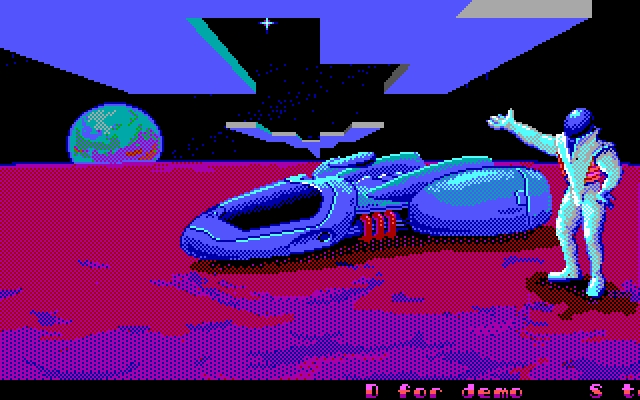
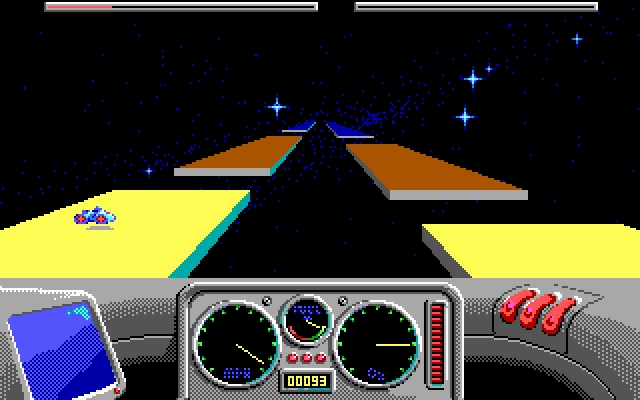
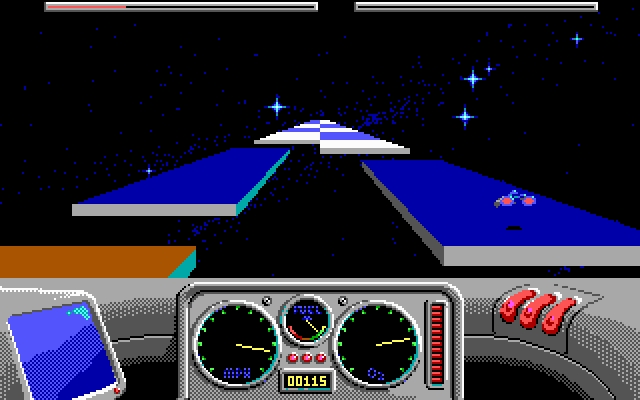
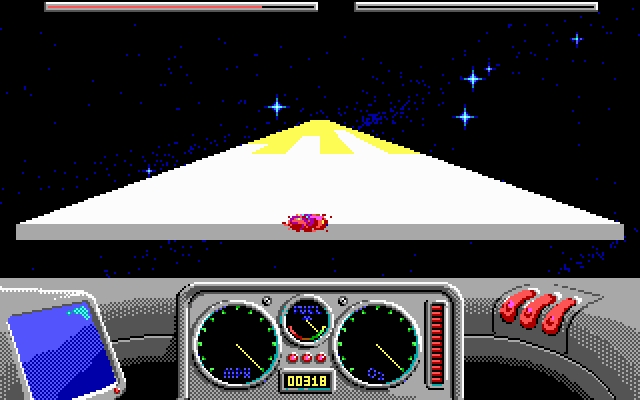
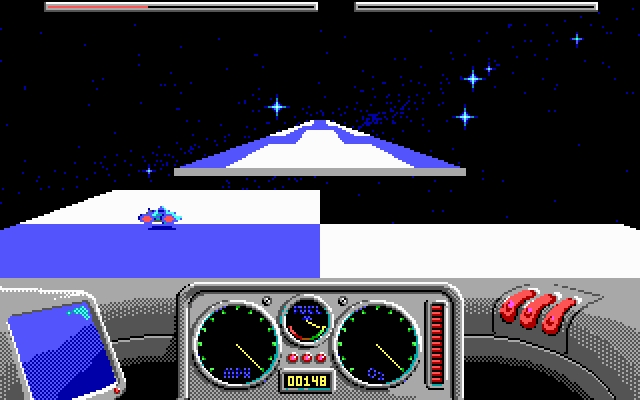
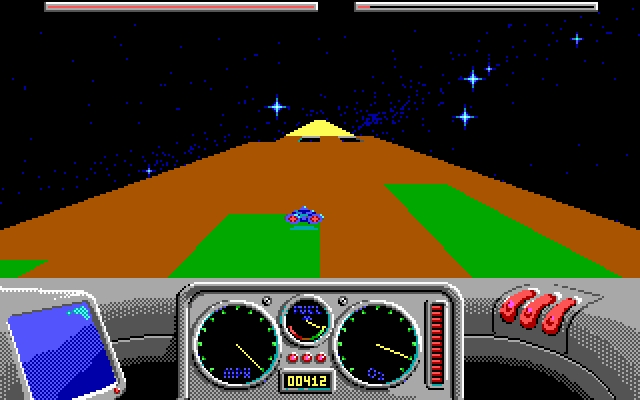
Kosmonaut sends a small craft along narrow roads suspended in space. The current package runs KOSMO.EXE; its own 1990 title screen displays Skyroads. The road is broken by gaps, raised sections and coloured surfaces, so reaching the end requires more than holding the accelerator down.
The built-in demonstration explains the keyboard controls: Up adds speed, Down slows the craft, Left and Right steer, and Space jumps. At the opening control prompt, K selects keyboard input, D starts the demonstration and Space starts play. P pauses a running game, while S switches sound.
Watch the tanks as well as the road. The tutorial identifies light green tiles as fuel refills, light blue as oxygen refills and white as refills for all tanks. Blue tiles accelerate the craft, pink slows it, and light red is lethal. Dark red reduces jump strength while brown restores it. Use the demonstration to learn these colours before attempting faster routes.
Start here
Quick tips
Watch the demonstration to learn the coloured tiles.
Light green refills fuel; light blue refills oxygen.
Slow down before a difficult jump or a narrow section.
- K
- Select keyboard control at the opening prompt
- D
- Run the built-in demonstration at the opening prompt
- Arrow Up / Arrow Down
- Accelerate / slow down
- Arrow Left / Arrow Right
- Steer sideways
- Space
- Start play at the prompt; jump during play
- P
- Pause the running game
- S
- Toggle sound
Screens
Screenshots
Keep playing
Similar Games
Help improve this entry
Something not working?
Report a gameplay or information problem. Short reports are enough.
Archive notes
Rights and Source Notes
Browser play uses the archived Freeware release. Official project references are listed below.
- Distribution
- Freeware
- Browser player
- js-dos · Browser play
- Added to archive
- 2026-07-27
- Official references