Liquid War 5
Saves are stored in this browser.
Player notes
About this game
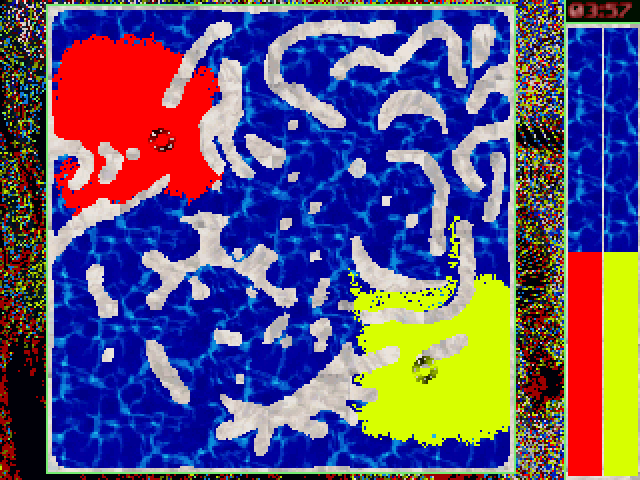
Each side steers a cursor, and its fighters flow toward it by the shortest paths they can find. Lead your color around a busy passage and approach from a second direction to convert isolated opponents.
Use the mouse to choose a mode, set players and select a map. Play against computer opponents or configure players on the same device. The original Options menu lets each player change their movement keys.
Liquid War 5 began as a 1998 DOS game. This archive runs the DOS build of v5.6.4 supplied by FreeDOS. A match is meant to be played in one sitting.
Start here
Quick tips
Move your cursor beyond a narrow opening to pull your army through.
Try to go around a crowd and attack from a second direction.
Start with an open map against one computer opponent.
- Arrow keys
- Guide the first player’s cursor by default
- Esc
- Return to the game menu
- F4
- Toggle the water effect
- Mouse left button
- Choose a mode, map or player settings
Keep playing
Similar Games
Ratings & comments
Help improve this entry
Something not working?
Report a gameplay or information problem. Short reports are enough.
Archive notes
Rights and Source Notes
Browser play is available for this entry. Official project references are listed below.
- Distribution
- GPL-2.0-or-later
- Browser player
- js-dos · Browser play
- Added to archive
- 2026-11-20
- Official references
- Source code
- Download open-source code packageSource code only; this is not a game ROM download.
No comments yet. Be the first to share a tip.