Little Fighter
Saves are stored in this browser.
Player notes
About this game
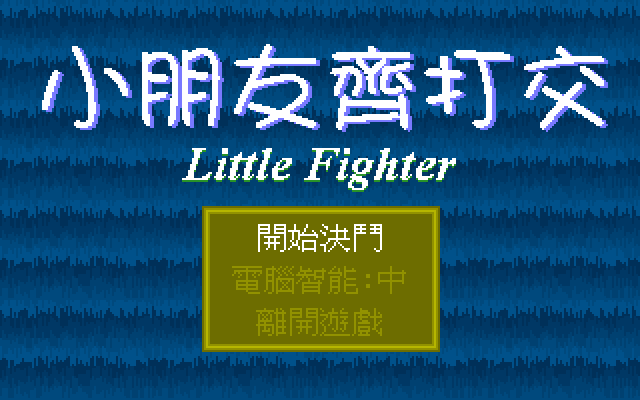
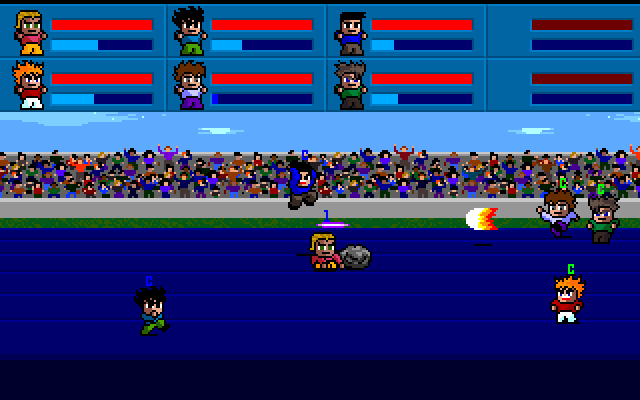
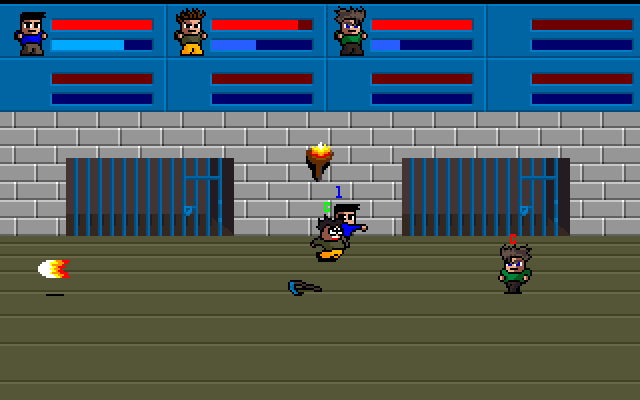
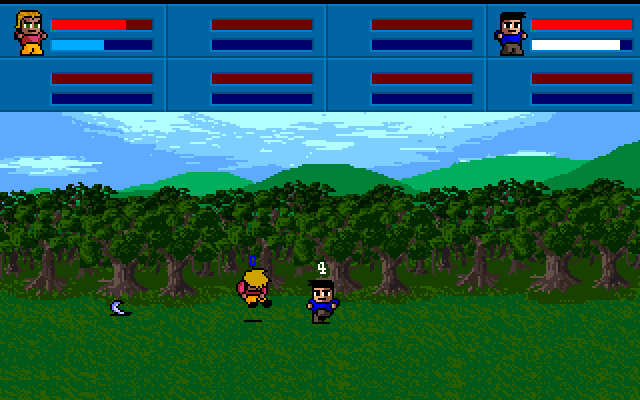
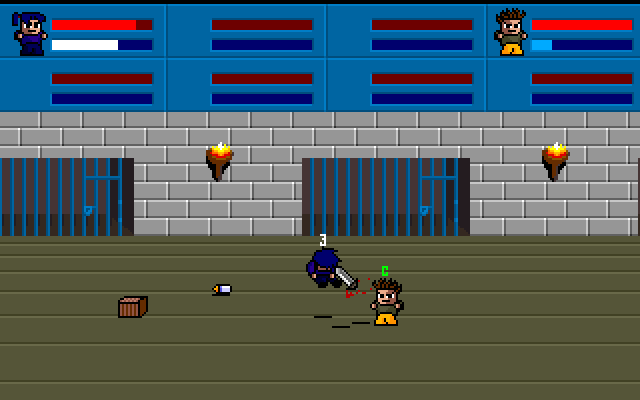
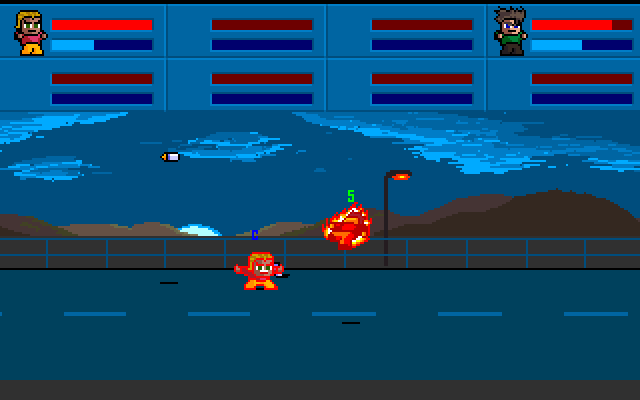
Little Fighter is an arena fighting game with small animated characters and a match setup that supports individual fights, teams and tournament choices. This is the original DOS game, with Chinese menu labels. The player slots show their own control diagrams before you join, so check those diagrams before choosing a character.
For player one, W moves up, X moves down, and A and D move left and right. S attacks and Tab jumps. These are not the usual WASD controls. Press S to join the first player slot; use the selection screen and continue with Enter when ready. Continue past the matchup screen and allow the arena to load.
Begin with an individual match against the computer to learn spacing. Move into line with your opponent before attacking, and use a jump to change your approach. Character selection also displays special-move sequences; learn one fighter's basic attacks before trying those combinations.
Start here
Quick tips
Player 1 moves down with X; S is the attack key.
Wait for the arena to load after the matchup screen.
Read the selected fighter’s move diagram before attempting combinations.
- W / X / A / D
- Player 1: move up / down / left / right
- S
- Player 1: join/select; attack during a match
- Tab
- Player 1: jump
- Enter
- Confirm match setup and continue selection
- I / , / J / L
- Player 2: move up / down / left / right
- K / Space
- Player 2: attack / jump
Screens
Screenshots
Keep playing
Similar Games
Help improve this entry
Something not working?
Report a gameplay or information problem. Short reports are enough.
Archive notes
Rights and Source Notes
Browser play uses the archived Freeware release. Official project references are listed below.
- Distribution
- Freeware
- Browser player
- js-dos · Browser play
- Added to archive
- 2026-07-27
- Official references