Nero 5
Saves are stored in this browser.
Player notes
About this game
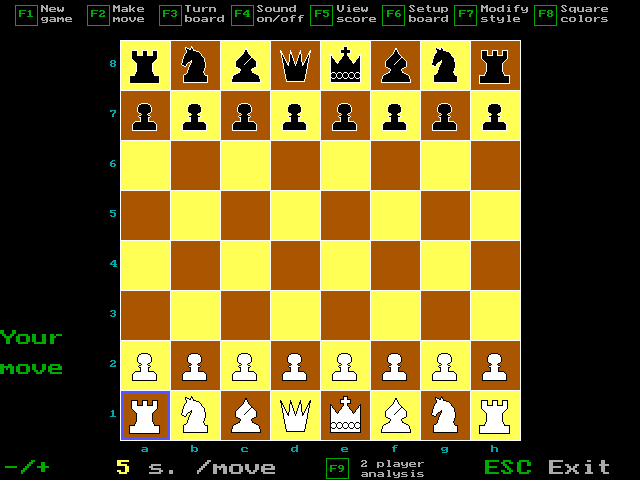
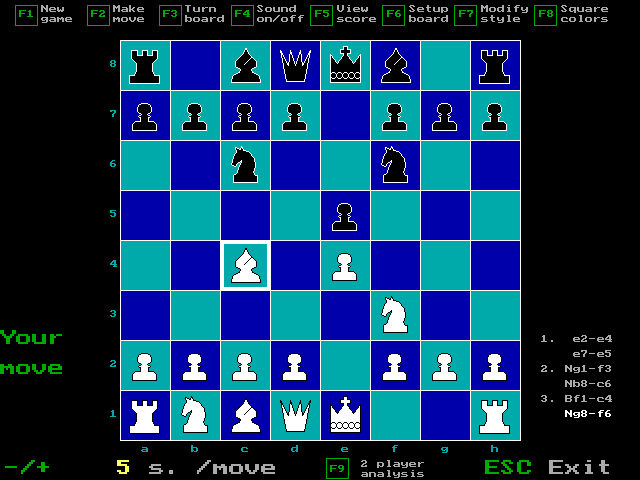
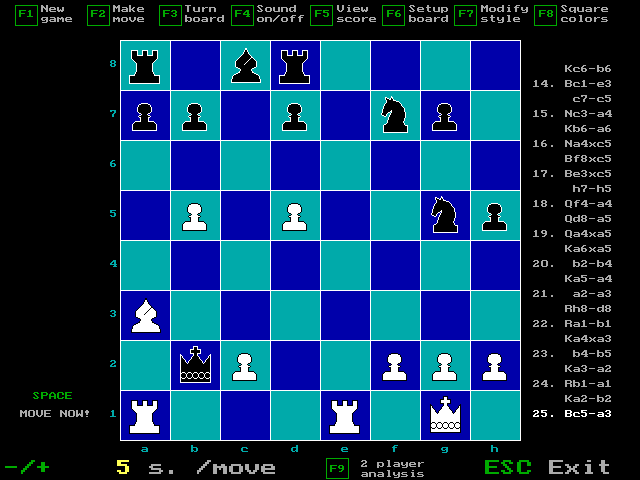
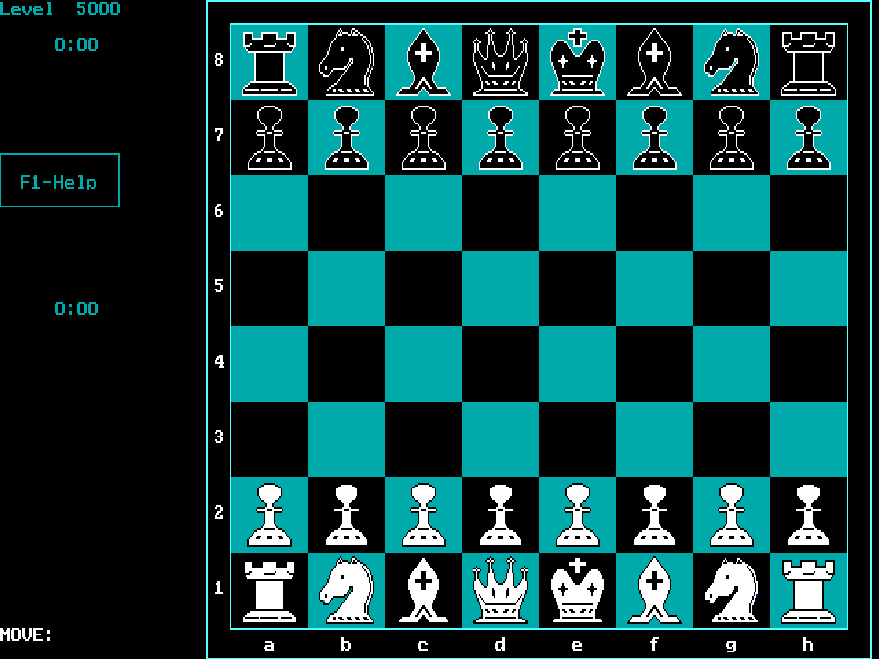
Nero 5 is a chess program with a keyboard-driven board. Use the arrow keys to select the piece's starting square, press Enter, then choose its destination and confirm again. The display provides function-key options for changing the board, analysis and other settings.
Backspace returns to the position before your most recent move, making it useful for reviewing a decision after the computer replies. S saves a position and L loads one. The supplied instructions restrict save names to at most eight letters or digits, without a filename extension.
The Setup menu can also create randomized starting positions. This build has a limitation on castling in those positions: the king must be on the e-file and the relevant rook on the a- or h-file. Use an ordinary starting position first to learn the controls.
Start here
Quick tips
Select the origin and destination squares separately with Enter.
Use a short alphanumeric filename for an in-game position save.
- Arrow keys
- Move the square selection
- Enter
- Confirm the origin or destination square
- Backspace
- Return to the position before your latest move
- S
- Save a position
- L
- Load a position
- Escape
- Exit
Screens
Screenshots
Keep playing
Similar Games
Help improve this entry
Something not working?
Report a gameplay or information problem. Short reports are enough.
Archive notes
Rights and Source Notes
Browser play uses the archived Freeware release. Official project references are listed below.
- Distribution
- Freeware
- Browser player
- js-dos · Browser play
- Added to archive
- 2026-07-27
- Official references