Pango
Saves are stored in this browser.
Player notes
About this game
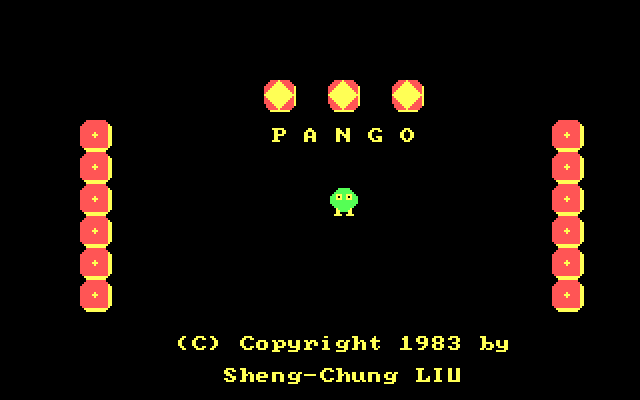
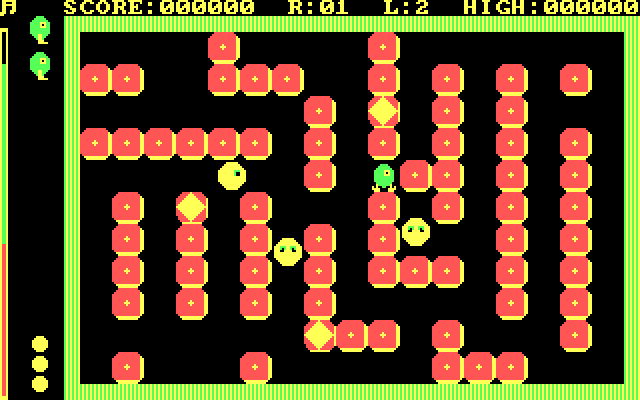
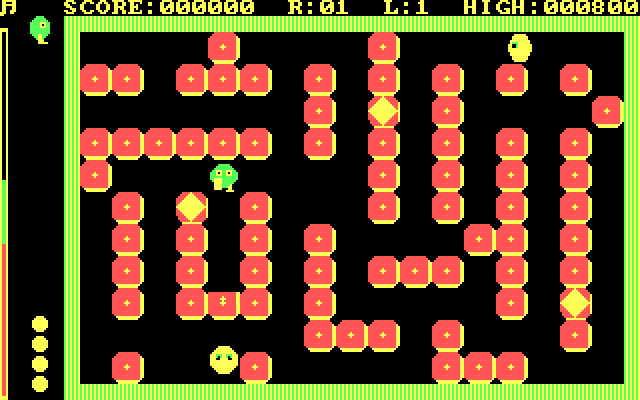
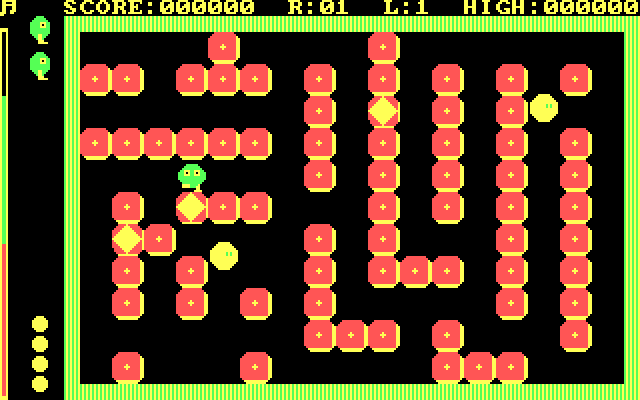
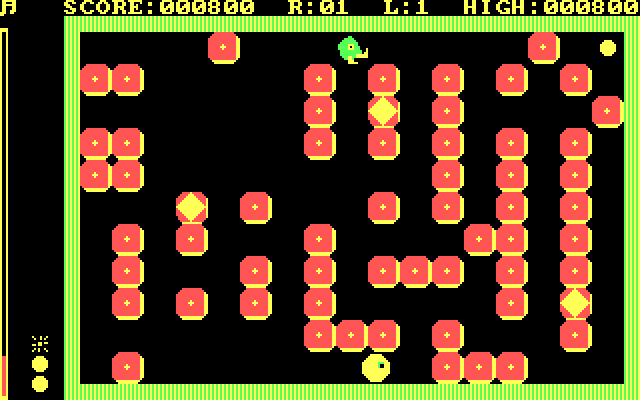
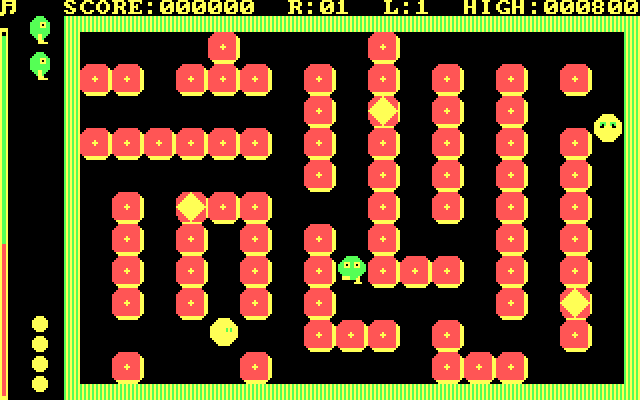
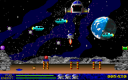
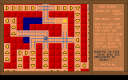
Pango is a block-pushing arcade game with a one-minute limit for clearing the bees from each field. Kick a block into an enemy to squash it, or catch a bee after it has been stunned. Diamond blocks also offer a scoring opportunity when lined up together.
Choose a difficulty from 1 to 5 at the menu, with 1 labelled novice. This version uses O to move up, L to move down, K to move left and the semicolon key to move right. Space kicks. The original help describes other keys as stopping movement, rather than assigning the arrow-key layout used by many later games.
Press P at the menu to read the instructions and Q during play to cycle sound modes. Clearing a round quickly earns a larger time bonus. Set up a useful block before chasing an isolated bee.
Start here
Quick tips
Use O, L, K and semicolon for movement in this version.
Clear the bees within one minute; faster finishes earn larger bonuses.
- 1–5
- Choose the starting difficulty at the menu
- O / L
- Move up / down
- K / ;
- Move left / right
- Space
- Kick a block
- Q
- Cycle sound modes during play
- P
- Read How to Play from the menu
- H
- Show high scores from the menu
- X
- Exit from the menu
Screens
Screenshots
Keep playing
Similar Games
Help improve this entry
Something not working?
Report a gameplay or information problem. Short reports are enough.
Archive notes
Rights and Source Notes
Browser play uses the archived Freeware (installed) release.
- Distribution
- Freeware (installed)
- Browser player
- js-dos · Browser play
- Added to archive
- 2026-07-28