Pizza Worm
Saves are stored in this browser.
Player notes
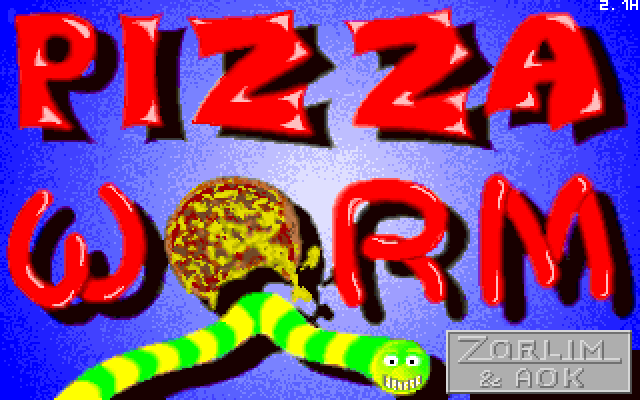
About this game
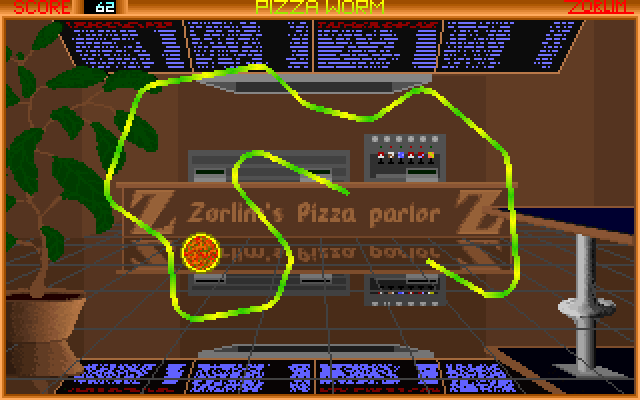
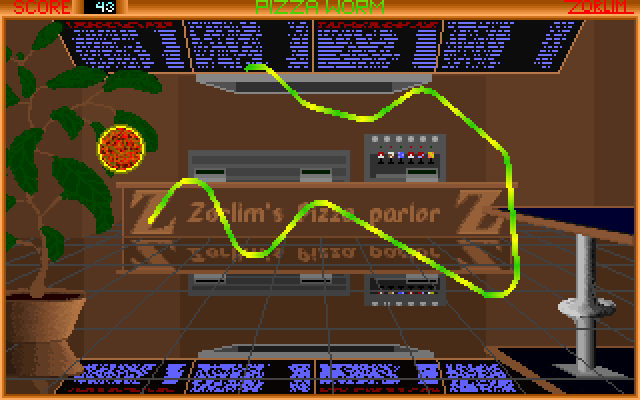
Pizza Worm puts food collection at the centre of a snake-style score run. Steer toward the pizzas and try to eat as many as possible. The included instructions use the cursor keys for the main worm and describe Z and C as the second player's keys when two-player mode is enabled.
This package's history includes the 2.1H compatibility repair from 2007, while the game itself dates to the 1990s. That distinction matters when comparing it with older downloads. The history also describes a slower training mode with larger pizzas and no score; training results therefore are not ordinary high-score runs.
The game's restart prompt uses Enter for a new game and Escape to exit. Its original two-player and training options are selected when launching the DOS program, so the presence of their documentation does not mean a browser menu offers those modes. The control table includes the conditional second-player layout for reference.
Start here
Quick tips
Follow the current game's new-game prompt with Enter.
Z and C belong to player two only when the original two-player mode is enabled.
- Arrow keys
- Steer player one's worm
- Z / C
- Steer player two when two-player mode is enabled
- Enter
- Start another game at the restart prompt
- Esc
- Exit at the restart prompt
Screens
Screenshots
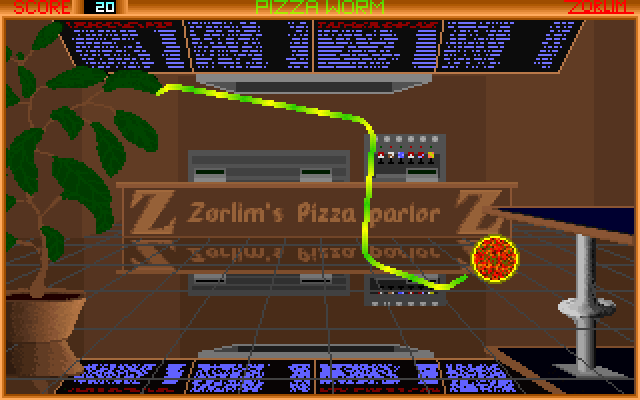
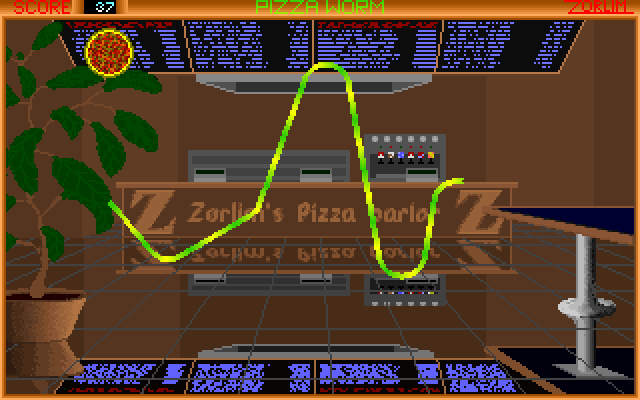
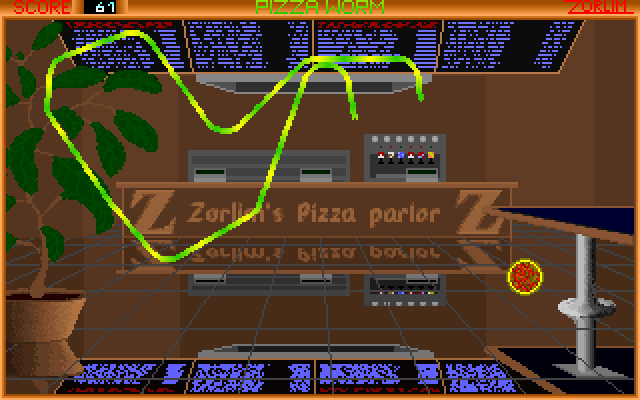
Keep playing
Similar Games

Help improve this entry
Something not working?
Report a gameplay or information problem. Short reports are enough.
Archive notes
Rights and Source Notes
Browser play uses the archived Freeware (installed) release. Official project references are listed below.
- Distribution
- Freeware (installed)
- Browser player
- js-dos · Browser play
- Added to archive
- 2026-07-27
- Official references